I Spent 100 Days Learning Blender as an Industrial Designer: My Real Progress Log
Learn Blender. That’s what they say. 100 Days of Blender. Sounds ambitious, right?
I’ve had an on-again, off-again relationship with the open source 3D software Blender. Over the past 7 years I’ve jumped in, learned a bit, then took a long break. During each of these breaks, I forgot the commands and over the past couple years, the user interface of Blender changed a lot.
Why I’m learning Blender
I’ve used Fusion360 for modeling for the past 7 years and KeyShot for rendering for 10+ years.
- I want to keep learning as I get older
- I want to be able to model more soft and organic forms
- I want to learn blender’s animation tools to create more complex animations than I can in KeyShot
And so, now feels like the right time to learn Blender. I’ve watched it develop a ton over the past few years and with the abundance of tutorials and momentum that software has seen, I can’t think of a reason not to learn it.
How I’m learning Blender
So, in order to finally become good friends with Blender, I’ll be working in the open-source application it every day for 100 days. For the accountability aspect, I’ll be documenting my progress with a daily video posted to my Instagram reel feed.

To get back up to speed with keyboard shortcuts and commands, I’ll be following a bunch of tutorials. I’m focusing on repetition, spotting patterns and learning the underlying logic of the tools I’m using. The goal is not to create amazing art at this stage. The goal is lots of focused learning.
The format
Every day, I’ll spend a minimum of 1 hour learning blender. I am using clockify to track my time and my gopro to record each session. Every day, I’ll post a video to my Instagram Reels feed and YouTube Shorts feed to prove that I’m doing the work.
Every 10 days, I’m challenging myself to create a self-directed project. The goal of this is to create something beginning-to-end without following any tutorials. I’ll be practicing the skills I learned over the previous days. Every 10 days, I plan to update this article to share my progress of the previous 10 days.
And after 100 days, I’ll take time to create an in-depth YouTube video. In that video, I’ll summarize the project and highlight my findings in an effort to help anyone else who wishes to learn Blender.
Feel like watching and not reading? Try the above video.
Day 1-10
I want to be clear that day 1 of this challenge was not the first day I’ve ever opened Blender. However, it’s the first day of the 100 days challenge. I have used blender on and off in the past, but never became great with it. So, I did have some previous knowledge of how Blender works at a high level.
Tutorials
By far, the most common question I get every time I post a new reel is, “What tutorial are you following?” The answer is that I’m following along with courses I bought at cgfasttrack.com.
I discovered this free beginner course on YouTube by Robby Branham, who runs CG Fast Track. He’s got lots of impressive professional experience working as a technical artist, director and supervisor for many brands, agencies and he even has professional teaching experience. In addition to teaching Blender, he’s got a background in using Nuke, Houdini, Maya and other 3D applications. After experiencing his teaching style and researching him on LinkedIn, I felt there was none better to learn from.
The other reason I like using paid courses is because if the same instructor has multiple courses or lessons, you are less likely to miss or skip over any important skills, which is a down side of just relying on free tutorials.
Day 1-9 Results
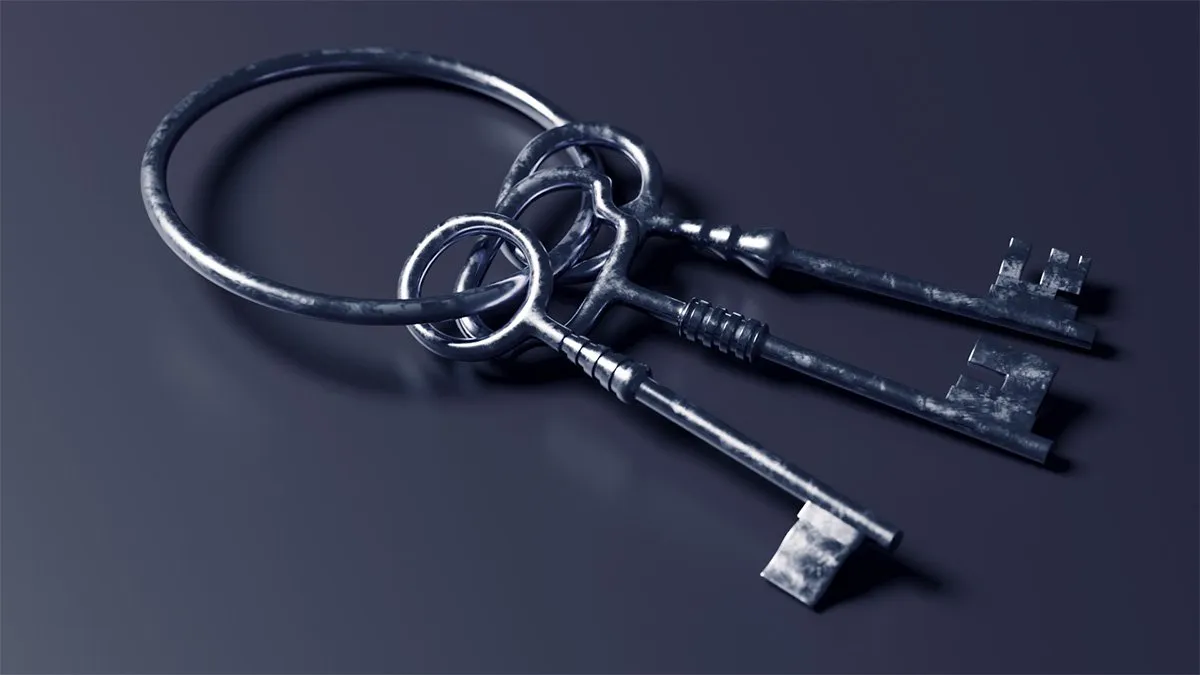
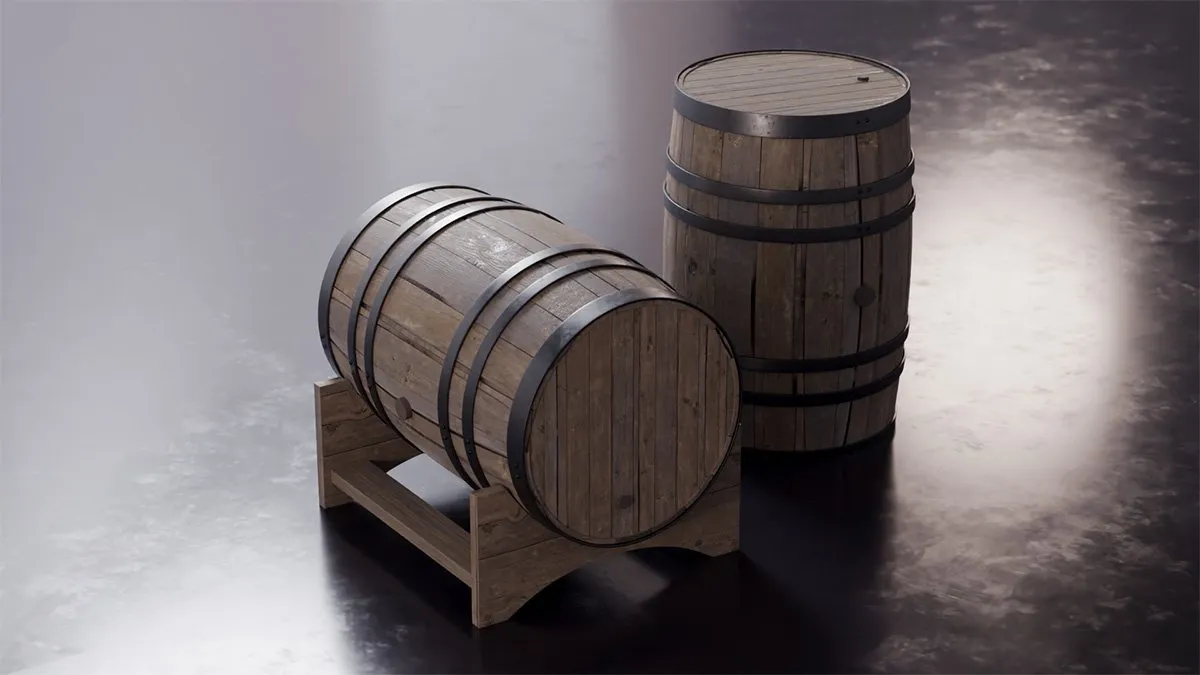
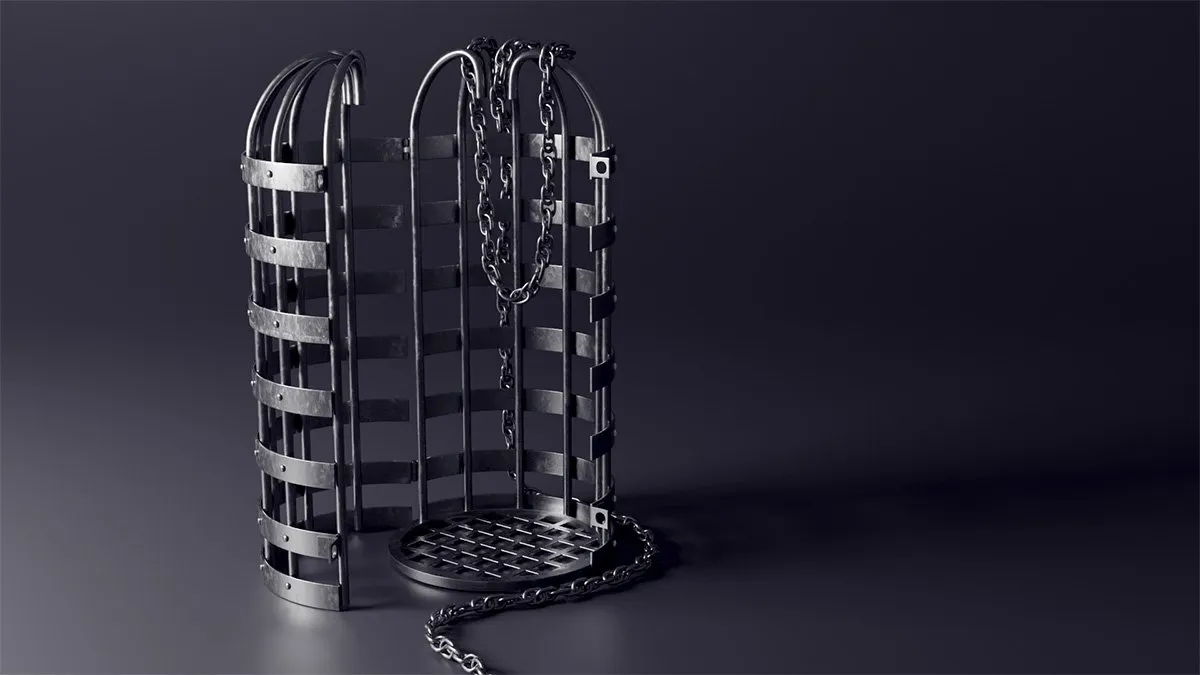
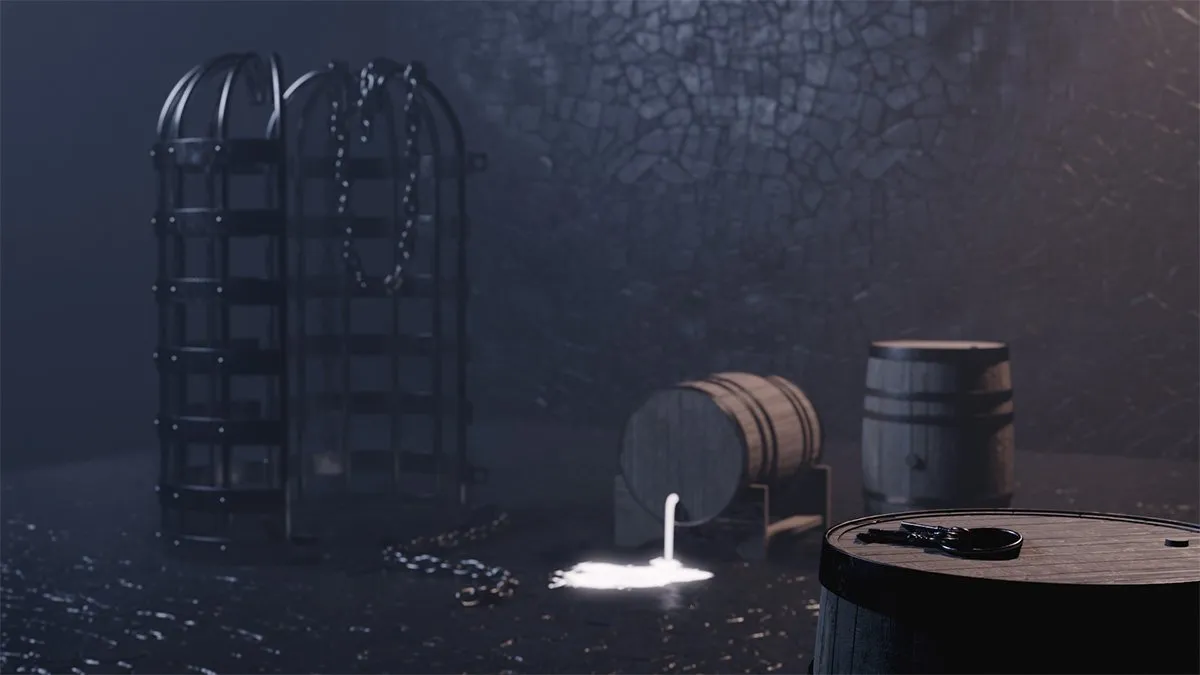
On days 1-9, I spent a total of 12h 21min learning blender. Below are some images of the things I created in Blender during this period.
Level up your KeyShot Rendering skills
Day 10 Mini Project
Every 10 days, I’m creating a self-directed mini-project to test my skills. The goal is to do this in a single day without referencing any tutorials. For this first project, I chose to model a zipper. It took me 3hr and 53min, which is pretty long. However, I spent time re-doing the topology of the zipper mechanism to ensure proper edge flow and subdivision. Check out the results below.
A spin around the zipper model in the Blender viewport.
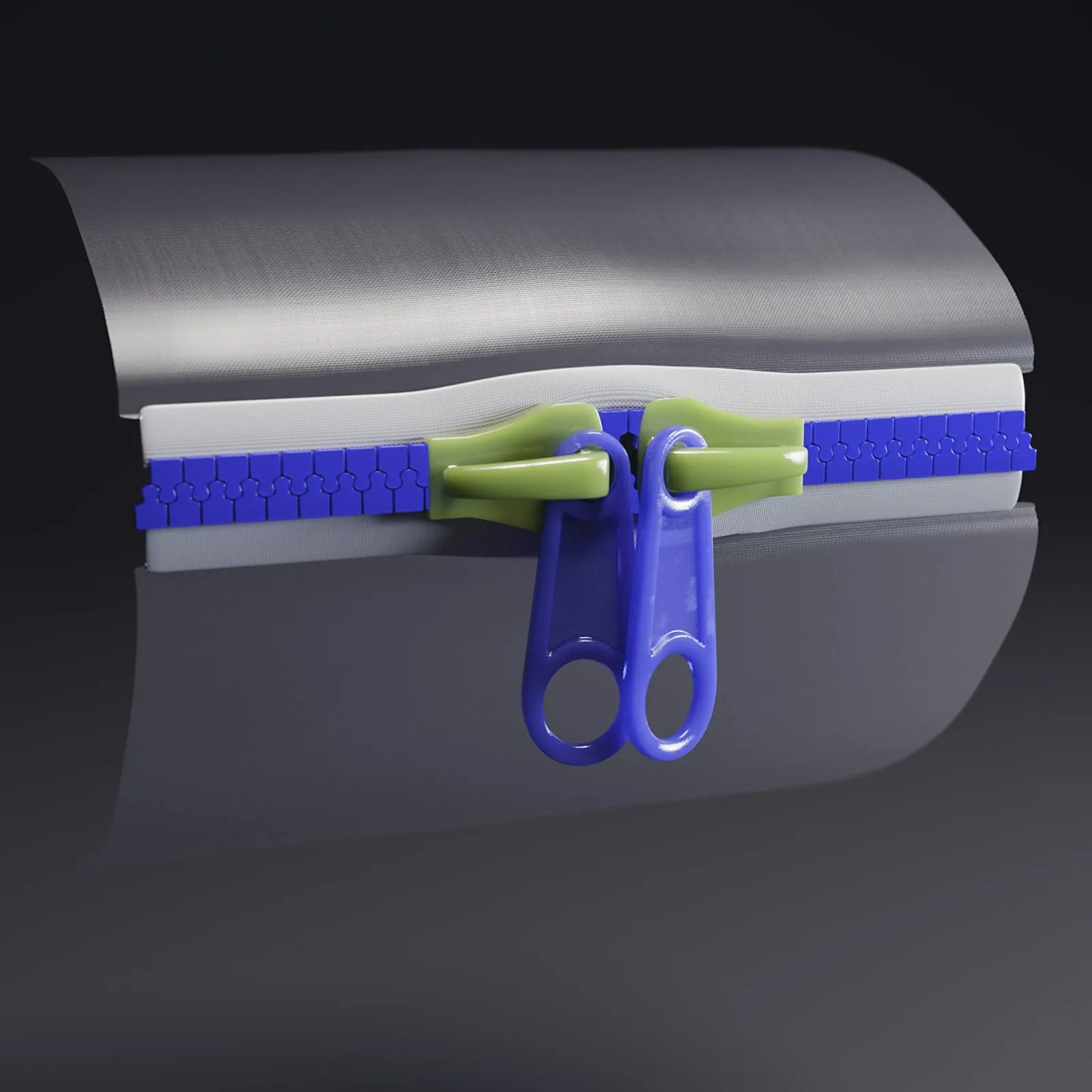
The above image was rendered in KeyShot, not Blender, just to be clear. My focus at this stage is on integrating Blender into my existing toolset. This means that I will be trying to use it with KeyShot and Fusion 360 as opposed to replacing those tools.
Day 11-19 results
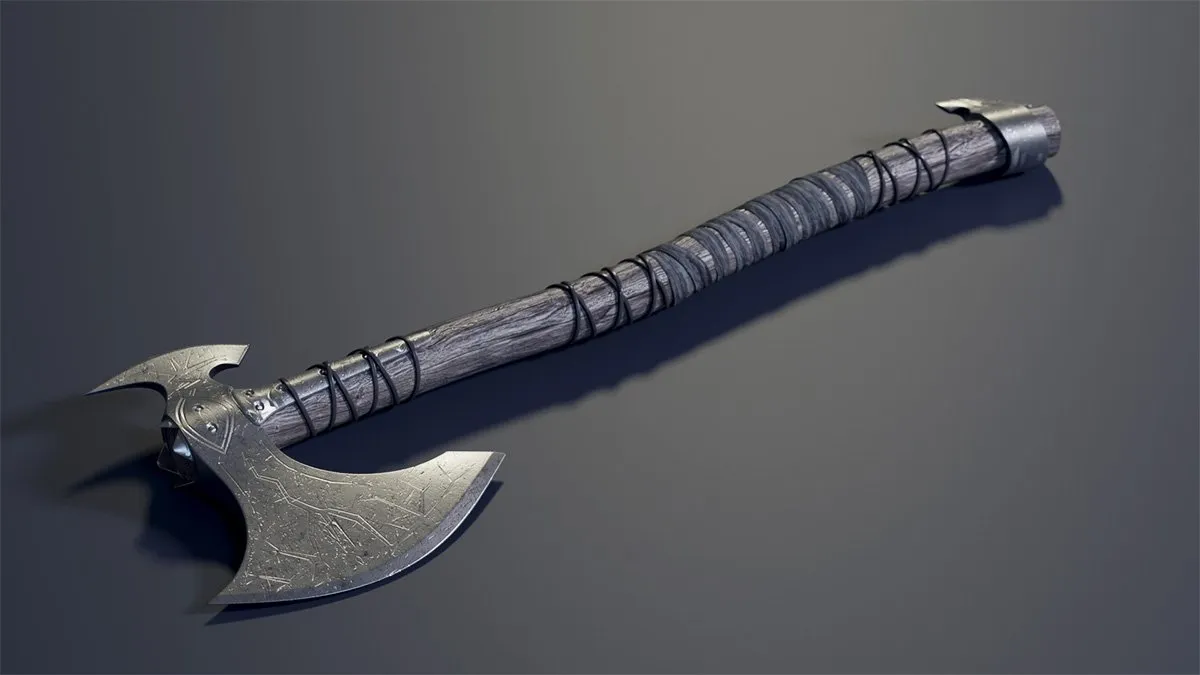
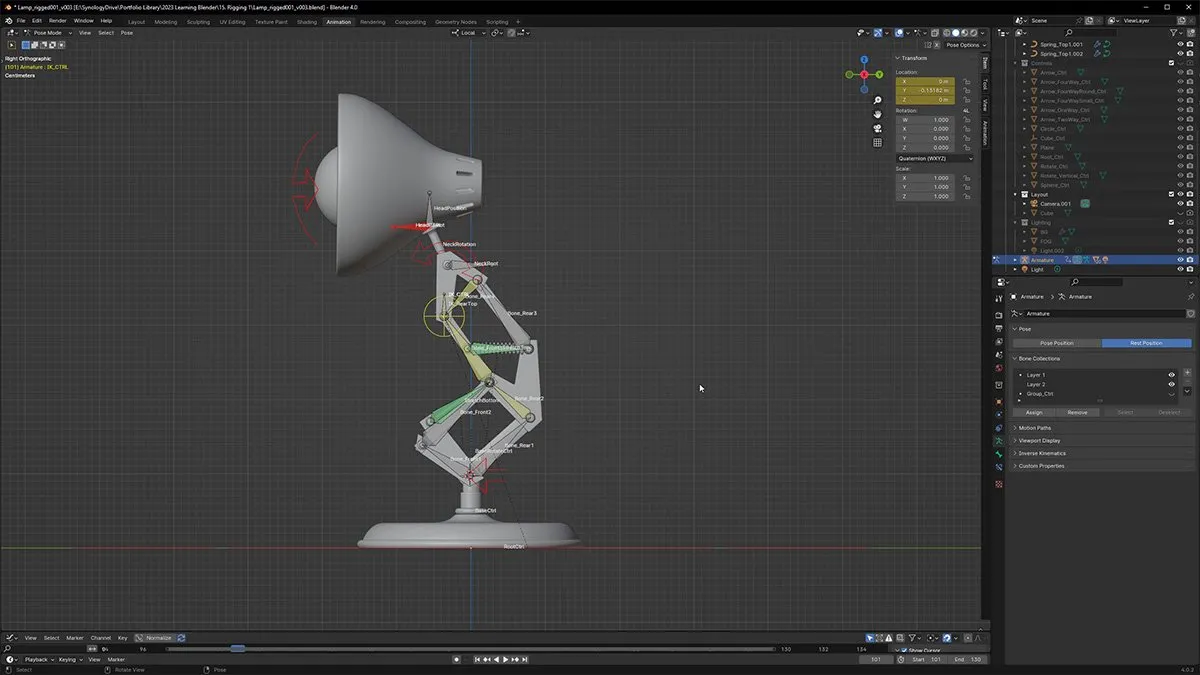
On days 11-19, I spent a total of 12h 49min learning blender. On these days, I completed the battle axe project I was working through and I began working on a rigging course. Below are some images of the things I created in Blender during this period.
Day 20 mini project
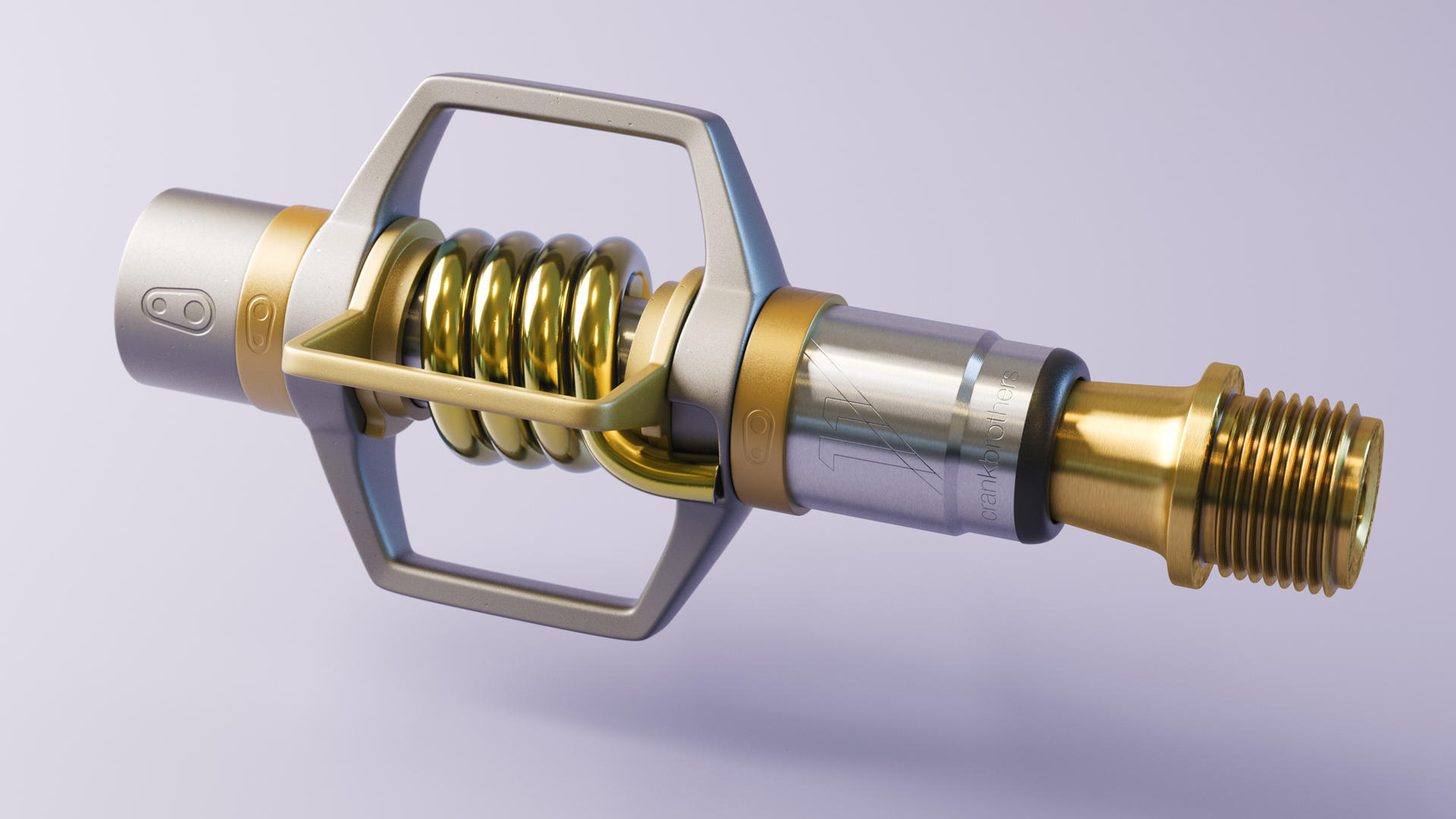
On day 20, I wanted to challenge myself to model another object. This model took me 4 hours and 16 minutes to complete. I later took the model into KeyShot for materials, lighting and rendering. For this project, I chose a Crankbrothers Eggbeater 11 Titanium mountain bike pedal. I have these pedals at home, which allowed me to take measurements. This helped with keeping things accurate. I also set up Blender to use millimeters as its unit of measure, which felt more comfortable to a traditional CAD-user like myself.
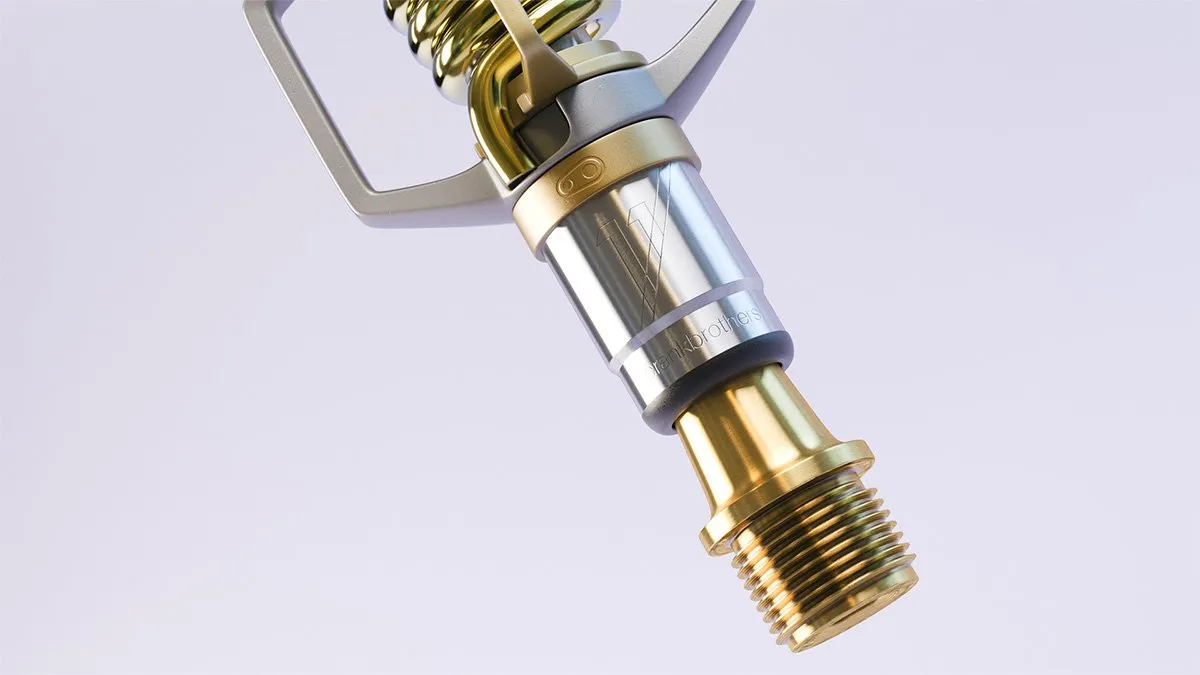
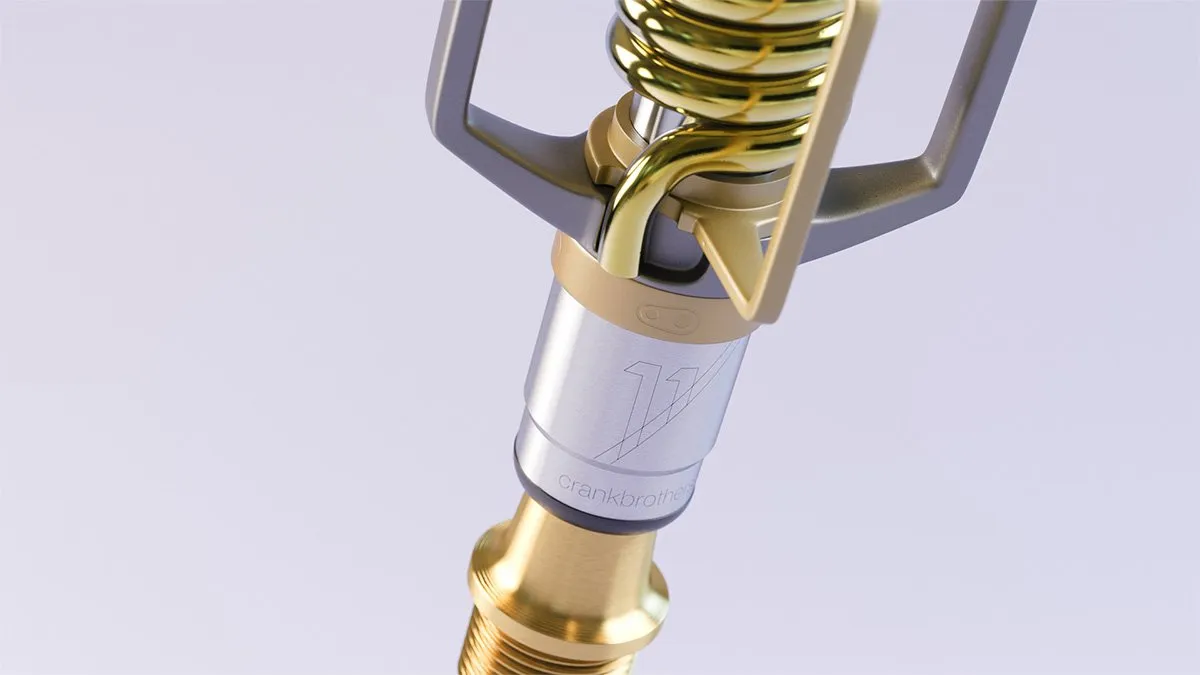
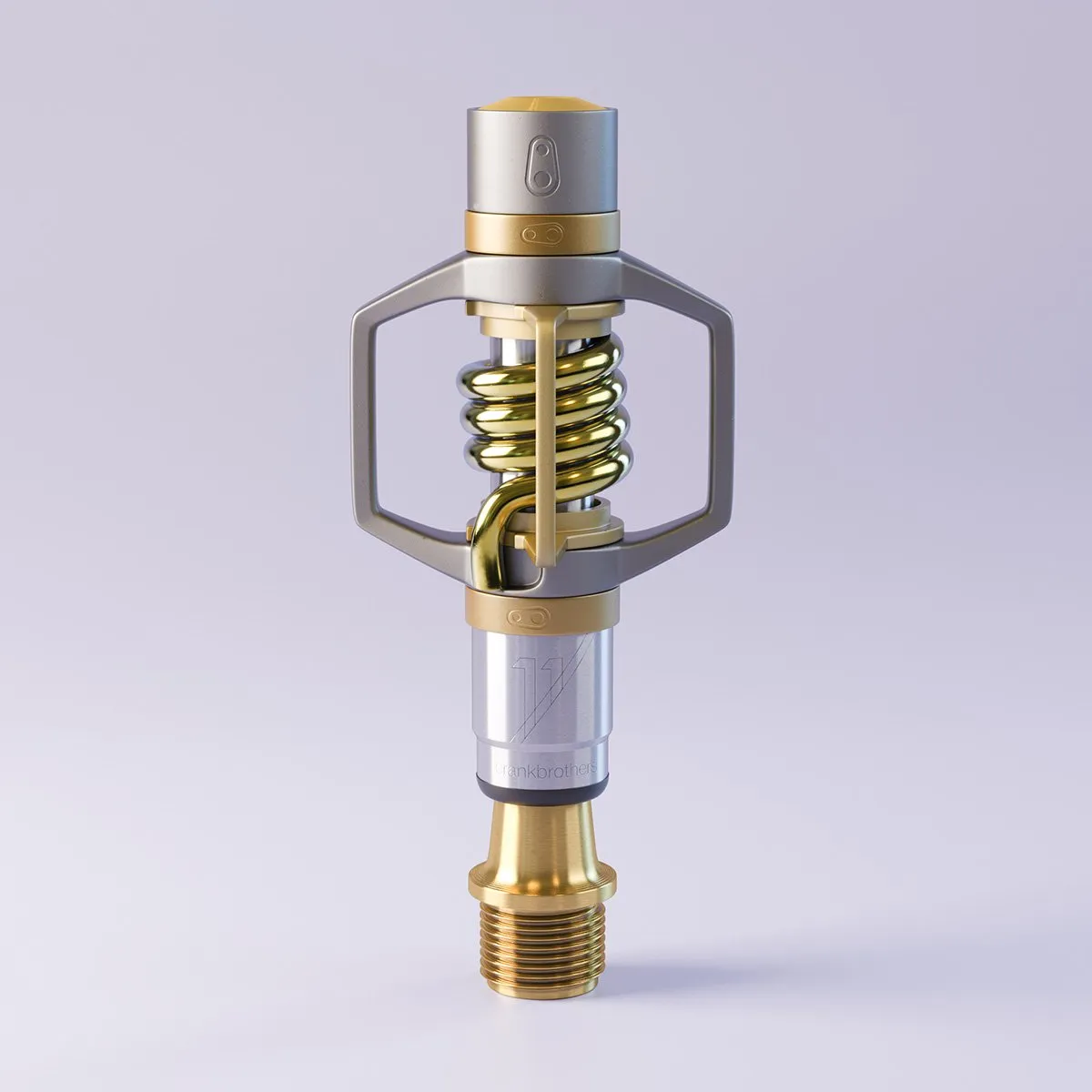
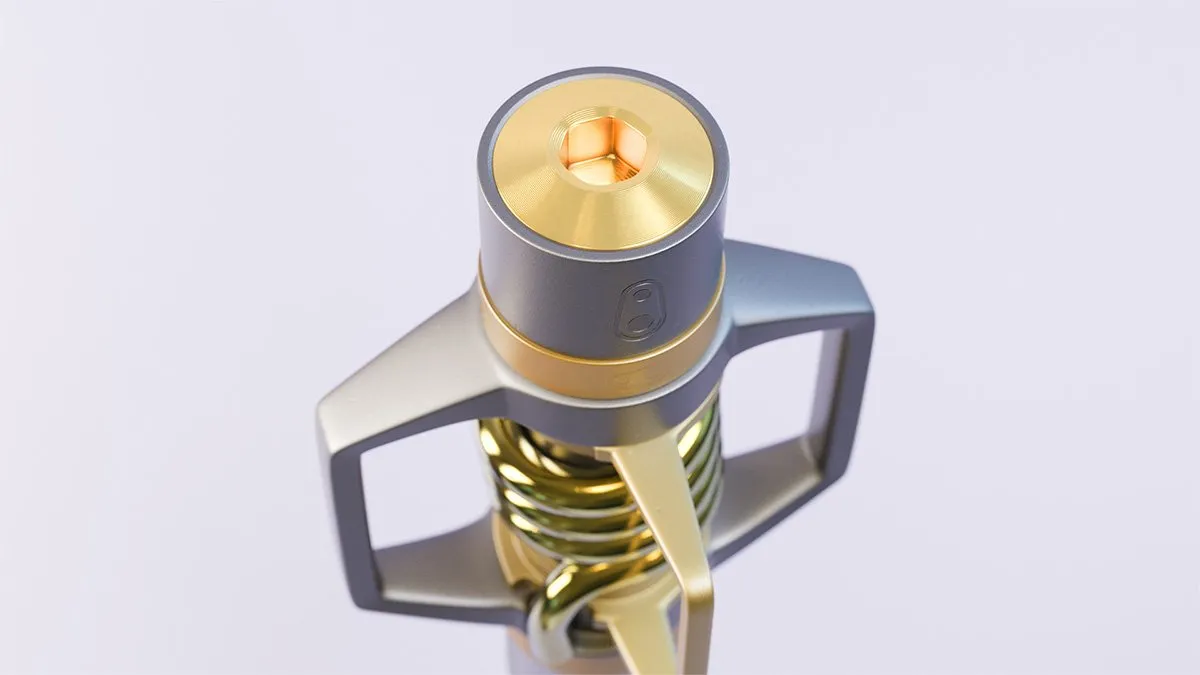
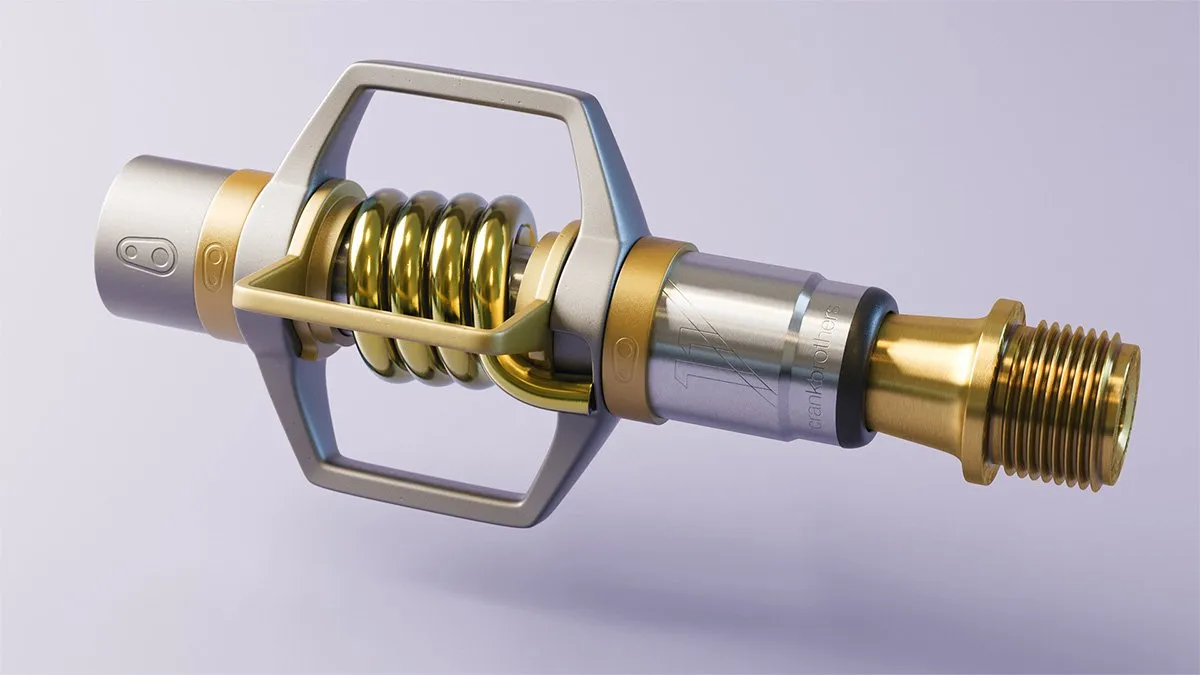
I ran into a few challenges with topology of course. But I’m happy that I was able to create decent looking threads as well as make use of the mirror modifiers to keep things efficient and symmetrical.
Day 21-30 Results
On days 21-29, I spent a total of 10 hours 48 minutes learning Blender. During this time, I finished the Lamp Rigging course and rendered out a little animation which you can see below.
After the rigging course, I began working on a compositing course. Unfortunately, I ran into some issues I could not resolve and chose to abandon that project since compositing is not a high priority to me currently. This resulted in a couple of days wasted unfortunately.
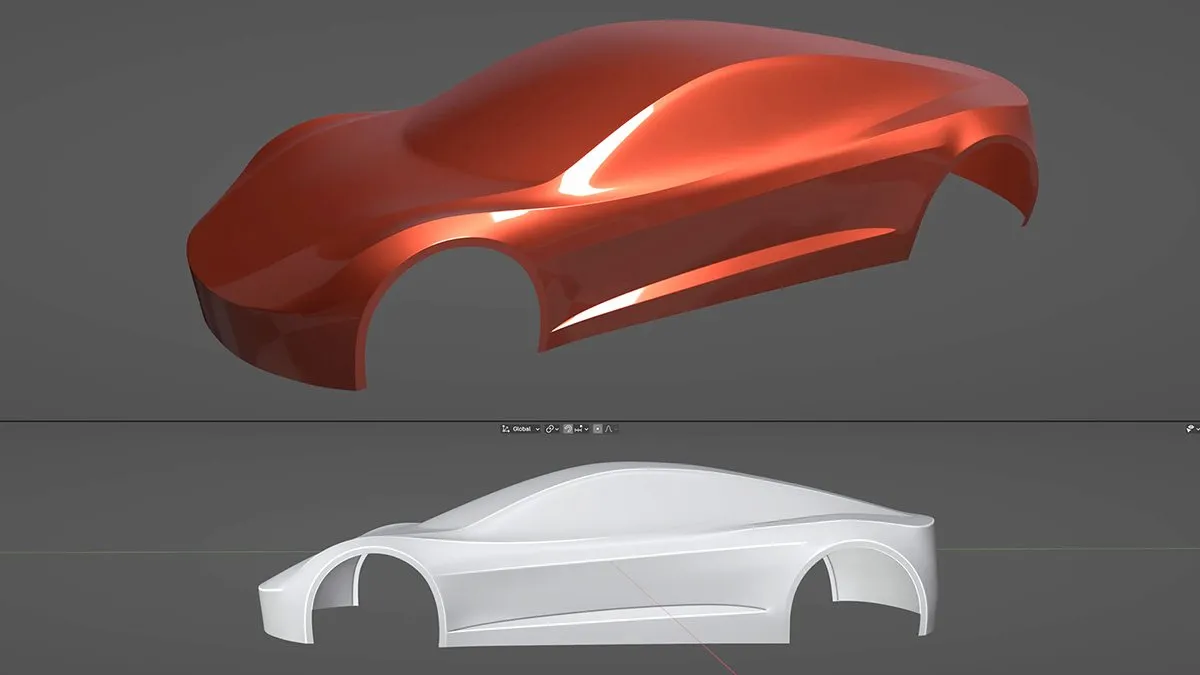
On Day 25, I began modeling a car. I’m still following tutorials by CGFastTrack. This is a longer 11 hour course, so it’ll be interesting to see how long it actually takes me to complete. After 5 days, I’d only completed part 1 of the 5-part course. Hopefully I can pick up the pace a bit. Below is how far I made it by day 29.
Day 30 Mini Project
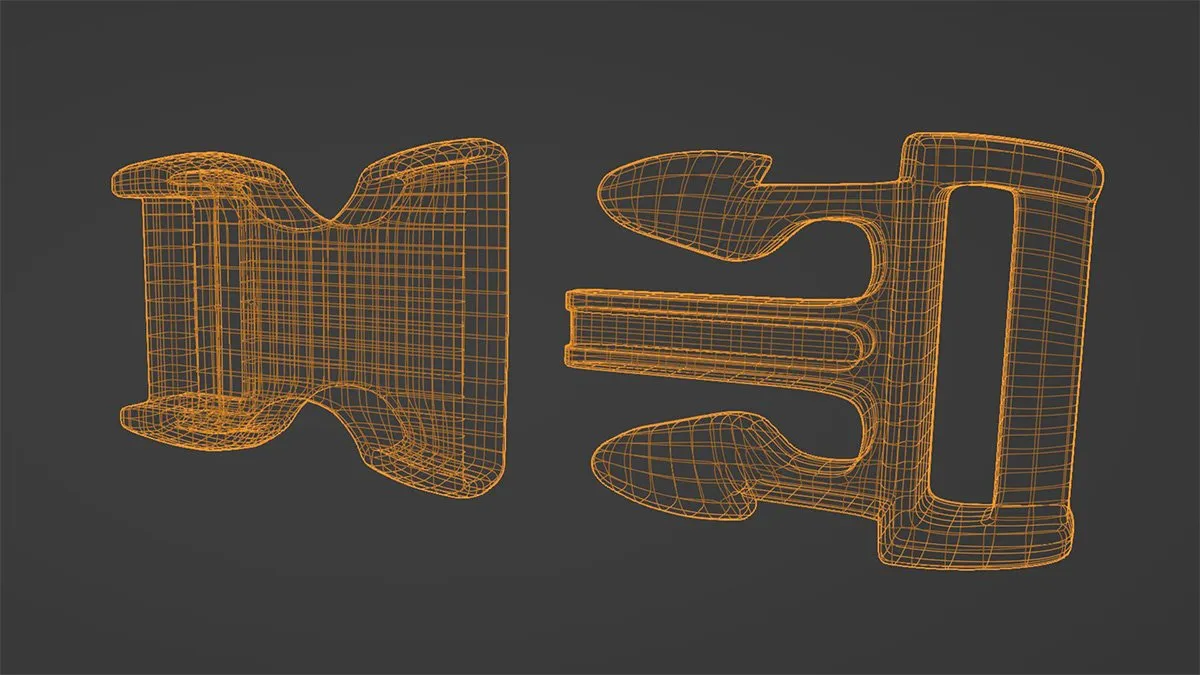
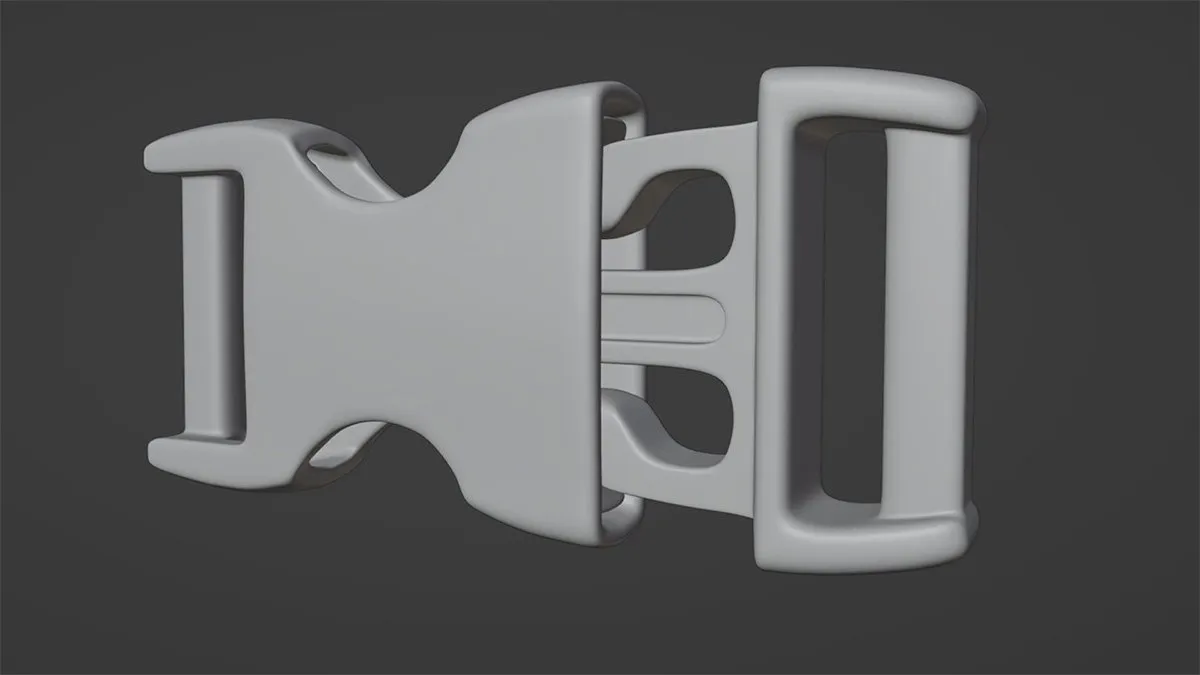
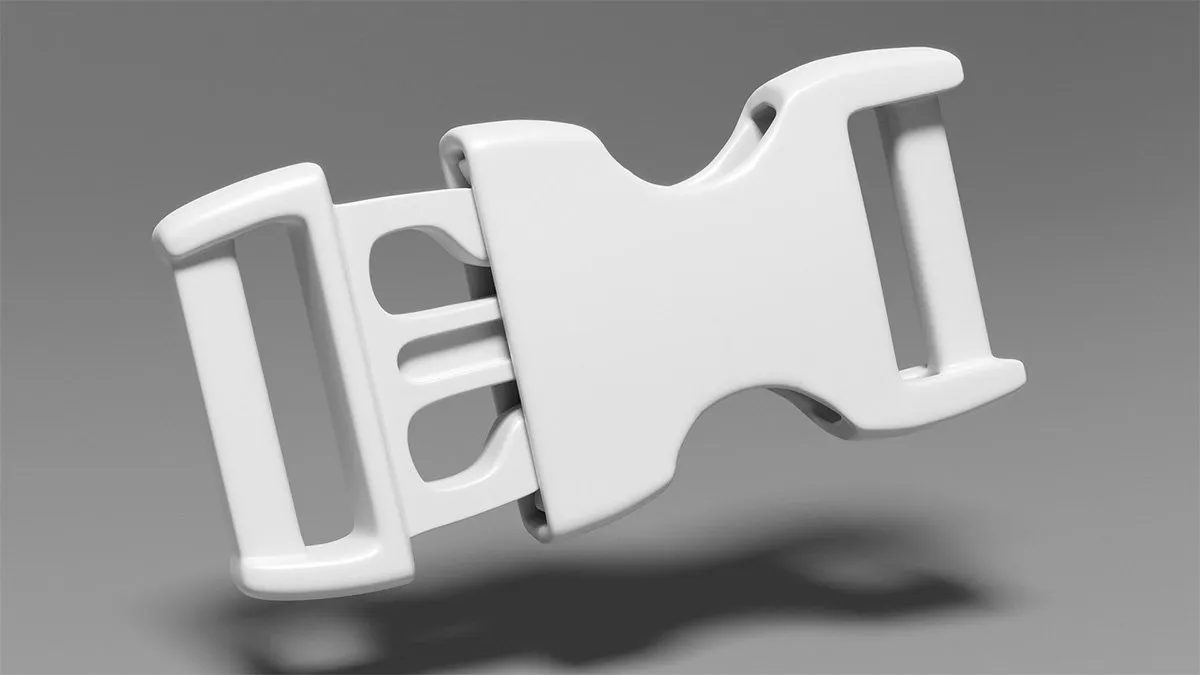
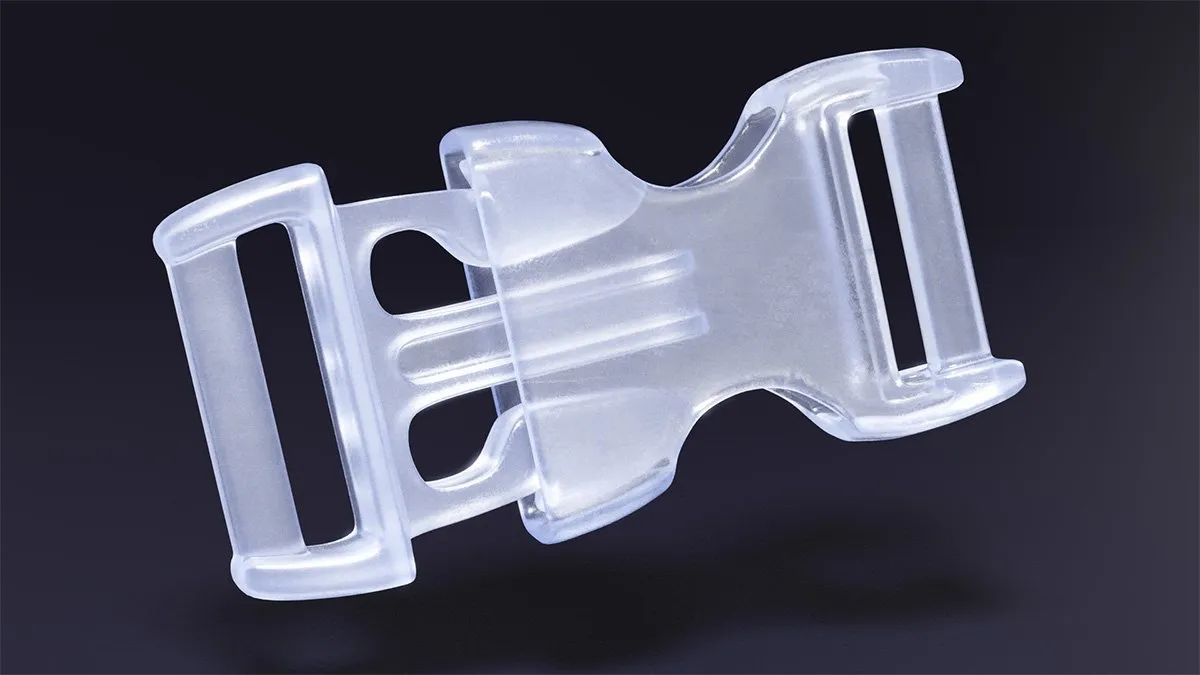
For my day 30 mini-project, I chose to model a plastic buckle. I spent 3 hours 46 minutes on this project. It turned out to be more of a challenge than I expected. Maybe I should expect that from now on. I really wanted to make sure I created quality topology. It’s easy to hide mistakes on the ‘inside’ or ‘backside’ of the model. However, I knew I wanted to render the result with a cloudy plastic material. This meant I needed good topology all around.
The final image was rendered using KeyShot instead of Blender. I’m still focusing primarily on modeling skills in Blender. It was getting late and I needed a quick rendering, so sending the model to KeyShot made sense.
Day 31-40 Results
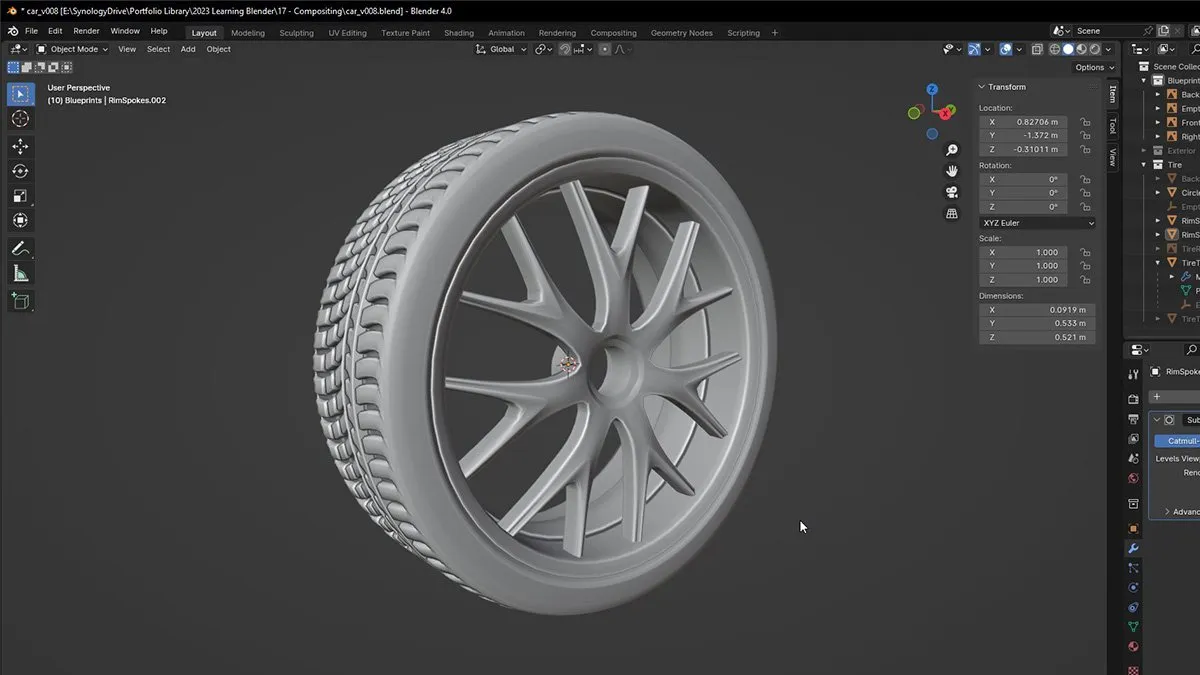
On days 31-39, I spent a total of 12 hours 54 minutes learning Blender. During this time I continued working on the car modeling exercise. That is such a large project that it’s taking me quite a while to finish. But I’m nearly finished with the wheels, which has been fun. Something about modeling a tire and rim is really satisfying.
Day 40 Mini Project
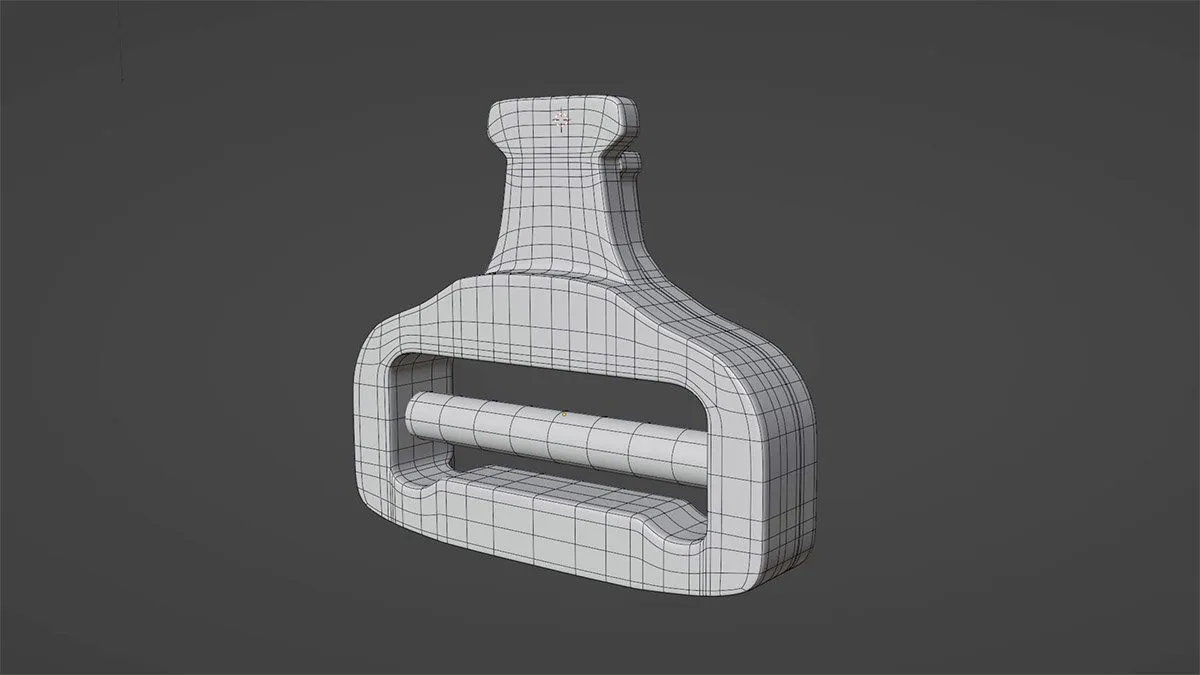
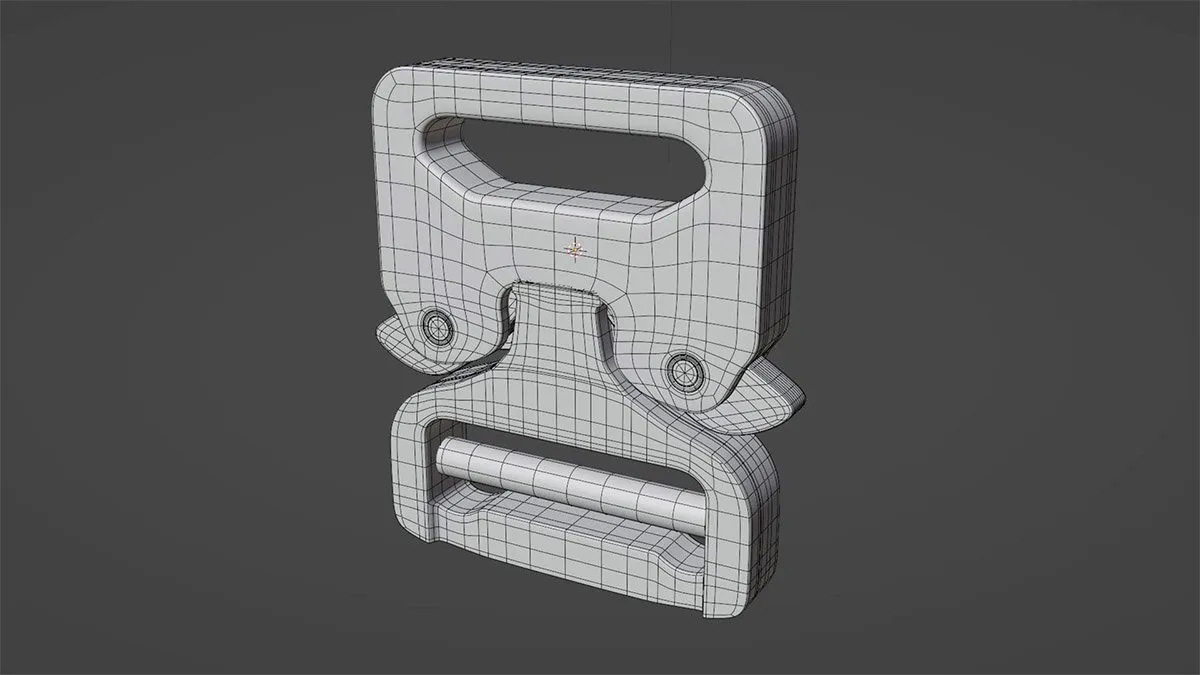
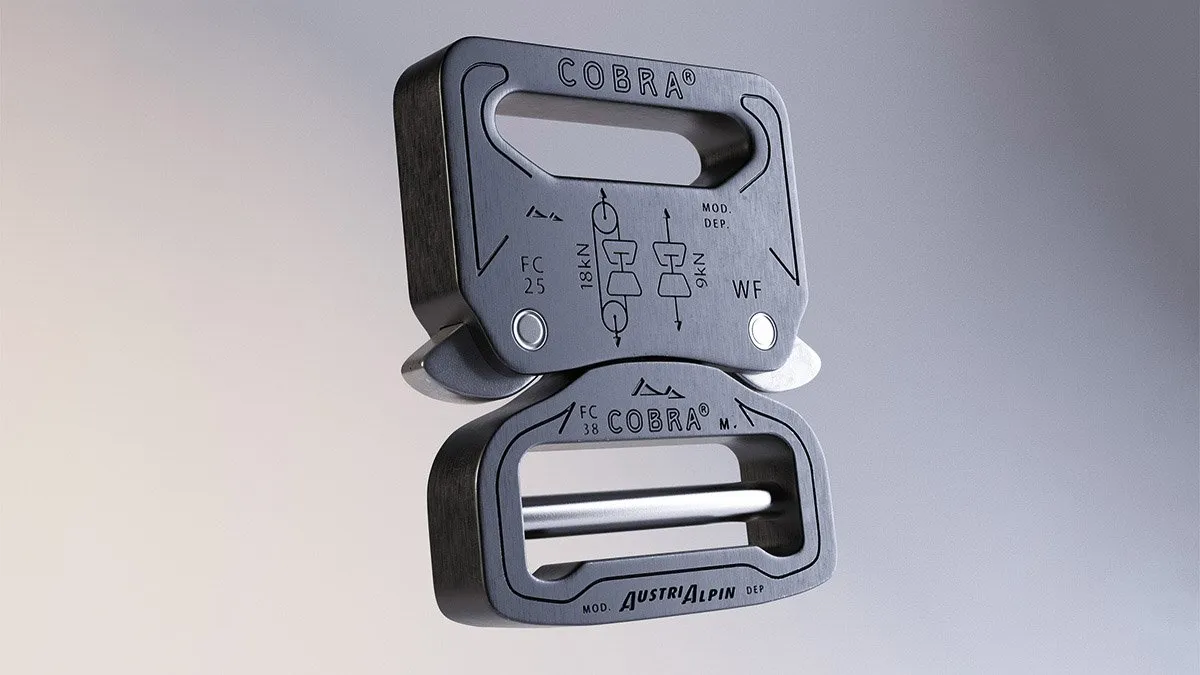
For my day 40-day mini project, I chose to model more of a rigid, hardbody object that would definitely be easier and more practical to model in CAD. But my goal here is to become comfortable in polygonal modeling as well. So, I chose to take a deceptively simple structure and give it a go. This project took 5hrs and 51min, far longer than I’d expected.
Once the model was complete, I brought it into KeyShot for texturing, lighting and animation. I did a bit of sound design adding some clicks to the buckle engaging, which was fun.
Day 41-50 Results
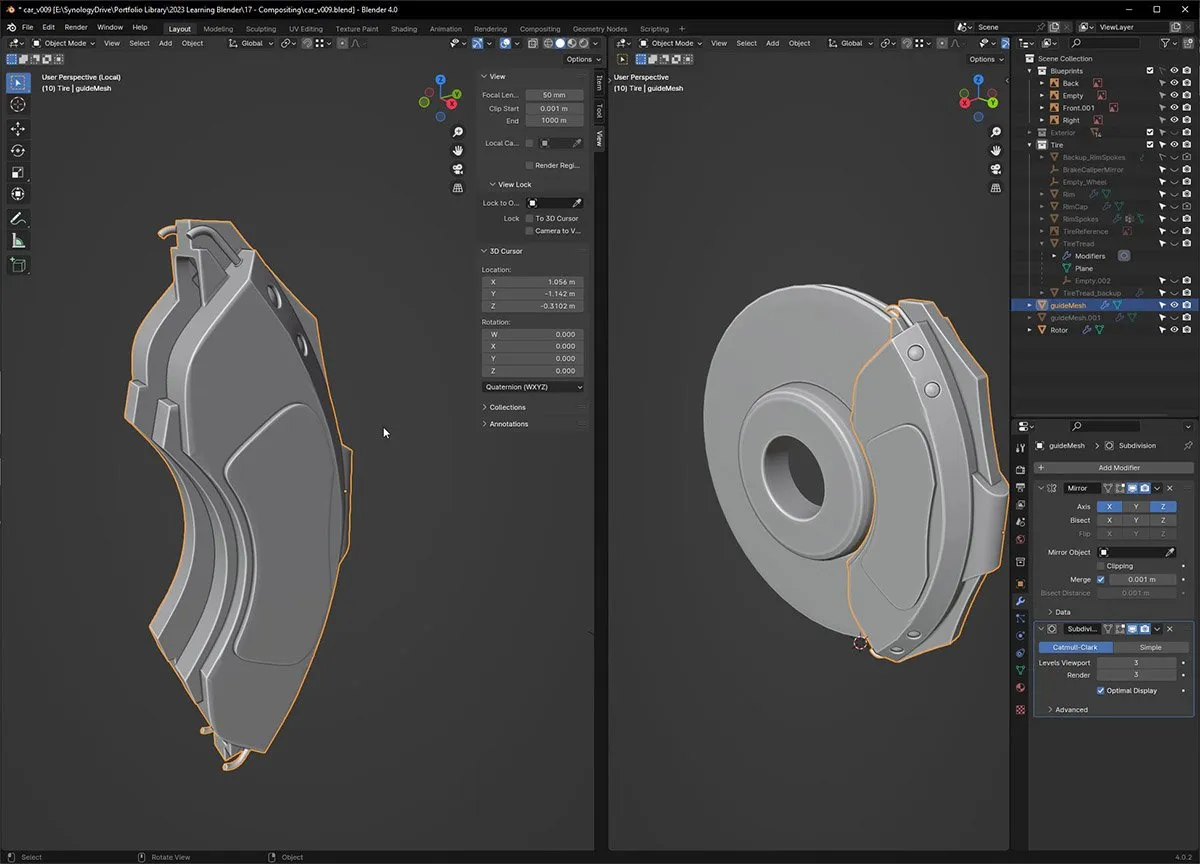
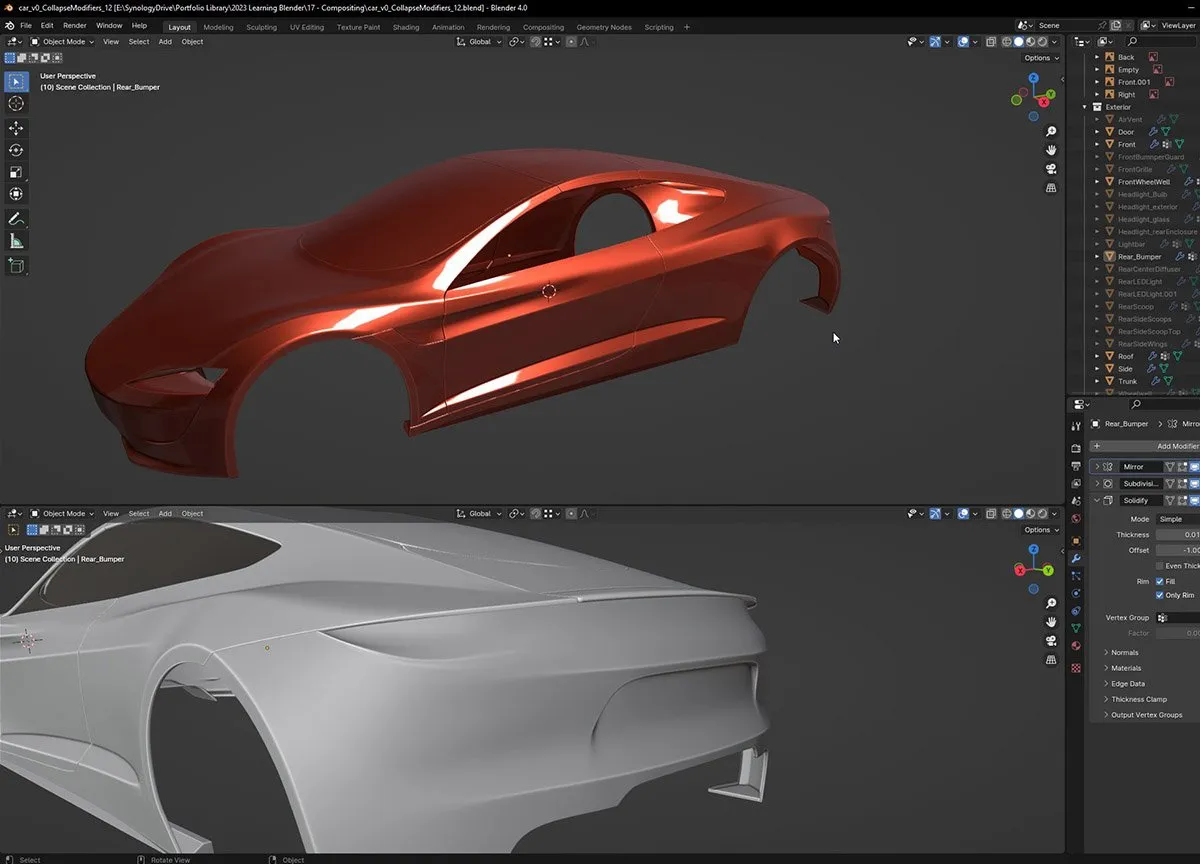
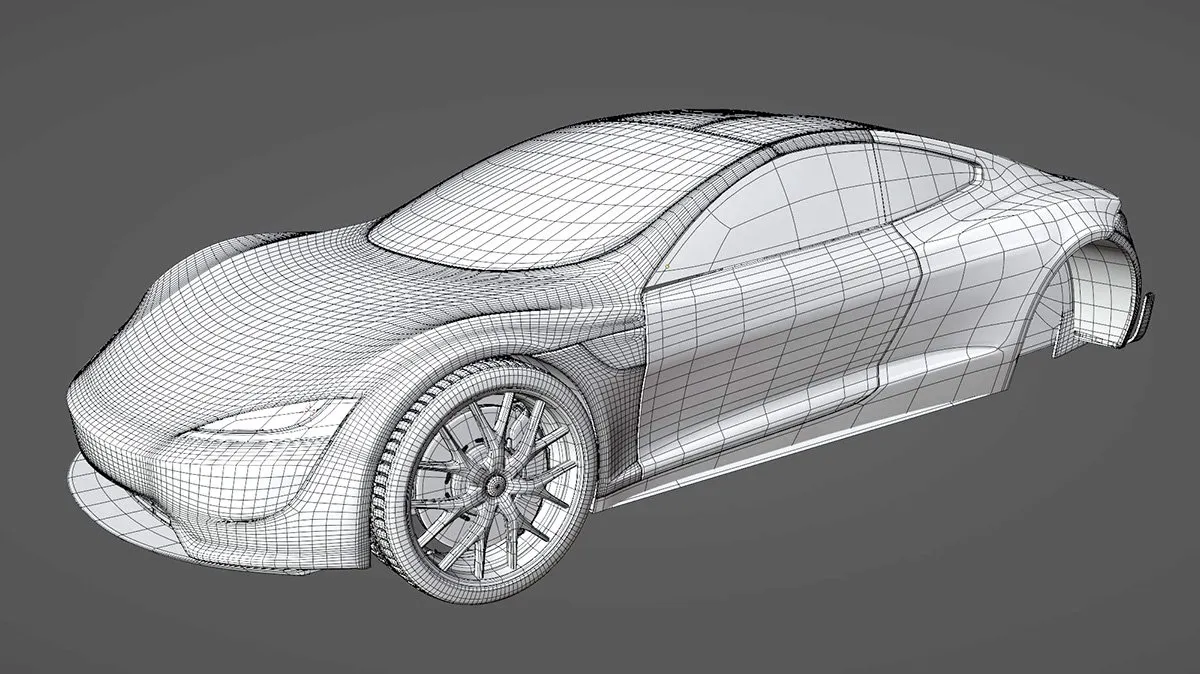
On days 41-49, I spent a total of 12 hours 37 minutes learning Blender. During this time, I continued working on the Tesla car model. I finished up the wheels which included brake calipers and rotors, then moved onto finishing up the body panels. This included applying some of the modifiers that were keeping the mesh shape and using actual bevels instead of edge creasing. I’m excited to be getting close to wrapping up this project!

Day 50 Mini Project
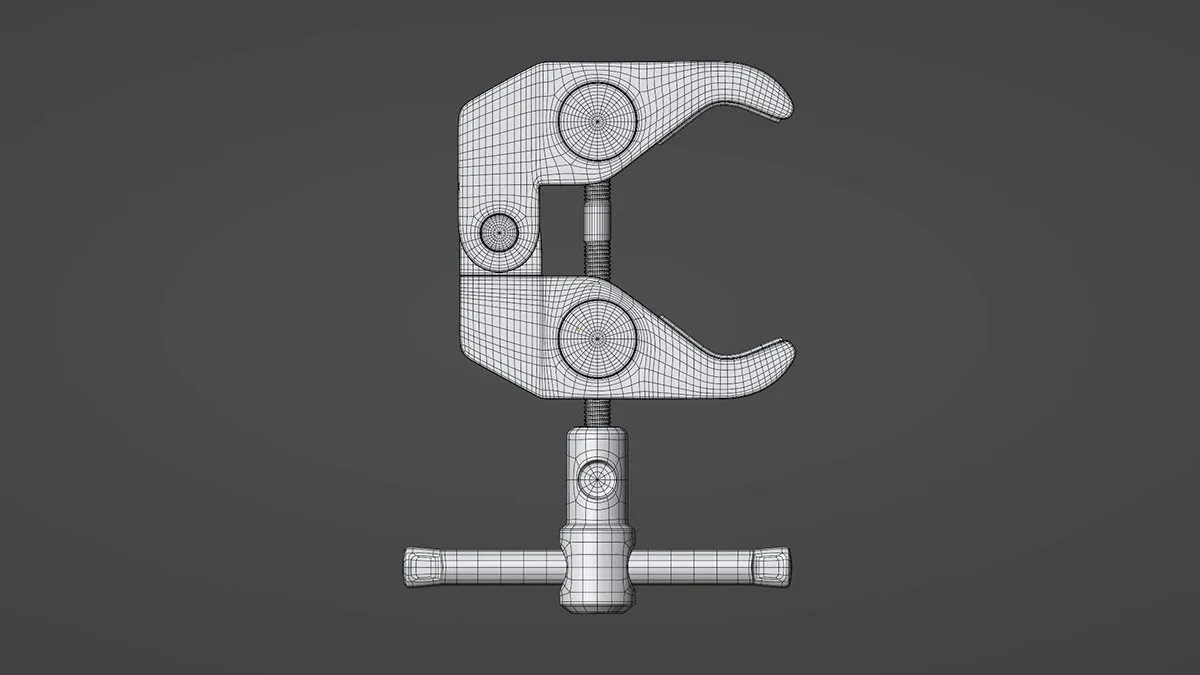
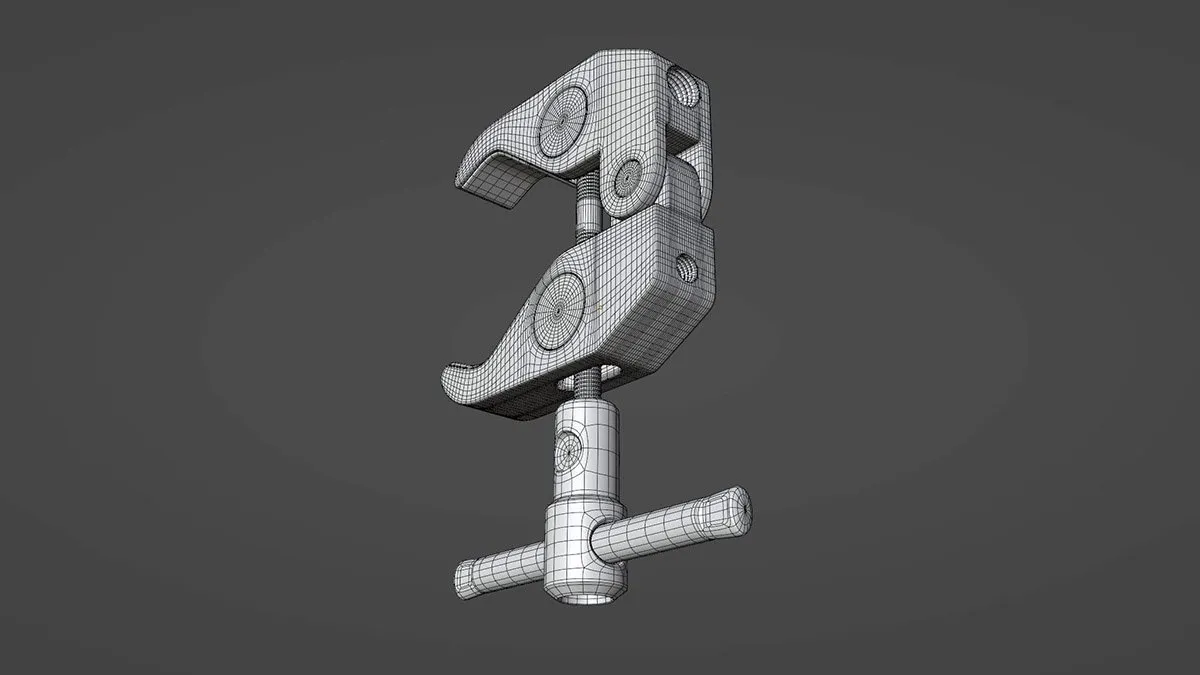
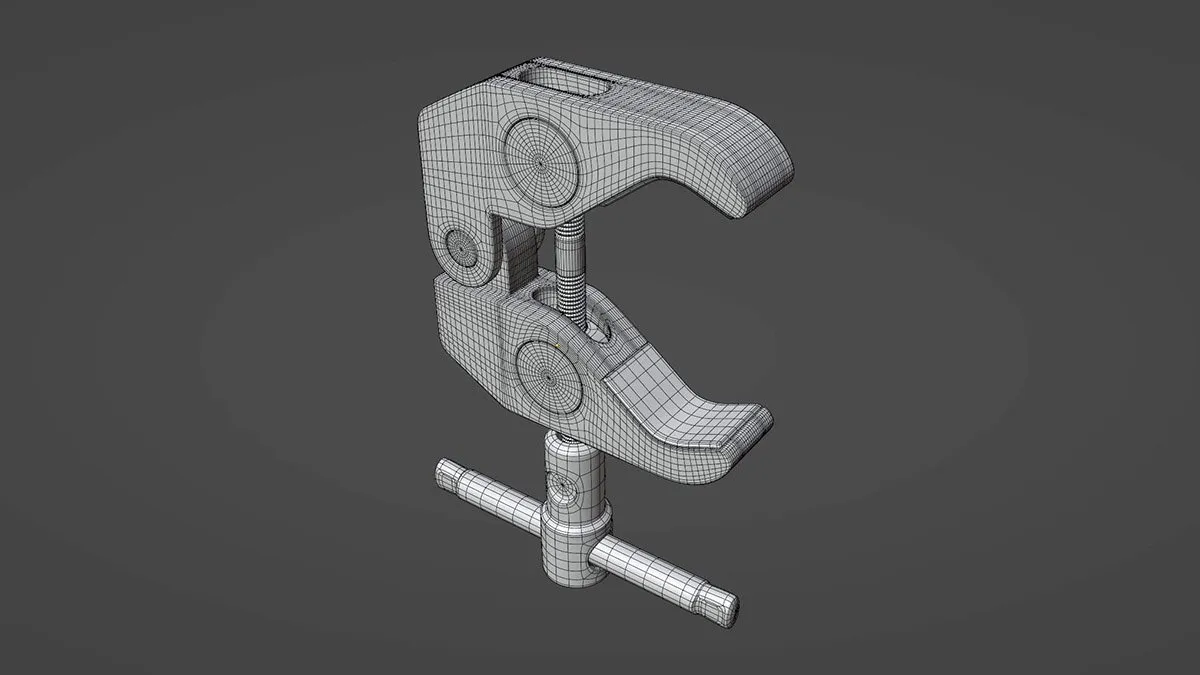
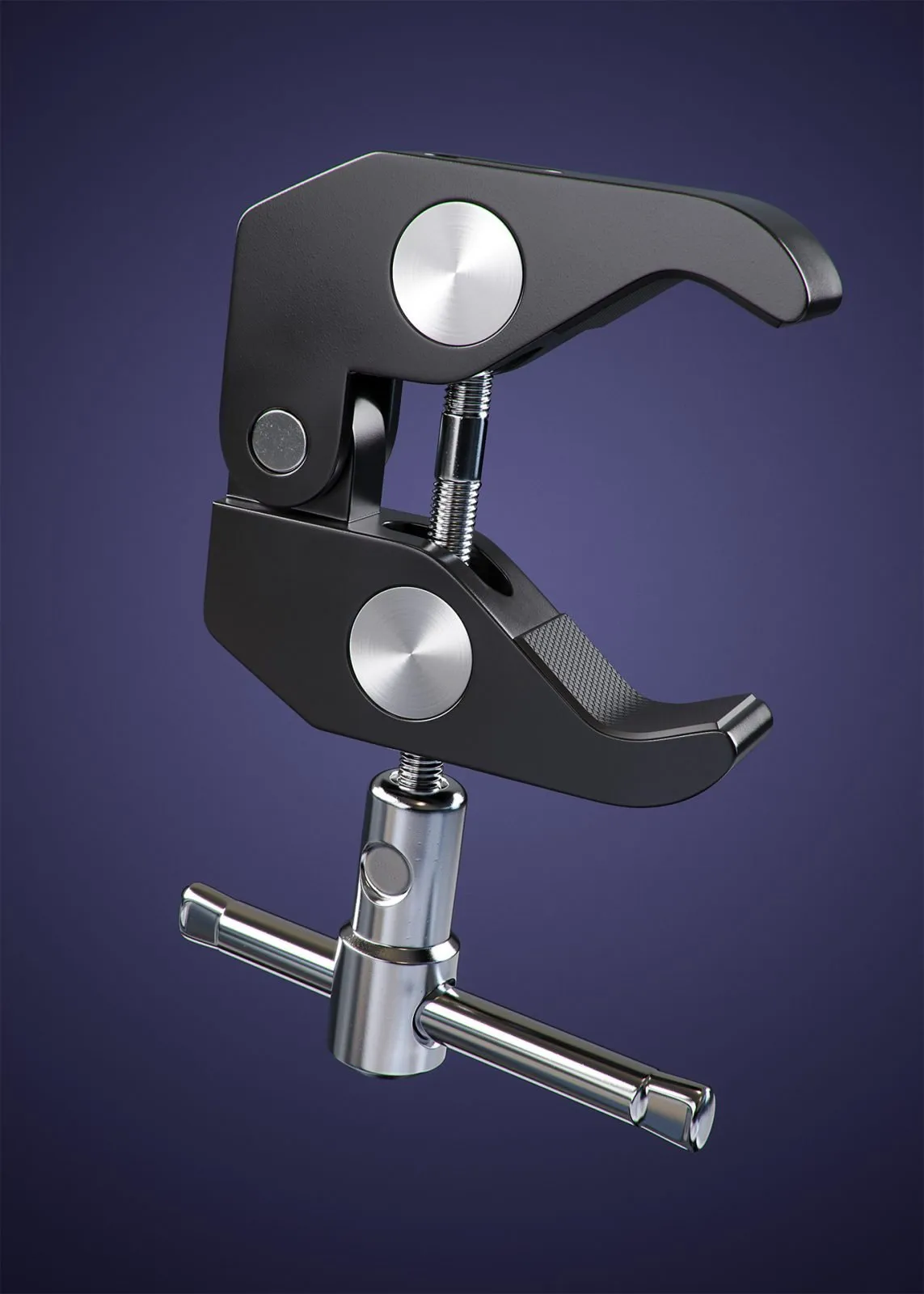
For my day 50-day mini project, I chose to model a SmallRig Super Clamp. This was WAY more difficult than I expected given all the intersecting holes and threads. I was unable to keep the topology as clean as I wanted, but had to make some compromises in order to finish the model.
This is a great example of an object that should be modeled in CAD or another solid modeling app. Modeling something like this with traditional polygon modeling is terribly difficult and inefficient. I’m proud nonetheless that I finished it. Far from perfect, but a great learning experience that tested my patience. In total, I spent 7hrs 51 minutes modeling this clamp.
Since I was in a rush to wrap this up, I took the finished model into KeyShot for materials, lighting and rendering.
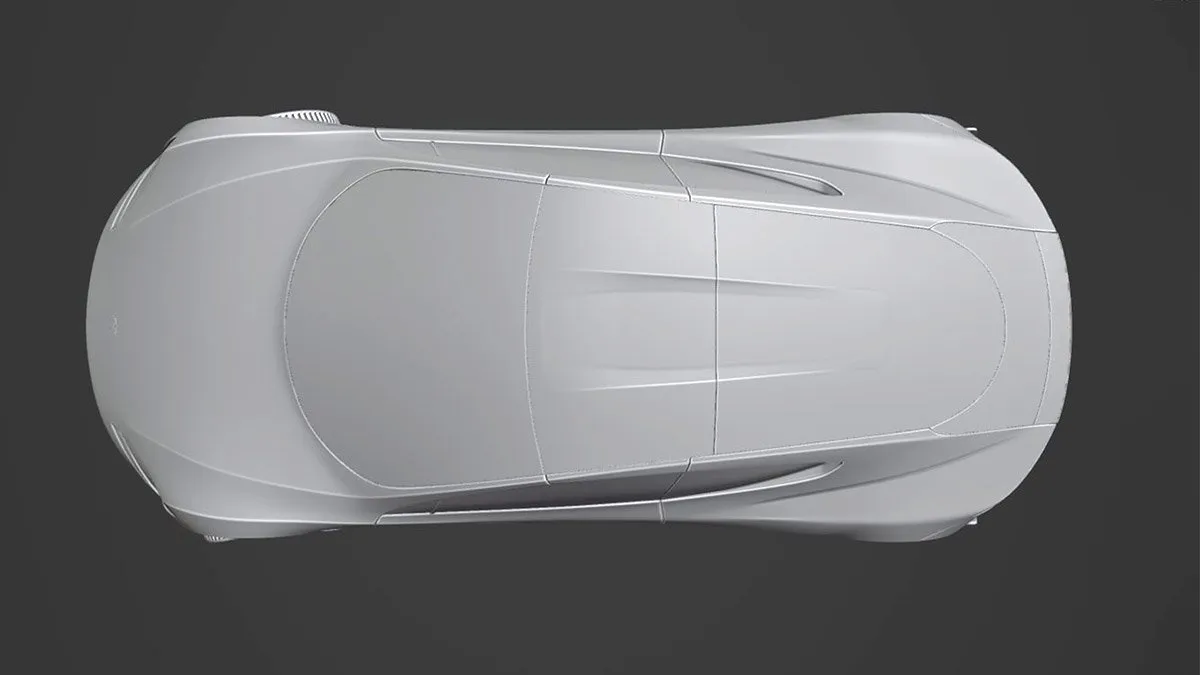
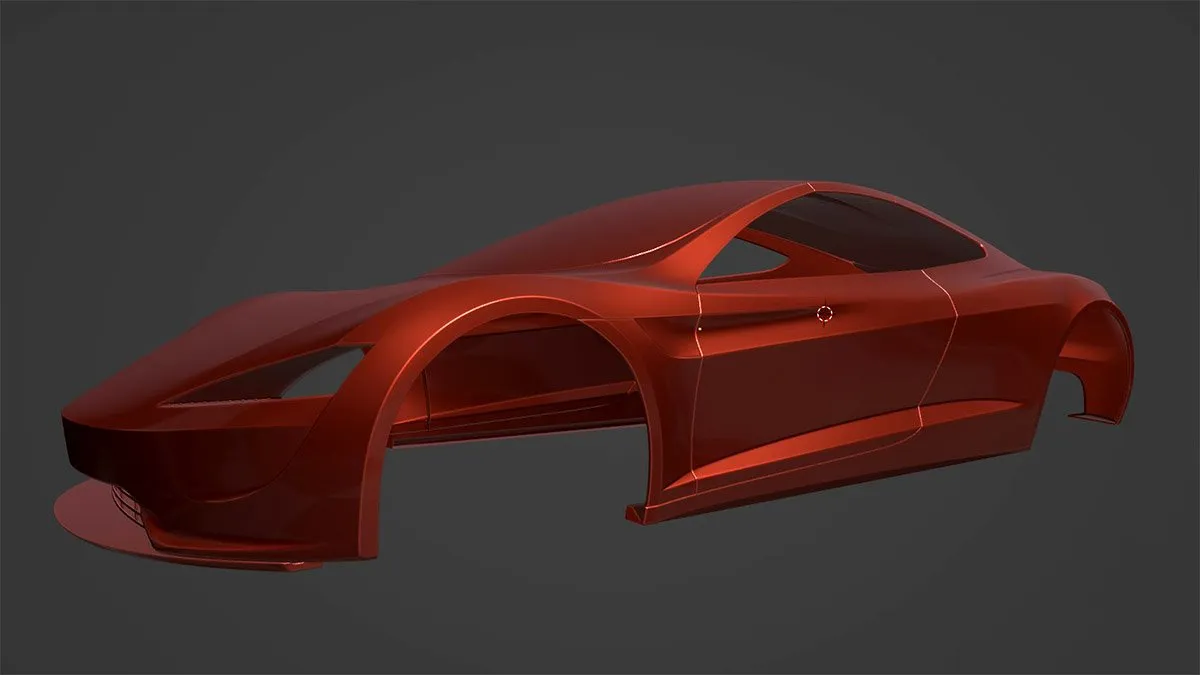
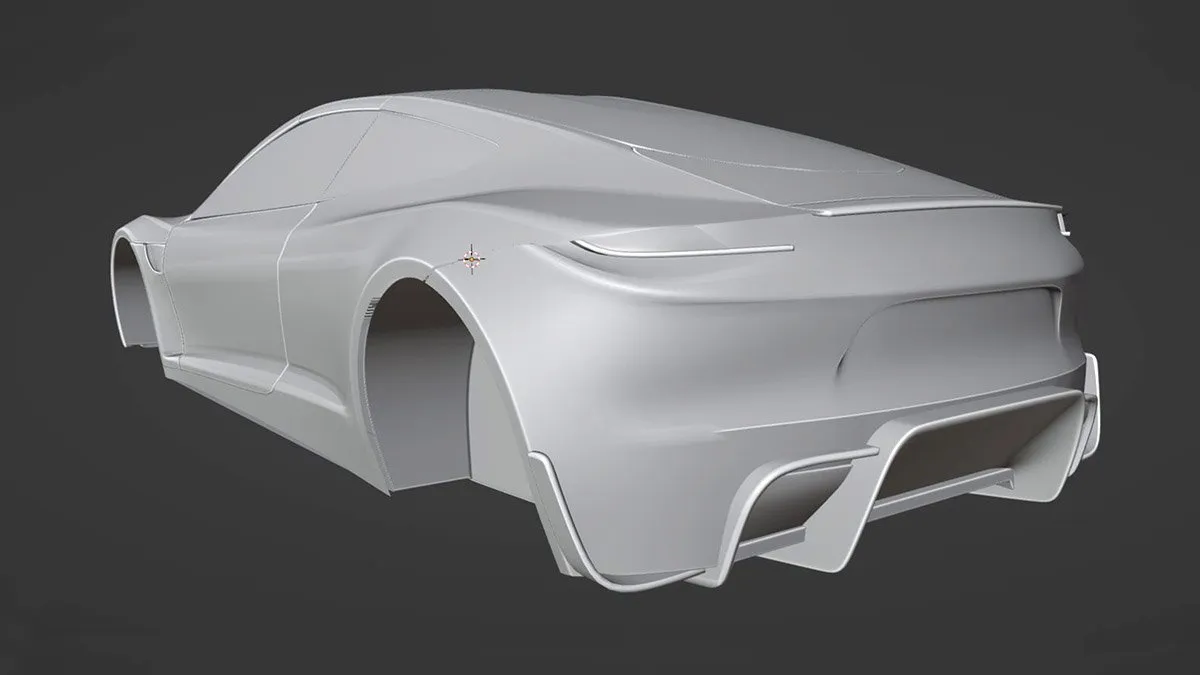
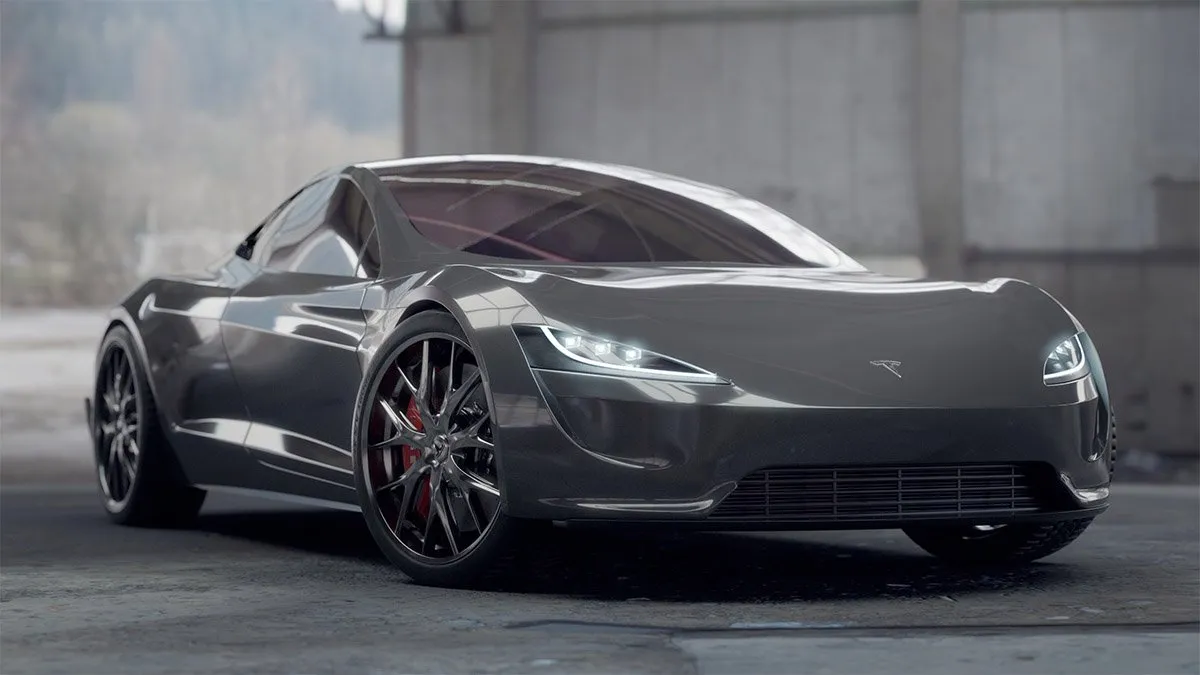
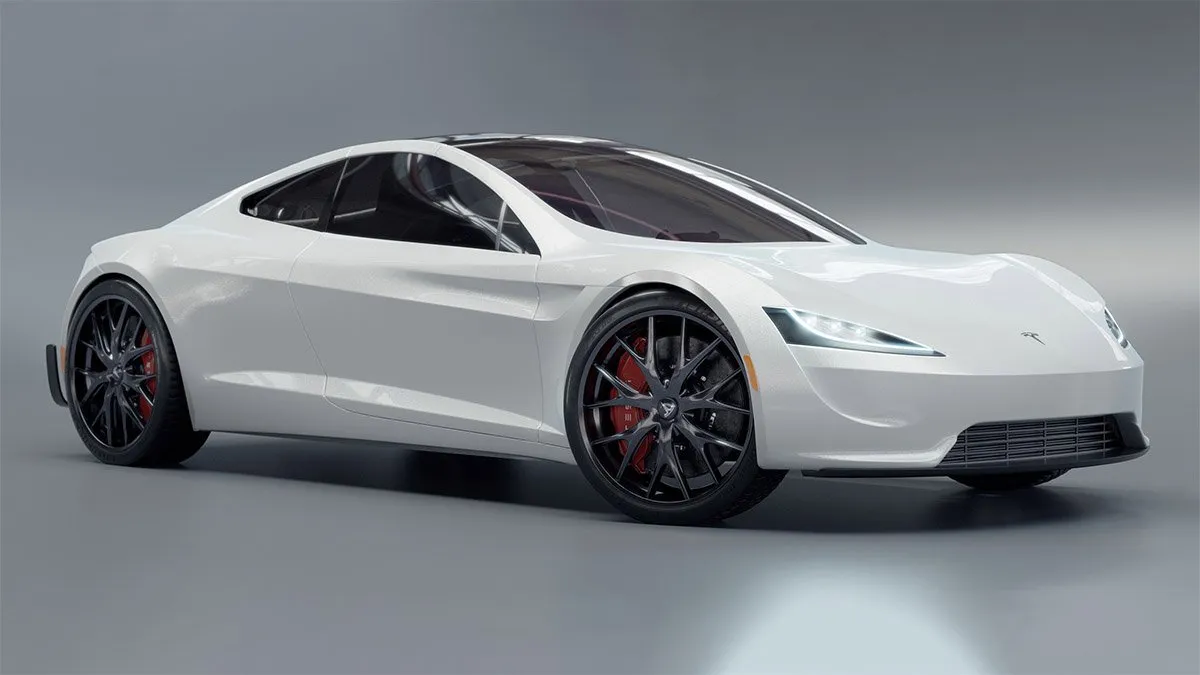
Day 51-60 ResultsOn days 51-59, I spent a total of 16 hours 45 minutes learning Blender. During this time I finished modeling the Tesla Roadster. On day 59, I began to block in some basic materials for the car and prepared to create more realistic materials for rendering in Cycles. I enjoyed modeling all the little details since that’s what brings the car to life and helps it look believable. Here’s a collection of progress screenshots I gathered during this period.

Day 60 Mini Project
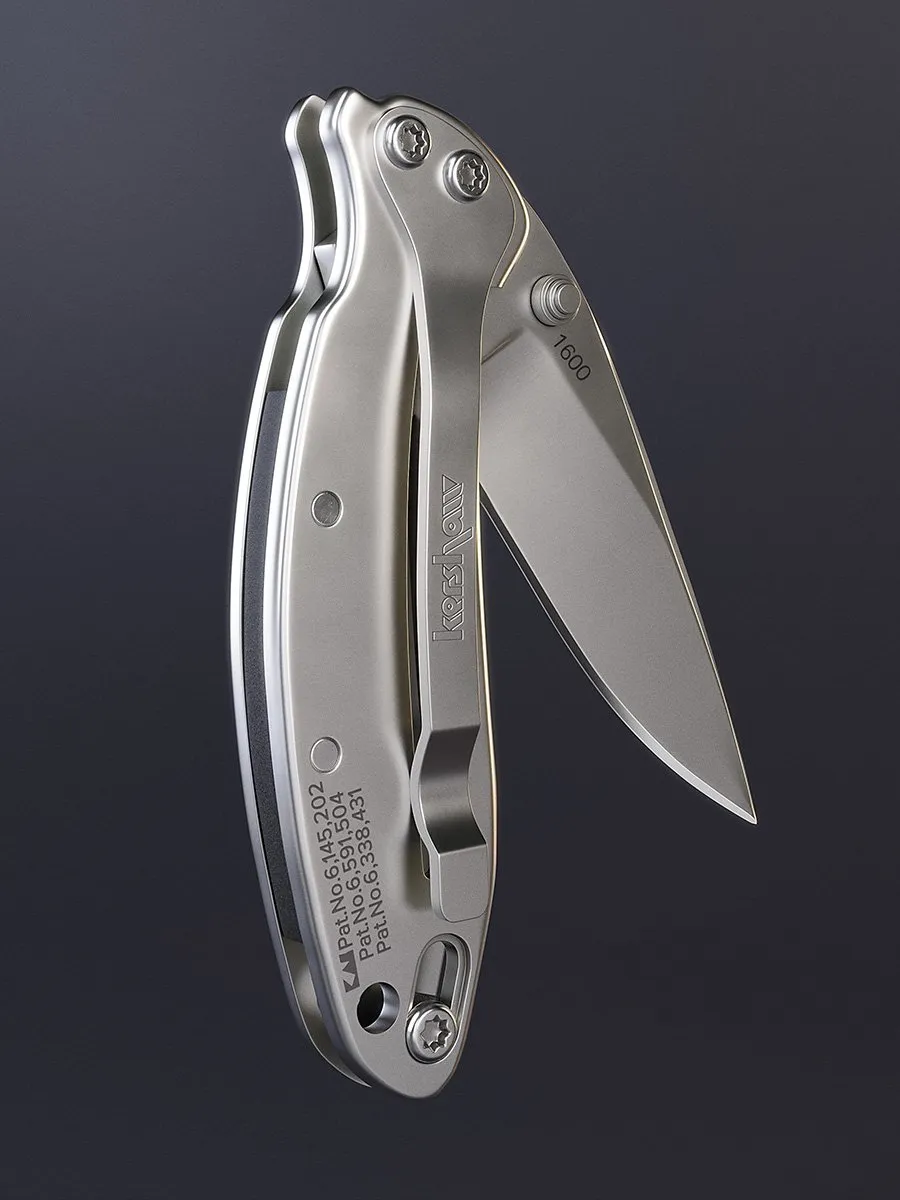
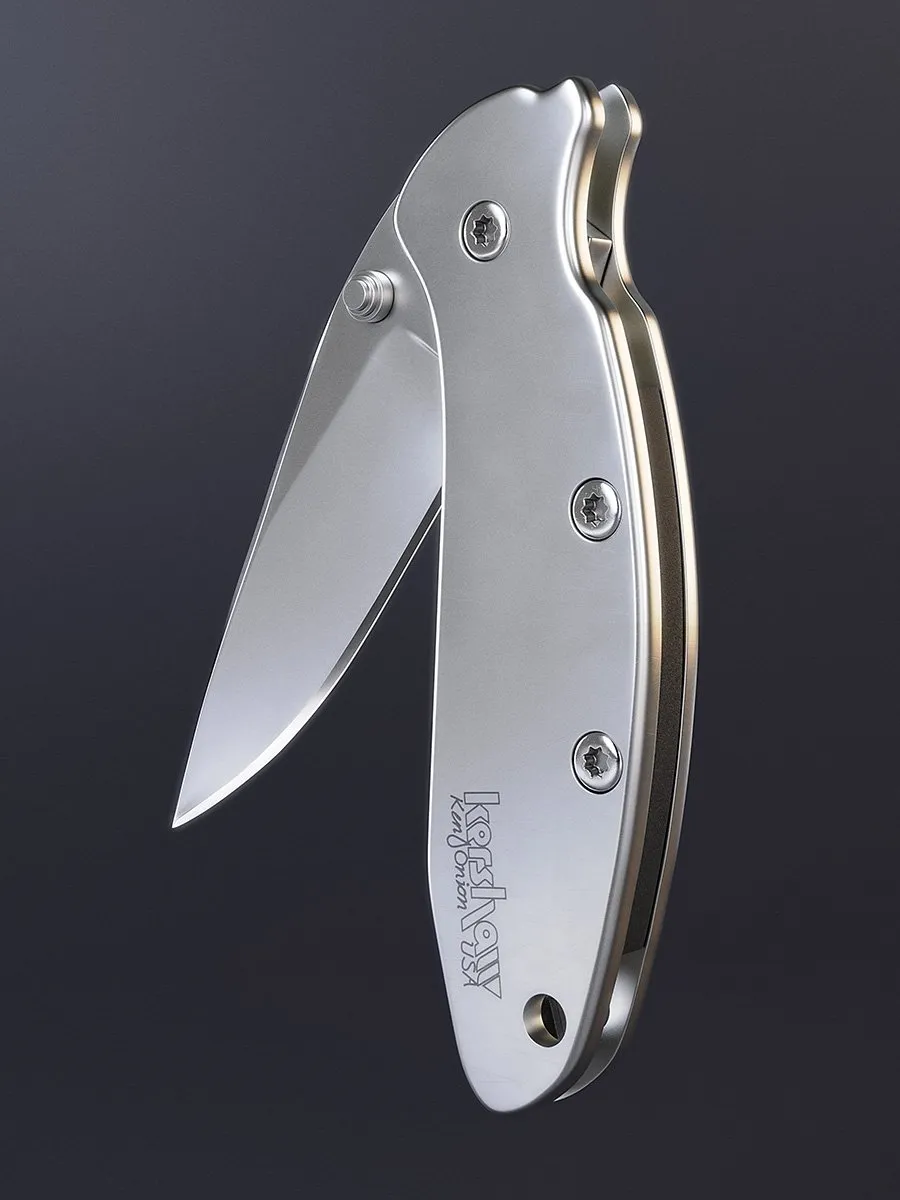
For my day 60-day mini project, I chose to model a pocket knife. The brand is Kershaw Knives, the model, a Ken Onion Scallion. I wanted to model something that would be a bit more organic and offer some new surfacing challenges. And this fit the bill. In total, this modeling project took me 8hrs 28min. Longer than expected of course.
As I’ve been doing so far, I chose to render this knife in KeyShot. I still am not that comfortable with Blender’s modeling and texturing tools an I wanted to do the model justice. Since lighting and materials are easy for me to do in KeyShot, that’s what I did this time. I’m happy with the results.
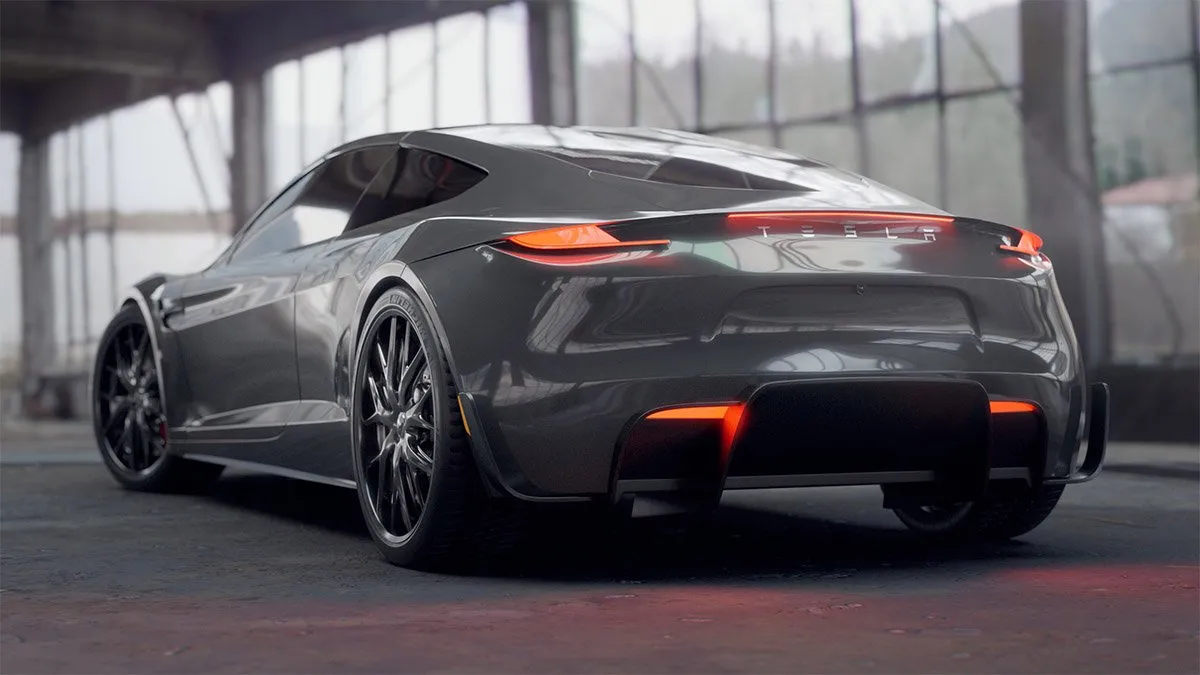
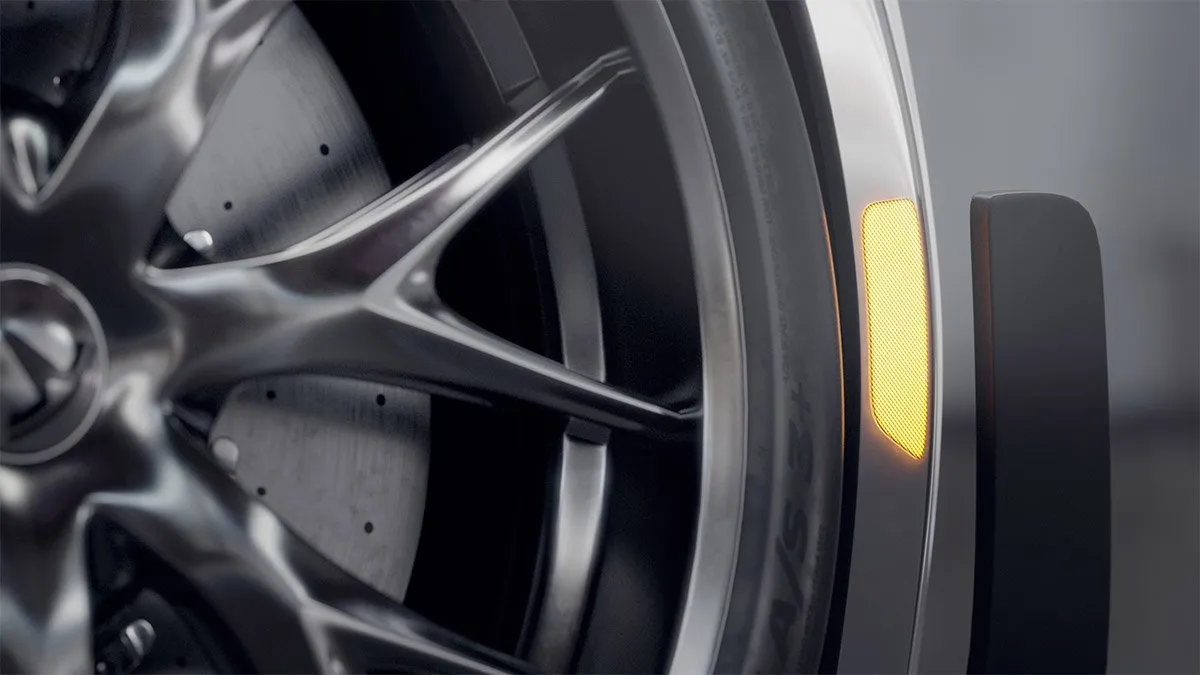
Day 61-70 ResultsOn days 61-69, I spent a total of 13 hours 26 minutes learning Blender. During this time, I finished up the Tesla Roadster car I’ve been modeling. Creating detailed shaders for each material on the car was a good way to dive into Cycles. It’s a fair bit different than KeyShot and spending time learning about all the different nodes and approaches to material creation was fun. The same can be said about lighting as well. I finished up with creating a few studio renderings of the finished car. Very satisfying. In total, the car project took me 54 hours and 30 minutes to complete. This includes the time it took to watch the video lessons. The tutorial can be found in the paid courses at CGFastTrack.com if you’re interested.
Day 70 Mini Project
For my day 70-day mini project, I chose to shade and animate the Kershaw pocket knife in Blender. This took 3 hours and 38 minutes. Up until this point, I’ve been taking my models from Blender into KeyShot for material creation and rendering or animating.
Now, that I’m feeling pretty good about modeling in Blender, I want to focus on more realistic material creation and animation in Blender’s render engine called Cycles.
While the materials on the knife animation below aren’t too impressive, it did take me some time to figure out how to make my labels work in Cycles. The labels I use in KeyShot behave a bit differently. As for the lighting, I just used a basic studio HDRI, so I didn’t focus much on that.
When it comes to animation, there are just so many more possibilities of what I can do in Blender compared to KeyShot, that’s what gets me excited. If you look closely, you can see locking mechanism of the knife actually bending in the animation below. That’s not something I could create in KeyShot. And the rig I created to animate the knife and camera in Blender was really easy to manipulate.
While there’s plenty I’d like to improve, I’m really optimistic about the animation capabilities of Blender.
Day 71-80 Results
On days 71-80, I spent a total of 10 hours and 34 minutes learning Blender. During this ten day period, I completed a short Blender compositing course, a folding box tutorial and another short course on creating procedural shader networks in Cycles.
The compositing course helped me get more familiar with the power and workflow of Blender’s compositor, something that’s very new to me as KeyShot doesn’t have anything like it. I enjoy the fact that once you’ve built your look with compositing nodes, a new render automatically gets the same treatment speeding up the post production greatly.
The folding box tutorial was a good review on how to use bones, which I was first introduced to a few weeks back when I rigged a Pixar-style desk lamp. This box tutorial was created by my friend Derek Elliott and inspired the next self-guided project I chose to kick off on day 80.
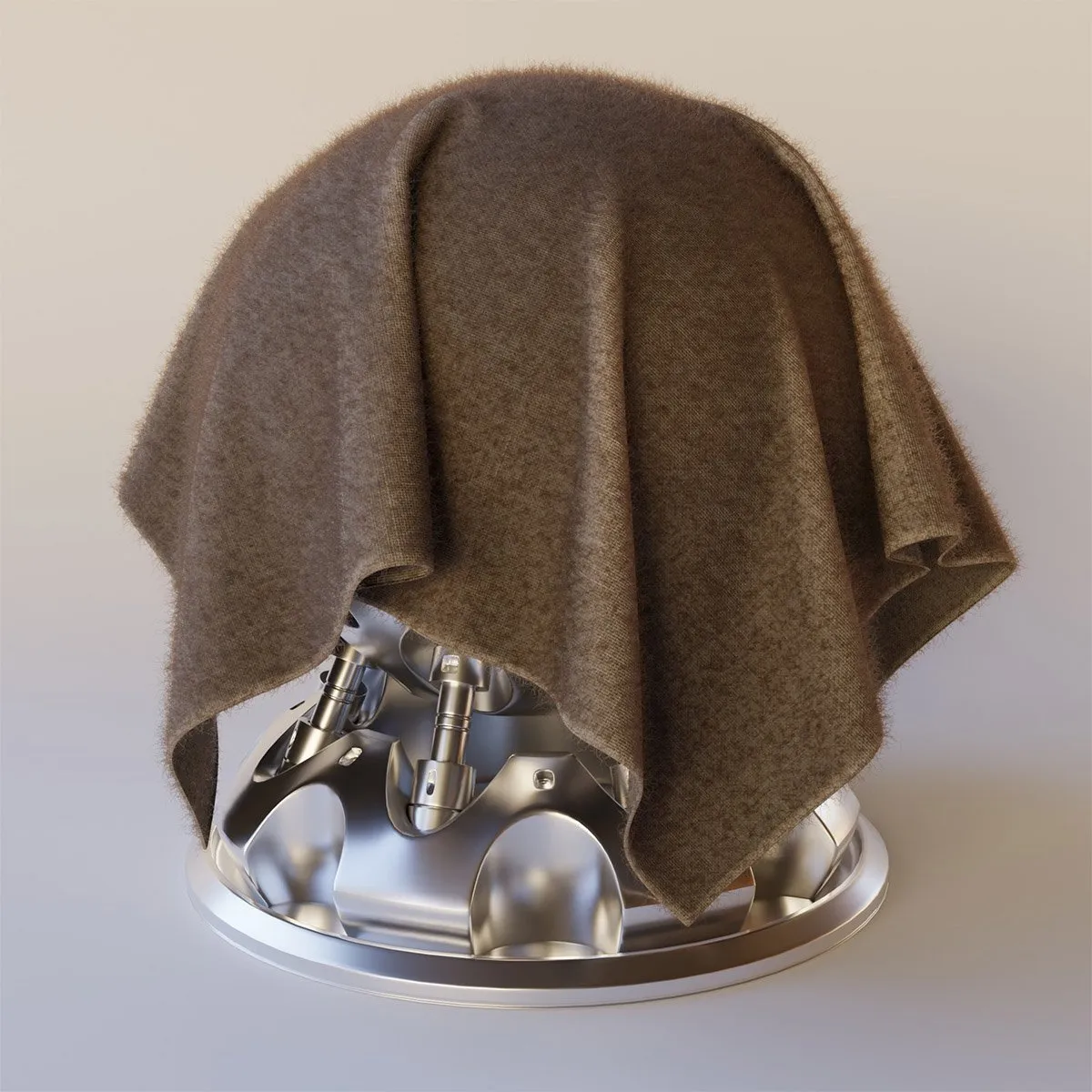
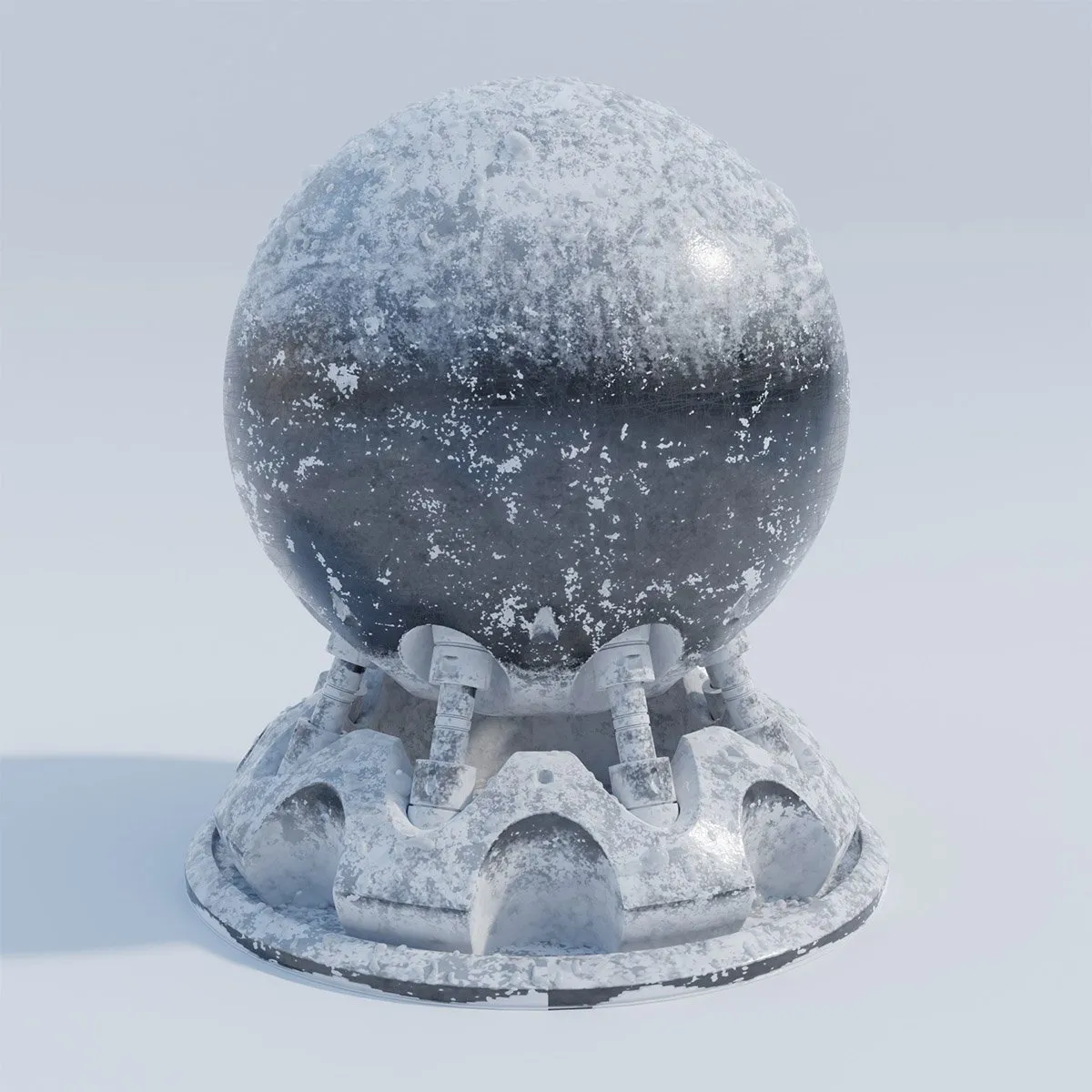
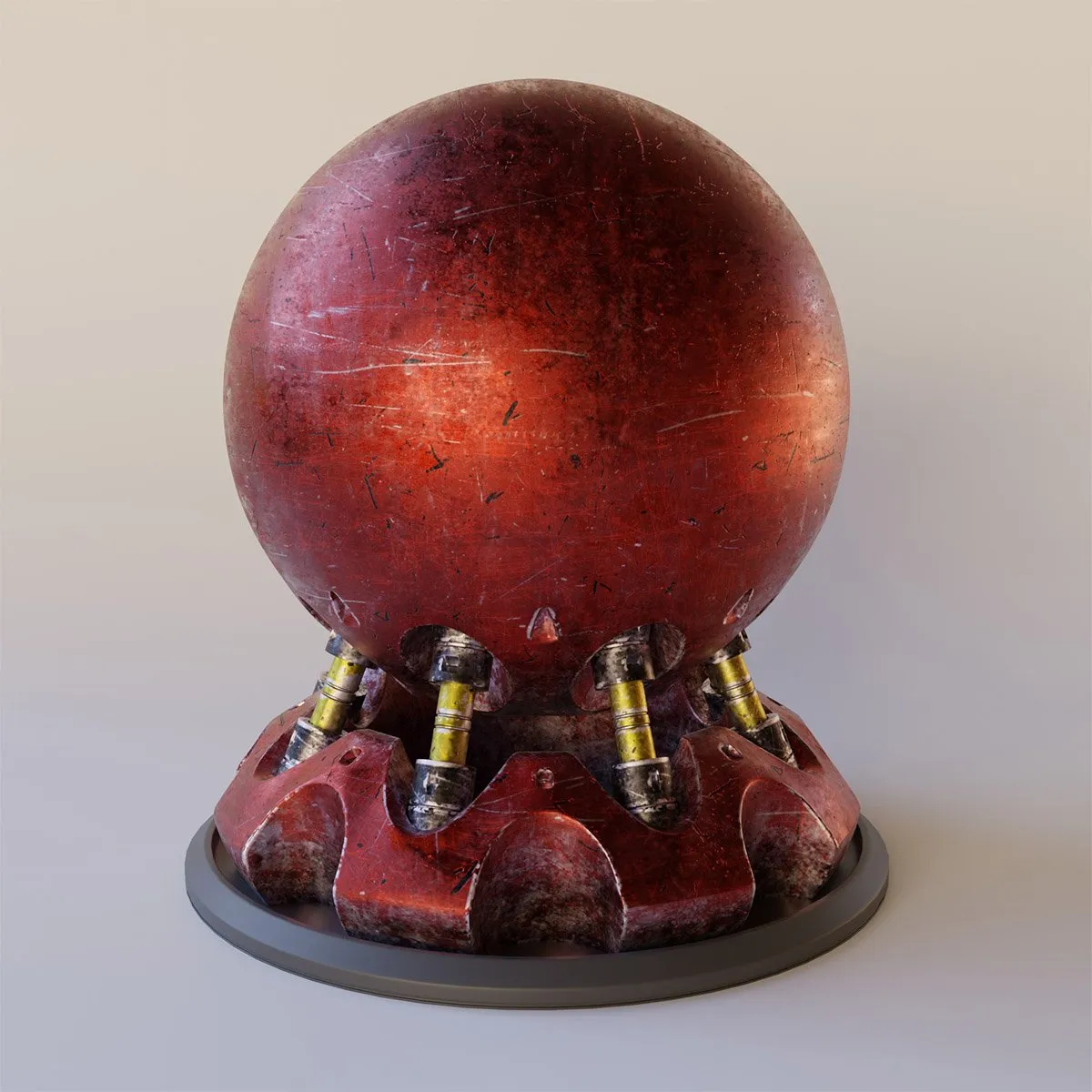
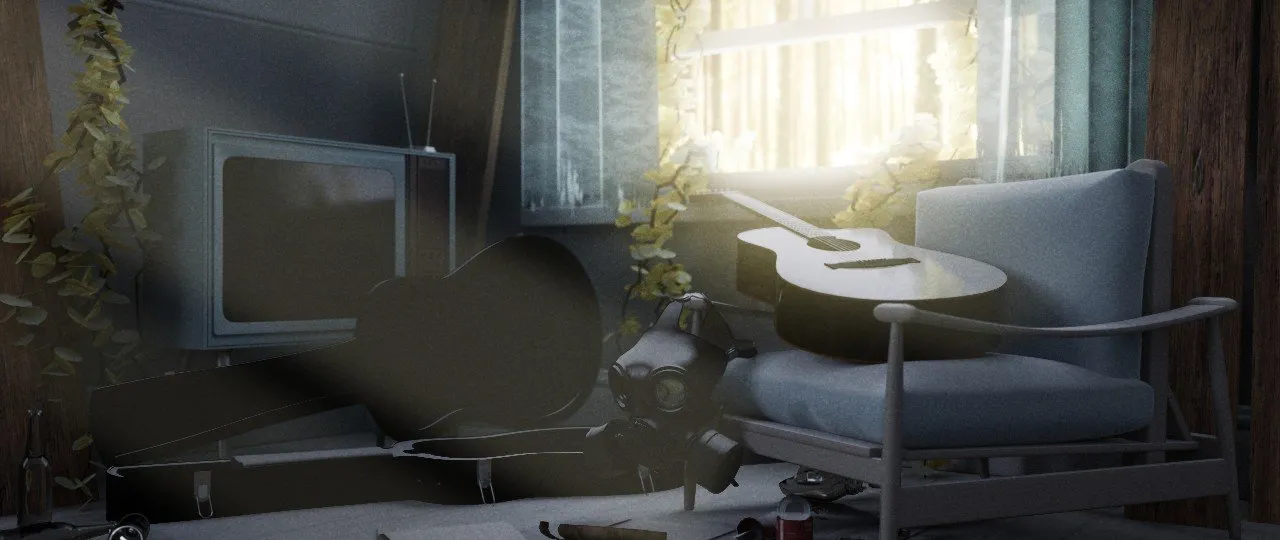
Finally, in the procedural shader course, I created 3 very different materials using a bunch of nodes in Cycles. This kind of thing just takes lots of repetition and practice. However, baking textures was something new to me in this workflow, which was handy to learn. This allows you to avoid having all your nodes computed at time of render which can drastically speed up final renders, especially for animations.
Day 80 Mini Project
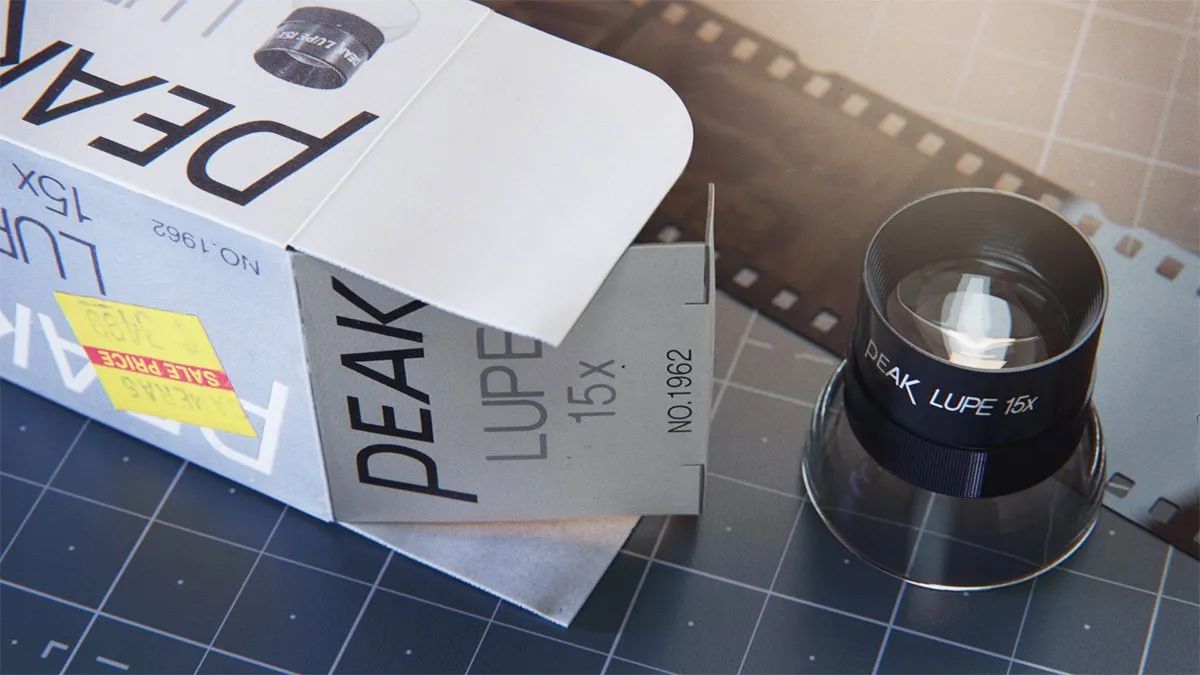
For the day 80 mini-project, I decided to create an animation of a photographer’s lupe. The idea was to incorporate the product coming out of the folding cardboard box. Because this is a real product I have on my desk, I was able to study it and all its fine details. I also chose to actually deconstruct the box and scan it to create high-resolution textures to use on the materials.
This project turned out to be a big challenge. I got ahead of myself and modeled a realistic box that was too complex to properly unwrap and animate. So after a couple of days, I scrapped it and started over and went out of my way to be more methodical about my approach. I kept things very low-poly for as long as I could. I also worked out the rigging and materials before trying to capture all the final mesh details.
I’m really pleased with how this one turned out and man, was it a great learning process. From modeling to UV unwrapping, to rigging and material and animation creation, it touched on quite a few of the skills I’ve been building.
This project took me 4 days to complete and I spent a 5th day creating a hero still image along with a few more props. Below are the final results.
Final looping animation ‘Loop de Lupe’
Day 86-100 Results
On days 86-100, I spent a total of 28 hours and 58 minutes learning Blender. For the last 15 days, I broke away from my typical format and tried to complete my final self-guided project, an animated dog collar.
Unfortunately, I didn’t complete the project by day 100. However, I got pretty close. I spent about 5 days focused on R&D. Which basically meant, I had no idea how to animate this object and I spent lots of time trying to figure out how to get it to work before I invested time in creating a fully detailed model.
I also reached out to my friend Derek Elliott for some tips and he pointed me in the right direction which was a big help.
An animated dog collar isn’t fancy or super aesthetic. But it did offer plenty of good challenges that I feel made it a good choice.
- Hard surface plastic items (buckle, D ring, slide, etc.)
- Soft materials (fabric and nylon webbing)
- Animating soft and hard materials (plastic buckle & nylon webbing)
- UV unwrapping (to keep nylon webbing looking correct)
- Rigging (building a rig to bend the collar into the shape I wanted)
- Parenting (keeping hard items from bending while moving them with the collar strap)
- Materials (stitching and nylon webbing material’s anisotropy)
As you can see, I had to bring in a bunch of new skills to pull this one off.
By day 100, the project was about 90% complete.
Completed Animation
And below is the final animation, which I took about another week to complete. I was fortunate enough to have met a sound designer, who graciously created an epic piece of audio to bring this animation to life. His name is Dominic Walter-Battista and you can reach out to him for similar work on his Behance profile here. I also want to shout out my friend Derek Elliott who helped me troubleshoot the approach to animating the strap on this piece. You can learn about creating product visualization in Blender on his YouTube channel.
What I’ve learned so far
So, what are my takeaways? What can you learn from my experiences here? Here are a few thoughts that come to mind:
- Start with a clearly defined goal and outcome and build a curriculum that supports that goal.
- Learning Blender does not happen quickly.
- The skills of your instructor matter.
- A sequential course is better than following a bunch of random tutorials.
- Spending time each day makes a big difference.
- Find a way to keep yourself accountable.
- Make learning the first thing you do each day.
- Self-directed mini-projects are a great way to avoid getting stuck in tutorial jail.
- Learn in public. The encouragement and support is helpful on days you feel like quitting.
- If a project requires you to do something new you don’t know how to yet, make time for R&D to prove a solution before jumping into the details.
What’s next for me?
Now that I’m fairly comfortable with Blender, my plan is to keep using it regularly so as to build more muscle memory and begin exploring areas of the program that I haven’t yet. I primarily focused on modeling, materials, rendering and some basic keyframe animation and rigging.
However, I didn’t get into physics simulations, importing and exporting animations and CAD data, all of which I am asked about quite frequently. And of course, the newly added and oh, so powerful Geometry Nodes. So, there’s plenty more for me to explore and dive into and I’m excited to do just that.