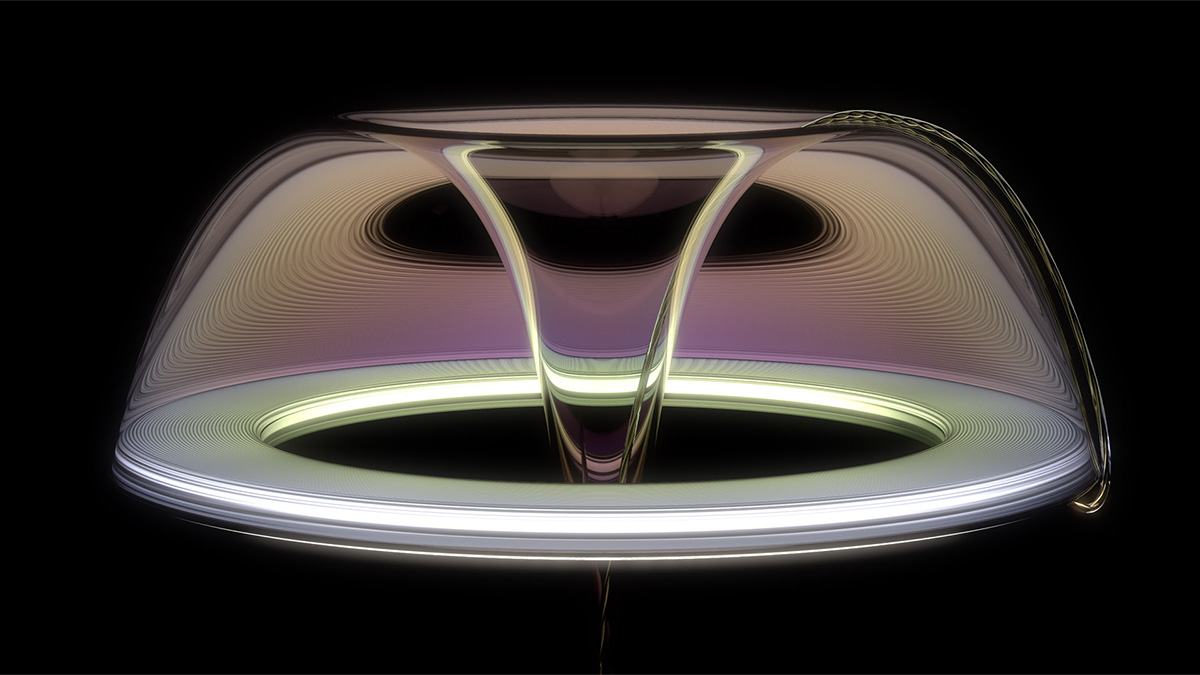
If you want to learn to use KeyShot, you've come to the right place! KeyShot is a standalone ray tracing render engine. It's the go-to tool for industrial design and engineering rendering applications. What if you're not an artist, not a designer or not a VFX guru? Relax, relax! I've got you.
This page contains everything you need to get started with KeyShot. And if you're not ready to buy, but are just curious about whether it's a good tool for you, you're in luck! Below, I'll walk you through installing the a free demo of KeyShot as well as how to get started rendering. No experience necessary!
I hope you get hooked, since I'm passionate about rendering and teaching. This website of mine is my latest project and my goal is to make it the go-to place to learn product rendering.
Want to take KeyShot for a spin and see if it's right for you? Luxion lets you install a free trial of KeyShot. But once you've downloaded it, how do you install and configure the program? Lucky for you, I recorded a tutorial walking you through the process.
First, you'll need to download a free trial of KeyShot. You can do that here. As soon as you're done with that, watch the video below to complete the installation process.
https://youtu.be/8AsU3FHiUcc
Cool, got that all done? KeyShot installed? Great! Next we're going to make great renderings and I have to warn you... you'll probably get hooked! Rendering is super fun, especially if you're new to it.
Thankfully, this is where KeyShot excels. A standalone ray tracing render engine developed by Luxion, KeyShot is the industry standard in product rendering. This is because it's so quick and easy to use, busy designers and engineers are able to add it to their toolbox. Even the non-technical can get up and running with KeyShot quickly. And it's fun too. In this tutorial, I'll show you the best tips and tricks while leading you to some awesome results in no time.
https://youtu.be/siHzOVvAIW0
I hope that tutorial above answered most of your questions. While KeyShot is pretty straight-forward, it's not as simple as it appears. Usually, you can dig deeper and keep exposing new and more advanced features. That's my favorite part.
Sometimes you just need to know where everything is. The user interface is the number one thing that slows down the learning process in my experience. I wanted to record a quick video that walks you through all the KeyShot user interface as well as how to customize it. Also, you may have accidentally hidden a menu item by tapping an errant key on your keyboard. Super frustrating, right?
Give the video below a watch and I'll sort all that out for you.
https://youtu.be/y8p_LJUAQoE
Now, I don't want to overwhelm you, but once you've got the basics handled, you might find this post interesting. How to make more realistic renderings.

{{teacher-block="/teachers/will-gibbons"}}