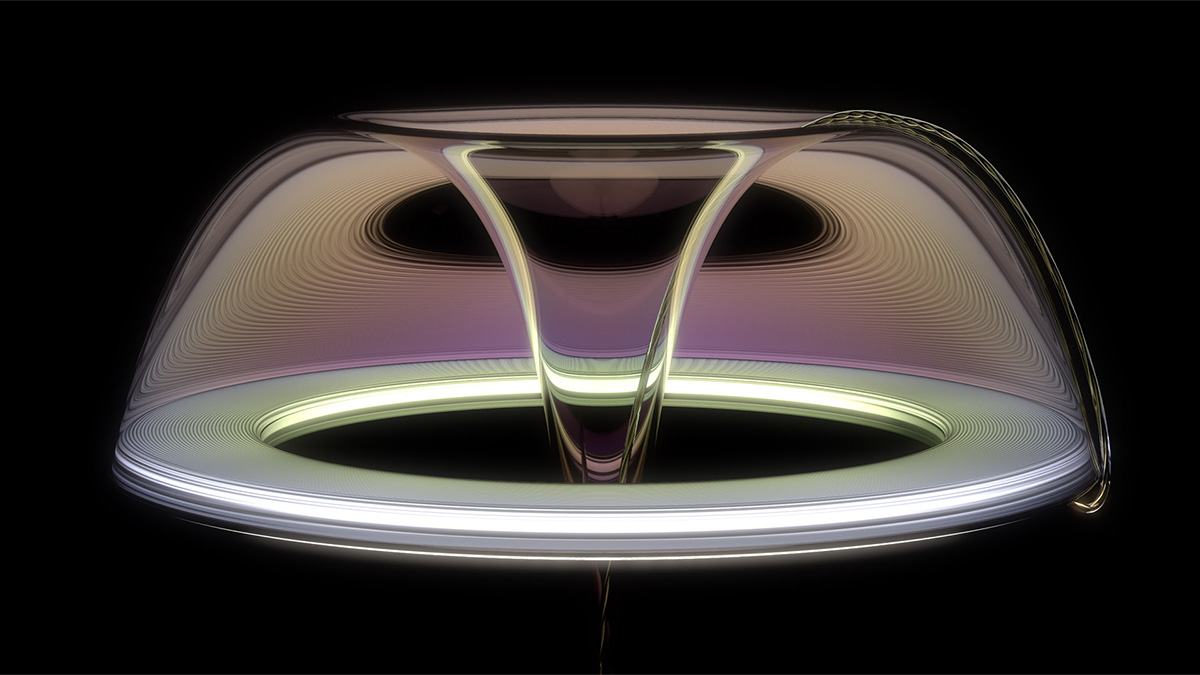
KeyShot Diamond Ring Jewelry Rendering Tutorial

Rendering highly specular materials such as metals and gemstones is challenging. In this tutorial, I walk you through how to light and render a diamond ring!

Why rings are so hard to light

The challenge with jewelry rendering is that metal is fully specular, meaning it reflects light like a mirror, and gemstones like diamonds are highly refractive and transparent. The challenge lies in having enough contrast and light in your scene to make the jewelry interesting, but also attractive and bright. If you've ever struggled to light jewelry, you know how frustrating it can be.

HDRI Editor to the rescue!

After a handful of requests, I decided to give it a go. This tutorial walks through how I would go about lighting a diamond ring in KeyShot. It makes extensive use of the HDRI editor to carefully place different kinds of pins throughout the environment. The result is a ring that reads well on a white background, a common, but challenging style used in jewelry renderings. Join me as I show you step-by-step how to light a diamond ring.

https://youtu.be/qvZfa8xSd-A

In this tutorial you’ll learn how to:

  • Use reference as a backplate
  • Match camera views
  • Manage reflections
  • Light metal
  • Use a photographic image style
  • Create custom HDRIs
  • Place highlights
  • Create dark reflections
  • Add fill light
  • Add gradients
  • Use falloff
  • Center the model
  • Sharpen reflections
  • Add bloom

Free project files include

  • KeyShot project file (BIP)
No items found.
No items found.
No items found.
No items found.
No items found.
No items found.
No items found.
No items found.
No items found.
No items found.
No items found.
No items found.
No items found.

{{teacher-block="/teachers/will-gibbons"}}

Other posts

See all