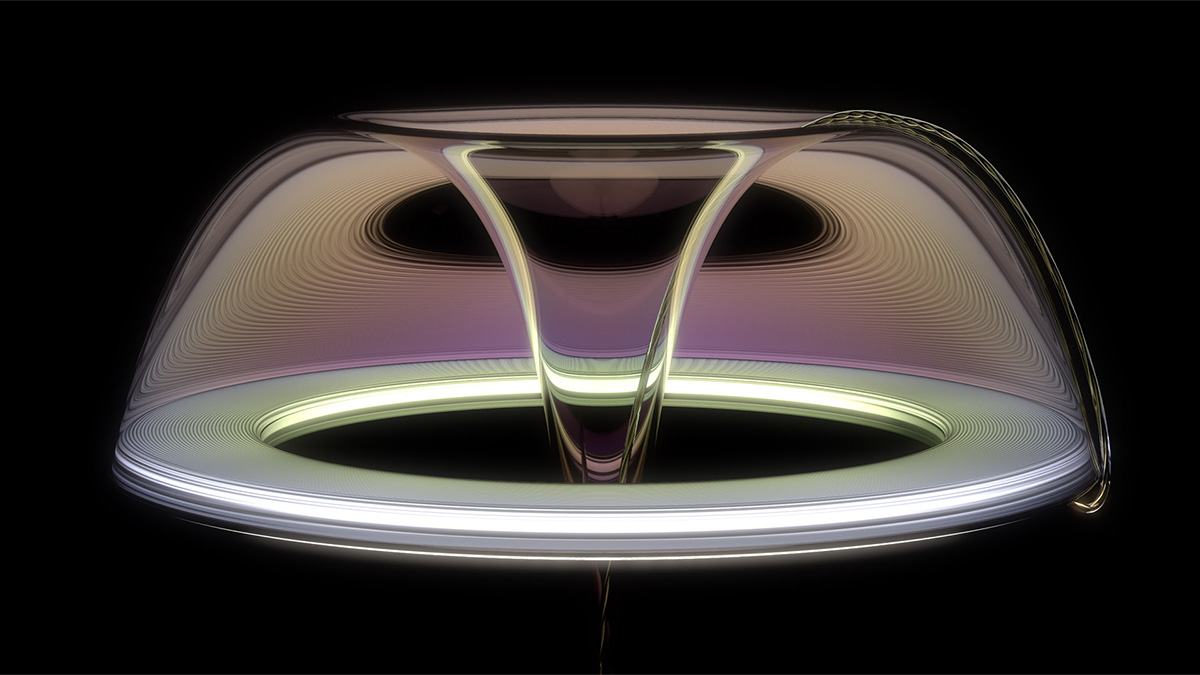
How to render cloudy plastic in KeyShot

Time to learn all about KeyShot's Cloudy Plastic material so you can dial it in to get the most beautiful hazy, milky, cloudy plastic. Without setting your computer on fire.

Trying to achieve beautiful cloudy plastic?

Plastic is used on nearly every consumer device these days. Semi-transparent plastic takes a boring product and often makes it more luxurious feeling. Dialing in that material to capture the right amount of cloudiness can be tough though! How do you balance brightness, light transmission and graininess? And the material is super-slow to render, right? Let's learn how to get around all this.

I’ll teach you how

The key to using the Cloudy Plastic material in KeyShot lies in understanding how the material works in real life and how KeyShot's settings map to these real-world properties. Thankfully, it's pretty simple. I'll walk you through how to dial in your cloudy plastic for that perfect finish. I also created a guide that shows you the outcome of making every incremental change within the material to save you time.

https://youtu.be/py3MKPyMTfQ

In this tutorial you’ll learn how to:

  • Import a model
  • Change the HDRI
  • Fix z-fighting
  • Change render settings
  • Create the perfect cloudy plastic material
  • Customize the HDRI
  • Render a layered PSD
  • Use render layers in Photoshop
  • Post processing in Photoshop
  • How to add spherical lens distortion

Free project files include

  • 3D level model (STP)
  • Cloudy plastic reference sheets (JPG)
  • Reference images (JPG)
No items found.
No items found.
No items found.
No items found.
No items found.
No items found.
No items found.
No items found.
No items found.
No items found.
No items found.
No items found.
No items found.

{{teacher-block="/teachers/will-gibbons"}}

Other posts

See all