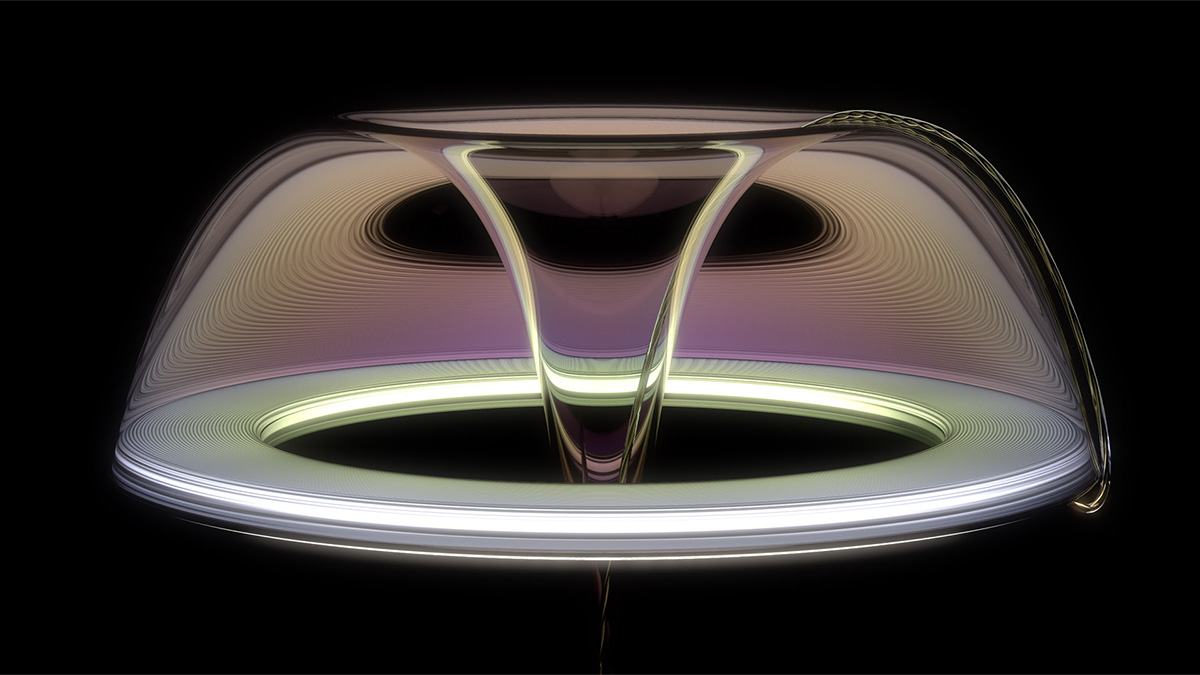
What's the big deal? It's just plastic! Not so fast. Each type of plastic has unique properties and thus different appearances. How do you know what to change in KeyShot to make sure your plastic looks accurate and not some generic plastic?
Luckily, I made a tutorial covering the properties of the five most commonly-used plastics in consumer products. This tutorial will show you what to change in KeyShot's material settings to ensure your plastic appears correctly and accurately. In this tutorial, we'll cover PET, HDPE, PVC, PP and LDPE plastics. This way, the next time you need to render a plastic finish in KeyShot, you'll know what to do to dial that material in.
https://youtu.be/obIzclGR2tc

{{teacher-block="/teachers/will-gibbons"}}