How to Render Brushed Stainless Steel in KeyShot

If you've tried to create a convincing brushed stainless steel in KeyShot, you might have been stumped since the secret lies in NOT using a metal material. Here's how...

Having trouble rendering stainless steel?

Perhaps you like KeyShot for its drag-and-drop simplicity. However, if you've ever tried using a metal material to create a brushed stainless finish, you probably got stuck. The secret is that there's a special material, and if you don't know how to use it, you'll probably end up with lackluster results.

Here’s why and what to do about it

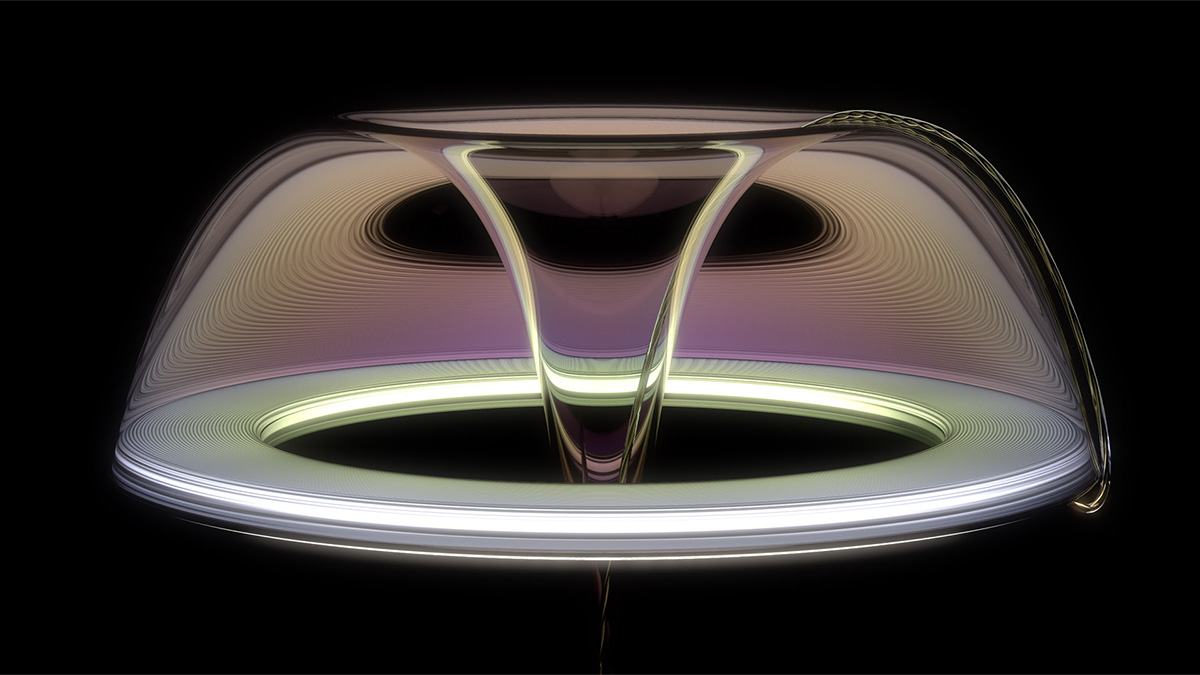
The secret to beautiful and convincing stainless steel finishes is something called anisotropy. Anisotropy describes a specific kind of reflection that you see on things like the bottom of a CD or vinyl record, or on the bottom of stainless steel cookware. You know the pizza-slice-shaped reflections? That's an anisotropic reflection. Because KeyShot has a special anisotropic material type, creating these finishes in KeyShot is actually quite simple once you know how. After watching this short tutorial, you'll be an anisotropic champion!

https://youtu.be/H9Ig62FObCA

In this tutorial you’ll learn how to:

  • Import a model
  • Change the lighting environment
  • Change the material type
  • Customize the anisotropic material
  • Apply a radial roughness
  • Add a procedural brushed texture
  • Use the material graph to add some imperfections

Free project files include

  • 3D cannister model (STP)
  • Material reference spreadsheet (JPG)
  • KeyShot project file (BIP)
No items found.
No items found.
No items found.
No items found.
No items found.
No items found.
No items found.
No items found.
No items found.
No items found.
No items found.
No items found.
No items found.

{{teacher-block="/teachers/will-gibbons"}}

Other posts

See all