
KeyShot Animated LEDs

Here's the problem.
LEDs show up on a huge range of products — consumer electronics, medical devices, industrial equipment, wearables. Rendering them convincingly is one thing. Animating them so they actually blink, pulse, or glow in sequence is another challenge entirely.
This tutorial covers exactly that. In under an hour you'll have two working approaches to animated LEDs in KeyShot that you can adapt to your own projects.
What This Course Covers
Starting from an imported model, you'll work through applying materials, setting up basic lighting, and creating glowing LED materials. From there the tutorial walks through two distinct approaches to animating the LEDs using KeyShot's animation tools and Material Graph.
As a bonus, you'll learn how to set up a KeyShot Studio for each animation so you can switch between them seamlessly and make revisions without disrupting your scene.
The tutorial video is recorded at 2560x1440 resolution with a runtime of approximately 47 minutes. The pace is deliberate — the goal is to explain how everything works rather than just telling you what to click.





























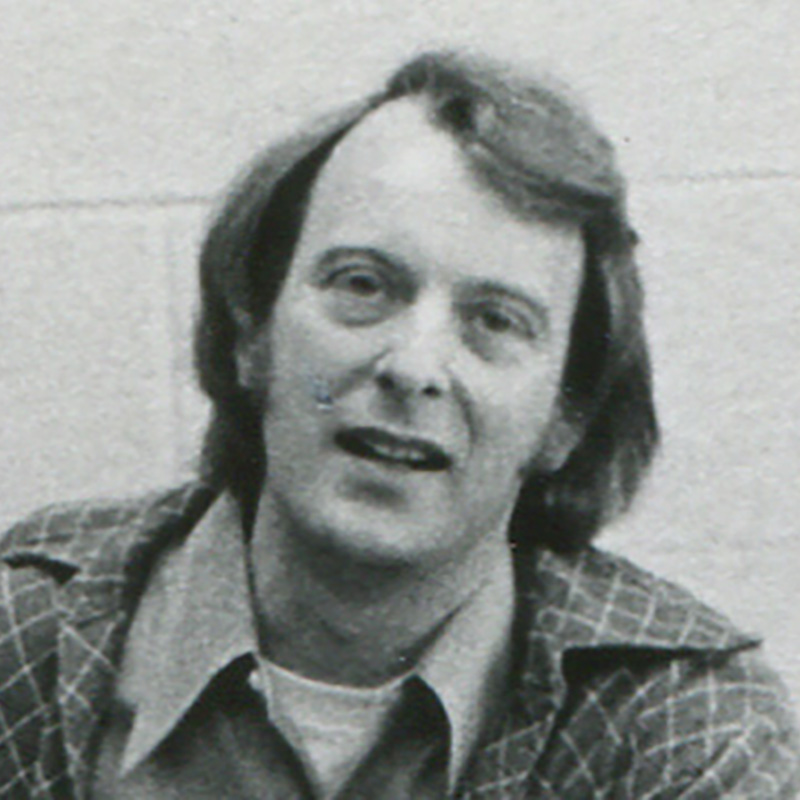















Meet your KeyShot instructor
I wanted to create a platform that enabled me to teach others the skills and techniques I wish I'd known sooner. I share only the most effective methods to create stunning visuals and how to apply this knowledge in practice through my various courses, tutorials and resources.



My Do-The-Work Guarantee
This is a do-the-work guarantee. Work through the course, apply what you learn, and if you genuinely followed the process and still can't implement what I taught, email me at will@willgibbons.com and I'll refund you.
I stand behind the result, not just the experience. What I can't refund is a course that was purchased but never opened.
Frequently Asked Questions
What version of KeyShot do I need?
KeyShot 6 Pro or newer to access the Material Graph and animation tools. The tutorial was recorded on KeyShot 8. Most concepts carry forward to current versions, though some interface details may differ.
Do I need prior animation experience?
Some familiarity with the KeyShot interface and basic materials is assumed. Prior animation experience is helpful but not required — the tutorial walks through the process step by step.
How long will I have access?
Lifetime access. Once you purchase, the content is yours.
Can I download the video?
Not on the current platform. This will change when the course migrates to Teachable. Lifetime access customers will be notified when that happens.


