
KeyShot Bottle Tutorial

Here's the problem.
Glass, liquid, and labels are three of the most challenging material combinations in product rendering. They interact with light in complex ways, require careful setup, and have plenty of common pitfalls that can make a rendering look unconvincing even when everything else is right.
This tutorial walks through a complete spirits bottle project from the ground up — including the 3D modeling in Fusion 360, label creation in Illustrator and Photoshop, and all the rendering work in KeyShot. It's an honest, real-time look at the process, including the challenges that come up along the way and how to work through them.
What This Course Covers
3D Modeling
How to model a bottle with liquid inside using Fusion 360.
Labels and Textures
Best practices for creating graphics and labels in Illustrator and Photoshop, and how to apply them correctly in KeyShot.
Materials
Creating glass, liquid, and other bottle materials from scratch in KeyShot including use of the Material Graph.
Cameras
Camera settings and positioning for product rendering.
Lighting
Two distinct approaches to lighting glass, use of the HDRI editor, and physical lights in KeyShot.
Rendering
Render settings for transparent materials, geometry view, and final output settings.
Post Production
Final touches in Photoshop to complete the image.
The tutorial is recorded in real time, which means you'll see challenges arise and watch how they get solved — a more honest look at the process than a polished, edited walkthrough.


























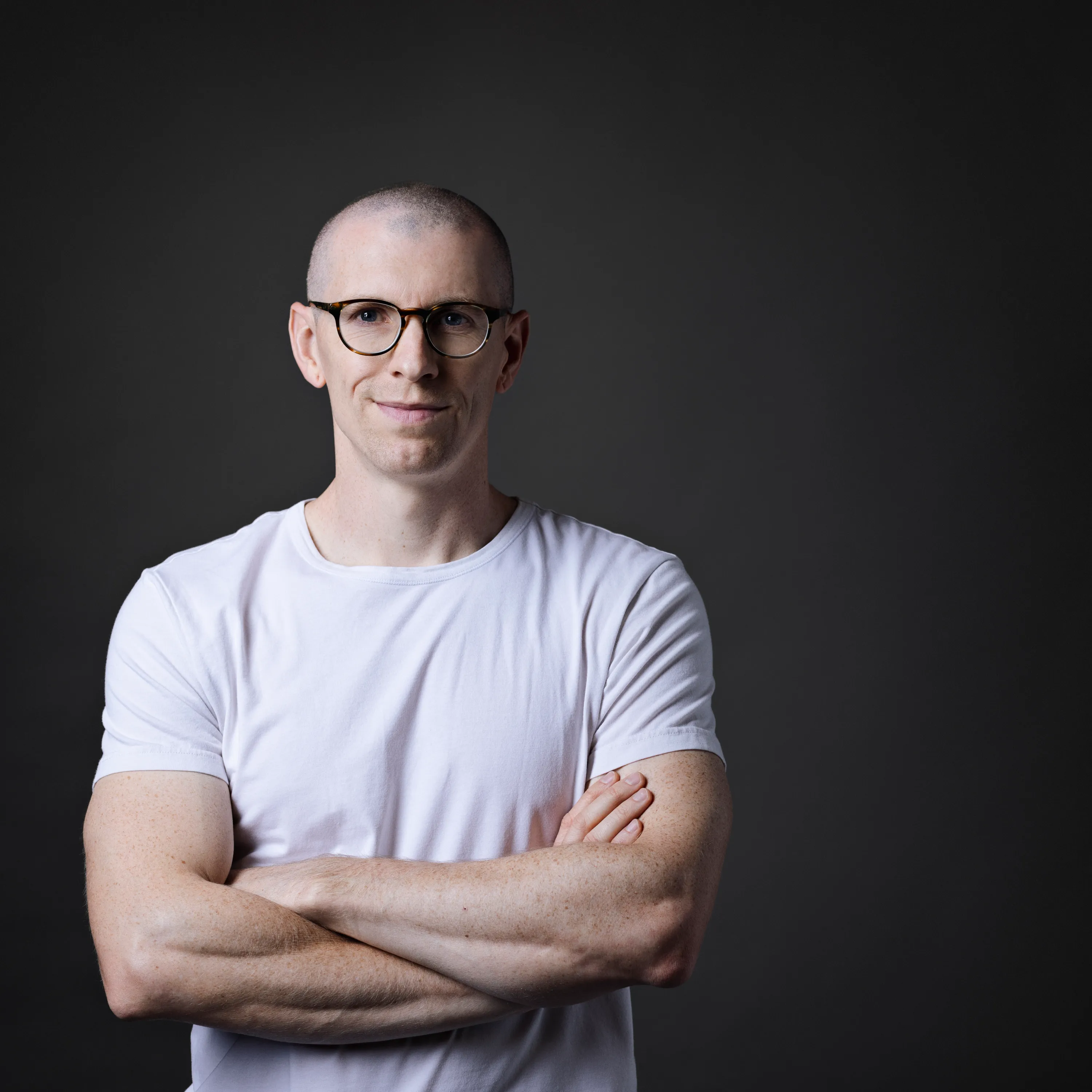
Meet your KeyShot instructor
I wanted to create a platform that enabled me to teach others the skills and techniques I wish I'd known sooner. I share only the most effective methods to create stunning visuals and how to apply this knowledge in practice through my various courses, tutorials and resources.

My Do-The-Work Guarantee
This is a do-the-work guarantee. Work through the course, apply what you learn, and if you genuinely followed the process and still can't implement what I taught, email me at will@willgibbons.com and I'll refund you.
I stand behind the result, not just the experience. What I can't refund is a course that was purchased but never opened.
Frequently Asked Questions
Do I need Fusion 360 to follow along?
The 3D modeling section uses Fusion 360. If you already have a finished 3D model of a bottle or similar product, you can skip that section and follow along from the materials and rendering portions. All project files are included so you can jump in at any point.
Do I need Illustrator and Photoshop?
No. The label creation section uses Illustrator and Photoshop. Similar software like Affinity Designer and Affinity Photo could be substituted for most steps. All artwork is provided.
What version of KeyShot do I need?
The tutorial was recorded on an older version of KeyShot. The core techniques for glass, liquid, lighting, and labels are applicable to current versions, though some interface details may differ.
How long will I have access?
Lifetime access. Once you purchase, the content is yours.
Can I download the video lessons?
Not on the current platform. This will change when the course migrates to Teachable. Lifetime access customers will be notified when that happens.


