
Intro to Material Graph
















Don't Let the Material Graph Stop You
KeyShot's Material Graph is one of the most powerful tools in the software. It's also the one that stops most designers in their tracks.
If you've opened it, looked at a web of nodes and connections, and quietly closed it again — this course is the right starting point. It won't turn you into a Material Graph expert, but it will make the tool feel approachable and give you the foundation to start using it on your own projects.

What This Course Covers
Theory Lecture
Why you should use the Material Graph, how it works conceptually, and what connects to what. Covered via slideshow with a PDF you can keep for reference.
Live Demonstration
Four distinct material types created step-by-step. Through repetition you'll start to recognize patterns and see how the most common nodes are used together.
Live Q&A
Questions from the original live class attendees, answered with additional visual demonstrations. Extends the teaching with more practical examples beyond the four materials covered in the demo.
By the end you'll understand the logic behind the Material Graph, know how to navigate the interface, and be able to start building your own materials using the most commonly needed nodes.
What you'll learn how to make
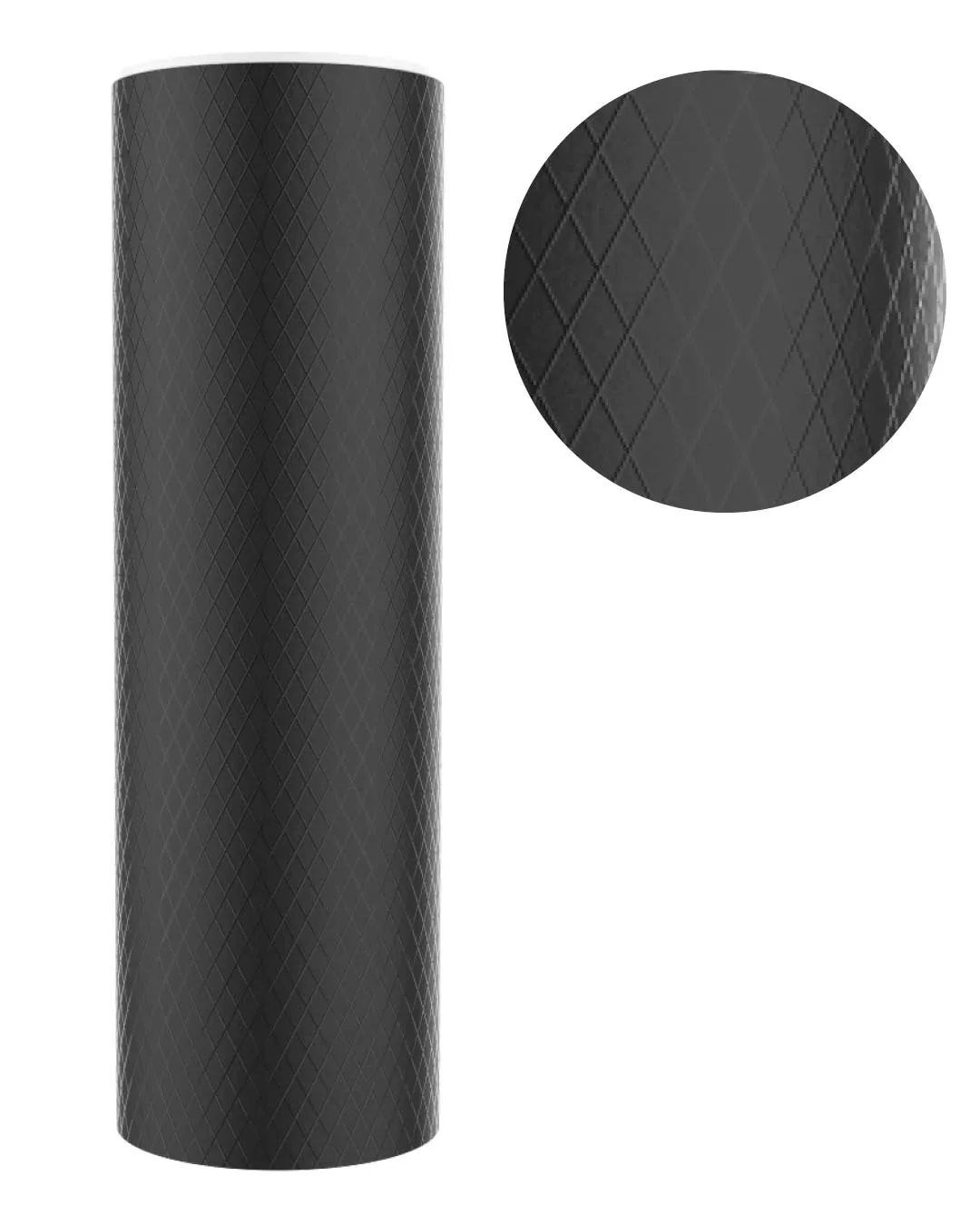
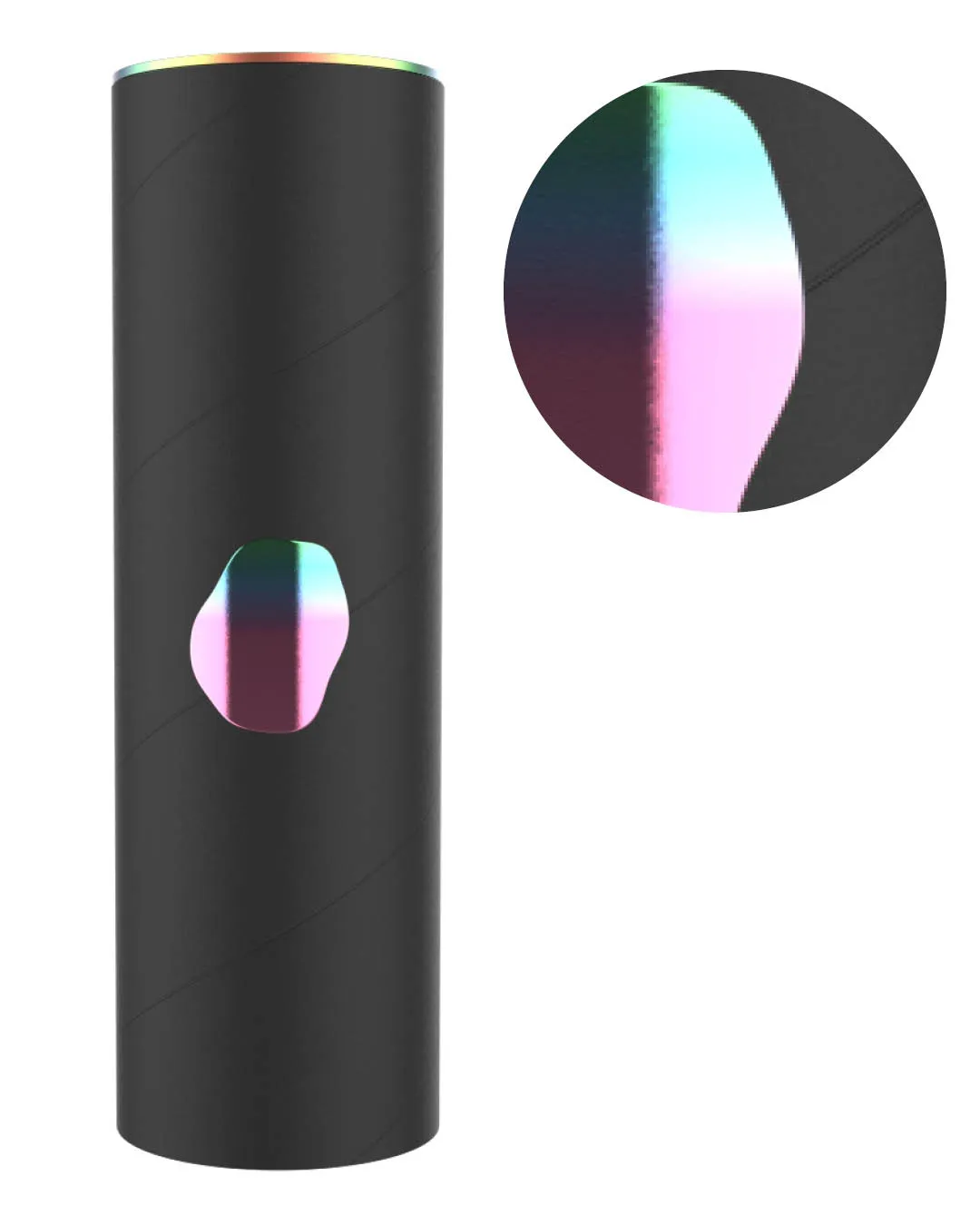
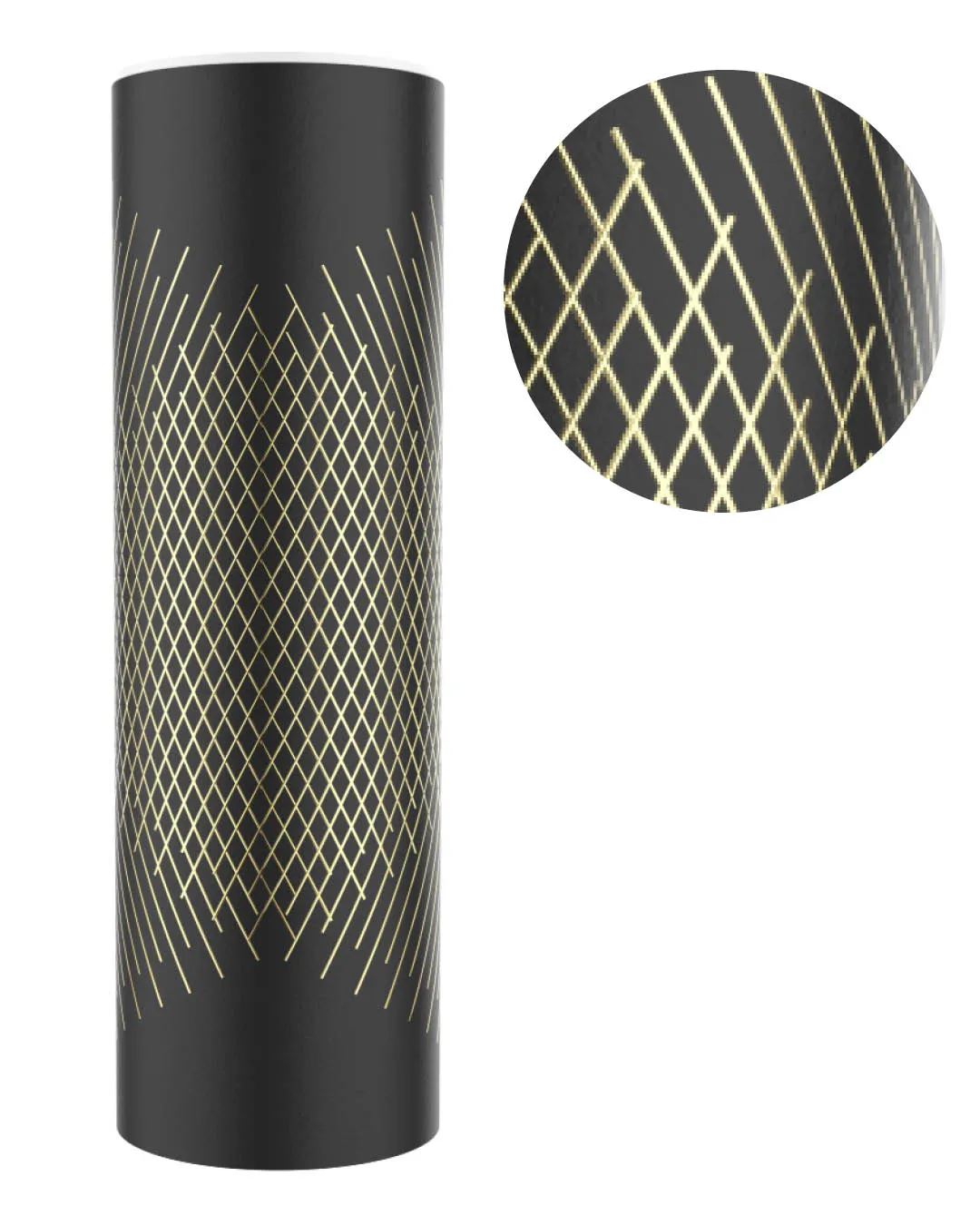
This course will guide you through making these 5 distinct materials. Each one using various parts of KeyShot's Material Graph, ensuring you get real-world practical examples and use-cases.


Everything You Get When You Enroll
✓ Theory lecture video
✓ Live demonstration video
✓ Live Q&A video
✓ Lecture slides PDF for reference
✓ KeyShot package file with finished materials to deconstruct
✓ 1 CAD model to follow along with
✓ Lifetime access

Meet your KeyShot instructor
Since then I've started my own visualization studio and taught thousands of students through my courses. I built this one to give you the shortcut I never had — the real techniques and workflows, without the years of trial and error it took me to find them.



What if you don't like the course?
While I have done my best to create an amazing course and describe it accurately, I understand that I can't please everybody.
If you take the course and feel like I did not deliver on the value I promised, just email me asking for a refund. I will issue one.
To be eligible for a refund, the request must be made less than 90 days from date of purchase.



