KeyShot Courses Compared: Which One Should You Take?
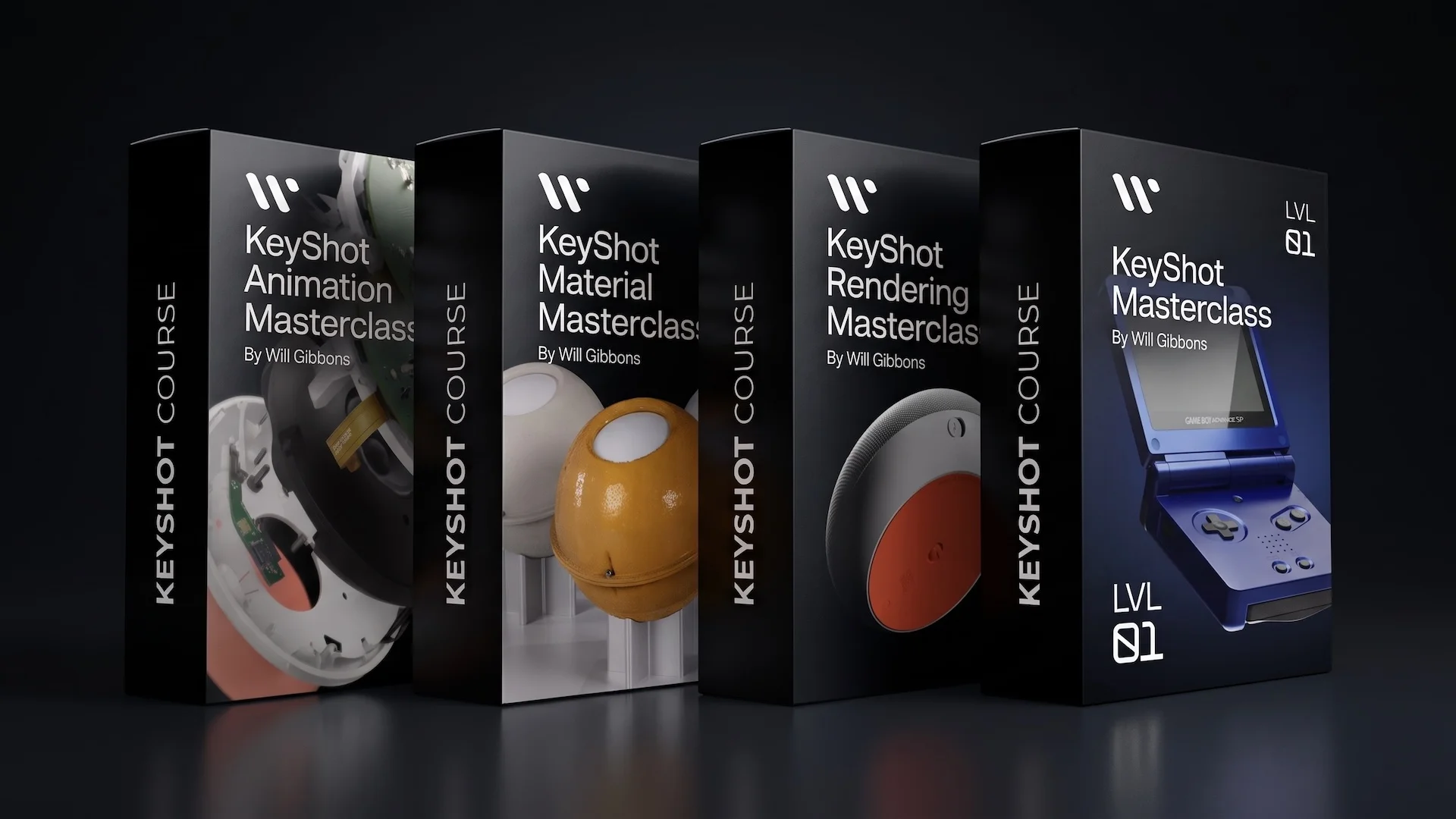
KeyShot Courses Compared: Which One Should You Take?
If you're looking for a KeyShot course, you've probably noticed I offer more than one. That's on purpose: different skill levels and goals need different training. I've spent 3 years as KeyShot's own Global Training Specialist and over 1,000 hours teaching this software live to design teams at companies like Apple and Tesla, so I built each course around the specific, recurring problems I've watched people run into, not a generic curriculum. This guide breaks down each one so you can find the right fit in under two minutes.
Who this guide is for
Whether you've never opened KeyShot, you're self-taught and want to fill in gaps, or you already know the basics and want to go deeper into materials or animation, there's a course built for exactly where you are. Below, I'll walk through who each one is for, what makes it different, and which problem it solves best.
New to KeyShot? Start with KeyShot Masterclass Level 1
Best for: Complete beginners who want to start now with a fast, focused format, and don't mind that this is the first release in a growing series.
_result.webp)
This is Level 1 of a new course series designed to replace the "watch a 20-hour course or bounce between random tutorials" problem most beginners run into. Every lesson is short (under 5 minutes on average) and built to fit into a 15-20 minute daily habit, teaching tools exactly when you need them through 3 hands-on projects, including a personal final project you submit for a video critique.
Lessons cover the 10 core skills you need to go from zero to a professional-looking rendering: data import, materials, cameras, lighting, post-processing, set dressing, basic animation, render settings, and output.
- 121 lessons (~8 hours total), 3 complete portfolio projects
- $349
- Level: Beginner, no prerequisites
- Includes a 40-page Masterclass Handbook PDF, 5 3D models, 2 scene templates, and a Certificate of Achievement
Worth knowing: this is the first course in a planned series (more levels are on the way). If you want the fastest, most current-format introduction to KeyShot and you're comfortable being an early part of that series, start here. If you'd rather have one complete course that takes you all the way from beginner to professional-level competency in a single purchase right now, see the Rendering Masterclass below.
👉 Get KeyShot Masterclass Level 1
"I came in with 2 years of experience but lacked fundamental knowledge. I would blindly add materials and play with sliders until it looked good enough, terribly inefficient when I needed to recreate specific real-world materials. The short format videos give you just enough information to play around with the tools and know what you're doing. Even with prior experience, I filled gaps in my knowledge and the course created a strong foundation for continued learning." Aidan Harbison, Industrial Design student
Want one complete course, right now? Take the KeyShot Rendering Masterclass
Best for: Beginners who want the full path, from beginner to professional-level competency, in a single, complete course today. Also ideal for self-taught users who know there are gaps in their knowledge.
.webp)
This is the most comprehensive course I offer for learning KeyShot rendering from the ground up. It combines two teaching styles most tutorials only pick one of: feature-based lessons (covering every tool, thoroughly) and project-based lessons (where you'll build 4 portfolio-ready images alongside me, using a fully-detailed 3D model I spent nearly a year building). You get both the "why" behind every tool and hands-on practice applying it.
- 132 lessons
- $499
- Level: Beginner (takes you to professional-level competency)
If you only buy one KeyShot course and want the most complete foundation, this is it.
👉 Get the KeyShot Rendering Masterclass
"This course took me from the ground up. Even though I already had some KeyShot experience from my industrial design degree, it assumed nothing and filled in gaps I didn't know I had. The material and lighting section, especially physical vs. HDRI lighting, was the most useful part, and the post-production lessons opened up a whole new side of my workflow." Javier Sauce Diaz, Industrial Designer, HNI Corporation
Level up your KeyShot Rendering skills
Struggling to make materials look real? Take the KeyShot Material Masterclass
Best for: Designers who already know the basics but whose renders don't look photo-real, especially if you've hit a wall with KeyShot's default material library or downloaded 3D models with materials that don't translate.
.webp)
This course exists because "drag and drop a material" only gets you so far. It goes deep into the Material Graph, the same system I taught internally as KeyShot's Global Training Specialist, so you understand why materials look the way they do, not just how to fake it. It's organized in three parts: foundational concepts, a full index of every material/texture/node type, and project-based lessons where you build dozens of materials from scratch and light an entire bathroom interior scene.
- 189 lessons, including a 79-page Material Foundations PDF, 4 KeyShot package files, and 16 detailed 3D models
- $499
- Level: Intermediate
- Bonus chapter: 10 common materials built from scratch (bead-blasted aluminum, translucent silicone, 3D-printed SLA, and more)
Pick this if realism, not the basics, is your bottleneck.
👉 Get the KeyShot Material Masterclass
"Taking the KeyShot Material Masterclass is objectively the most profitable educational investment I've ever made. After improving my renderings, clients began referring me like mad. I've got more work than I can handle and have to temporarily stop accepting new clients." Bill Trammel, Technical Project Manager
Want to add motion to your portfolio? Take the KeyShot Animation Masterclass
Best for: Designers or freelancers who already render stills and want to stand out with product animations, for a portfolio, a job application, or client work.
.webp)
Static renders are common; good product animations aren't. This course covers both instructional animations (explaining how a product works) and marketing animations (built to stop the scroll), and walks through the entire pipeline: CAD prep, storyboarding, camera/part/material animation, lighting, render settings, and post-production in DaVinci Resolve. Built assuming zero animation experience. If 20 hours feels like a lot, the feature-based lessons alone are under 6.
- 194 lessons (~20 hours)
- $499
- Level: Intermediate
If your renders are solid but static, and you want to charge more or stand out in a portfolio, this is the natural next step.
👉 Get the KeyShot Animation Masterclass
"I bought the KeyShot Animation Masterclass because I was asked by the marketing team to quickly animate a bottle for a meeting and I struggled to create a simple animation. Improving my KeyShot skills has helped me become more of an asset for the design team." John Mierisch, Sr. Art Director, PepsiCo
Why not just learn from free YouTube tutorials?
Fair question, there's a lot of free KeyShot content out there, including mine. The honest answer is that free tutorials are great for isolated tricks, but they're rarely built to take you from zero to a repeatable, professional workflow, because each video is made in isolation rather than as part of a system.
That's the exact pattern students describe after switching from free content to a structured course:
"Before this course, all I had was scattered YouTube tutorials and zero understanding of the material graph. Switching back and forth between lessons and the hands-on project really helped the information stick." Course student
"I did most of the course on a little holiday trip. I started my trip knowing nothing about KeyShot. When I got back and joined the team, I was the KeyShot guru." Robert Denneman, Stills and Motion Designer
If you've got time to piece together fragments from dozens of different creators and don't mind gaps in your fundamentals, free tutorials can work. If you want a direct, structured path, and a place to ask questions when you get stuck, that's what these courses are built to solve.
Quick comparison
Frequently asked questions
Q: What's the difference between Masterclass Level 1 and the Rendering Masterclass? Aren't they both for beginners?
A: Yes, both start from zero. The difference is format and completeness. Level 1 is the newest course, built with shorter lessons and a faster daily pace, but it's the first release in an ongoing series. The Rendering Masterclass is older but complete on its own, taking you from beginner all the way to professional-level competency in one purchase. If you want to start with the newest format and don't mind that more levels are still being added, choose Level 1. If you want everything in one course right now, choose the Rendering Masterclass.
Q: Is KeyShot hard to learn?
A: Not particularly. KeyShot is designed to be one of the more approachable rendering tools, with drag-and-drop materials and an intuitive interface. The hard part isn't clicking the right buttons; it's understanding why a setting produces a certain result, which is where most self-taught users get stuck. That's the gap these courses are built to close.
Q: How long does it take to learn KeyShot?
A: Getting comfortable with the basics can take as little as a few hours with structured lessons (Masterclass Level 1 covers the fundamentals in about 8 hours). Reaching professional-level competency, understanding materials, lighting, and workflow deeply enough to match photography, typically takes longer and benefits from a more comprehensive course like the Rendering Masterclass.
Q: Do I need to know Blender or other 3D software before taking a KeyShot course?
A: No. KeyShot is used alongside CAD and 3D software like SolidWorks, Rhino, Fusion 360, and Blender via plugins, but none of these courses require prior 3D software experience. The Rendering Masterclass and Masterclass Level 1 are both built for beginners.
Q: Which course should I take if I'm not sure of my skill level?
A: Start by being honest about where you get stuck. If you don't know KeyShot at all, start with Masterclass Level 1 or the Rendering Masterclass. If you can already produce a decent render but it doesn't look real, take the Material Masterclass. If your renders look good but you want video, take the Animation Masterclass.
Q: How long do I have access to the courses?
A: All courses are lifetime access: pay once, use forever, including future updates.
Q: Can I switch courses if I buy the wrong one?
A: Yes, as long as you haven't started consuming the lessons, you can exchange within 14 days of purchase.
Q: Is there a certificate of completion?
A: Yes, issued by Will Gibbons upon completion (not by KeyShot the company).
Q: What's your refund policy?
A: If you don't like the course or think it delivers on the promise, email me within 90 days to get a full refund.
Q: Can courses or logins be shared?
A: No, courses are sold for indvidiual users. Please respect my policies. If you want pricing for multiple users, contact me directly and I'll get you sorted.
Not sure which one fits? Start here.
If you're still unsure, the safest default is the Rendering Masterclass: it's the one complete, standalone course that takes you from beginner to professional-level competency today. If you'd rather start with the newest, fastest-format course and grow with the series as new levels release, start with Masterclass Level 1 instead. Either way, you can always add the Material or Animation Masterclass once you know exactly where you want to go deeper.
👉 See all courses
Who's behind these courses?
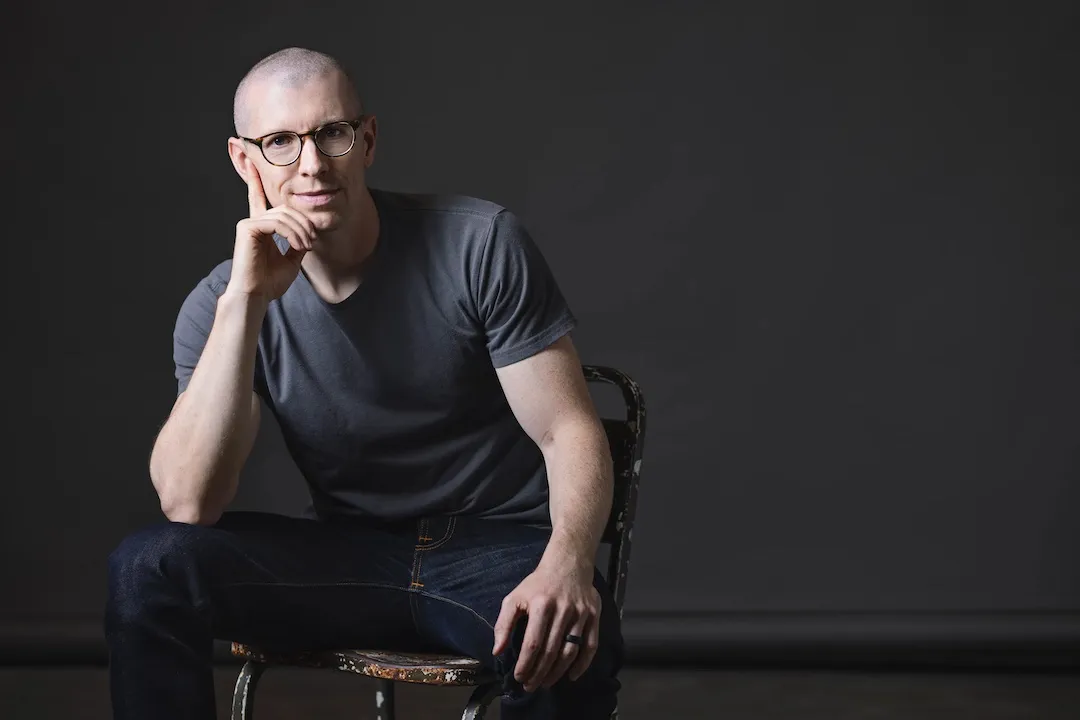
I've been using KeyShot since before it was even called KeyShot, back when it was Bunkspeed HyperShot. I spent 3 years as KeyShot's Global Training Specialist, traveling to teach design and engineering teams at Fortune 500 companies including Apple, Tesla, and Intel, in person, live, in a room with real deadlines and real questions, not just in front of a camera. That adds up to more than 1,000 hours of live training, on top of the 1,000+ video lessons I've recorded across my courses and YouTube channel.
I've also run private 1:1 coaching sessions with individual designers working through specific rendering challenges, which means I've seen where people get stuck at every level, from someone opening KeyShot for the first time to a professional trying to nail a single stubborn material. These courses are built from that pattern, not from a single pass at "what seems useful to teach."
Level up your KeyShot Rendering skills