
KeyShot Animation Masterclass

















Video is King
Static renderings are table stakes for most visualization professionals. Animation is the skill that sets people apart, commands better rates, and opens doors that a portfolio of still images simply can't.
But most designers never make it past the intimidation.
The word "animation" can conjure up images of Hollywood studios and teams of specialists or basic childlike cartoons. A 19-hour course doesn't exactly help with that first impression. And learning a video editing application on top of KeyShot? It's easy to talk yourself out of it before you even begin.
Here's the truth: if you can render in KeyShot, you are closer to creating professional product animations than you think. The tools are the same. The principles are related. What's missing is a structured path that builds on what you already know.
What Product Animation Is Actually Used For
Before diving into how this course is structured, it helps to understand what product animation is used for. In my experience, there are two main categories.
Both types are valuable. Both are teachable. And this course covers the skills you need to create either one.
Who This Course Is For
💻 Professional, Employed
You're a designer or engineer working full-time for a company that makes products. Adding animation means you can celebrate the work of your design team, make your supervisor look good, and give the marketing department something to be jealous of. It might even earn you a raise or move you into a full-time visualization role.
🎨 Freelance
You're a designer or visualization specialist looking to grow your business. Platforms like Instagram and TikTok prioritize video. Companies regularly spend significant budgets on product launch content. If you can deliver professional animations, your billable rate reflects that.
🎓 Student
You're preparing to enter the workforce and want to stand out. Concepts and problem-solving skills matter most, but getting a potential employer to stop and look at your work is the first challenge. A portfolio with strong animations gets attention in a way that static images alone often can't.
Why Animation Skills Matter More Right Now
Shortly after I began offering animation services to my clients, something shifted. I started working with better clients. I was able to charge more. And I was creating work I actually wanted in my portfolio. None of that happened because I got lucky. It happened because I chose to offer higher value services.
Companies are increasingly replacing expensive video production with rendering and animation. It's faster, cheaper, and more flexible. Every product launch, every marketing campaign, every instruction manual is a potential animation project. And in a world flooded with AI-generated content, the designers who can produce precise, controllable, professional animations will stand out in ways that matter to clients.
The Course I Wanted to Build First
During my three years as KeyShot's Global Training Specialist, I taught design and engineering teams in person at companies including Apple, Tesla, Peloton, and Intel, along with dozens of others. Since then, professionals from many of those same companies have gone on to enroll in my courses independently.
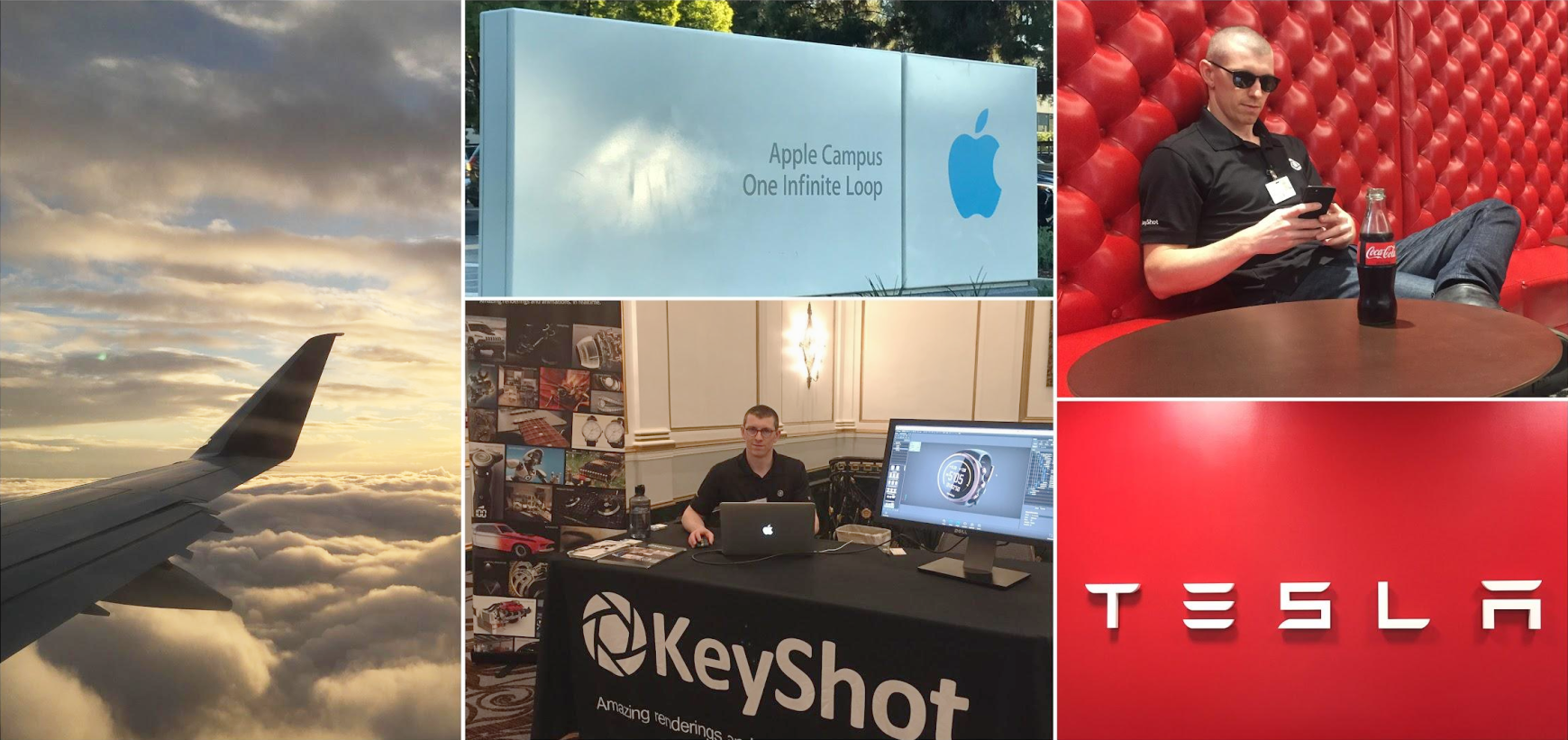
I spent a few years as a full-time freelancer after leaving KeyShot. Focusing on product launch assets for consumer product companies, I found that adding animations to my skillset was the coolest and most lucrative thing I'd done. So, naturally, I wanted to make a course sharing what I'd learned.
However, I realized that before focusing on animation, I should build a foundational rendering course which is why I began with the KeyShot Rendering Masterclass. Once that was finished, I built this course on everything I learned from those experiences, condensing years of trial and error into a single, structured path from beginner animator to confident professional.
One Dialed-in, Complete Animation
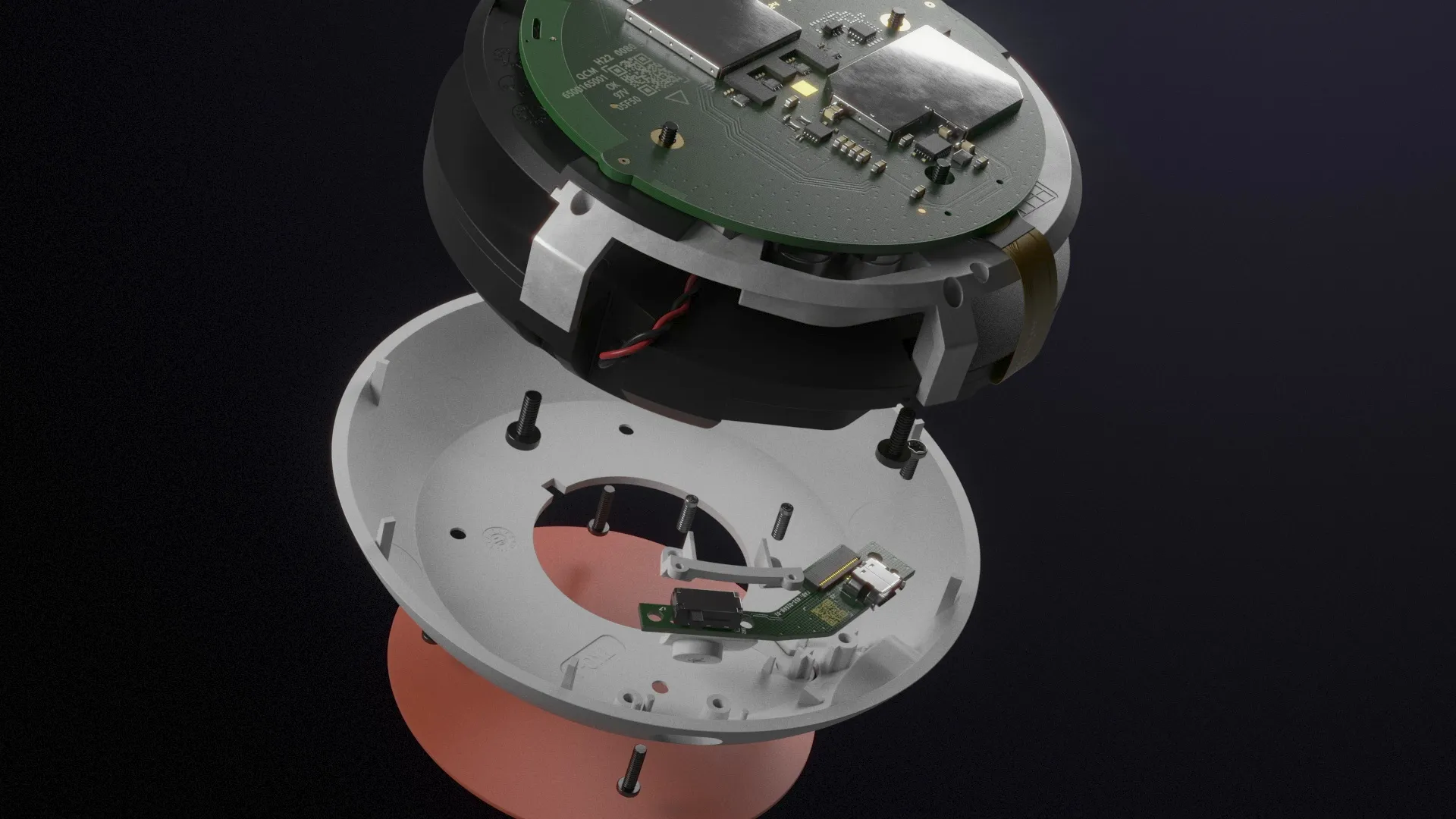
This course is built around a single ambitious project: creating a professional product animation of the Google Home Mini from scratch, all the way through to a finished, delivered file.
The model is the same one used in the KeyShot Rendering Masterclass. I spent nearly a year building it in meticulous detail for my own portfolio, and it shows up again here because it's complex enough to present real challenges without being artificially difficult.
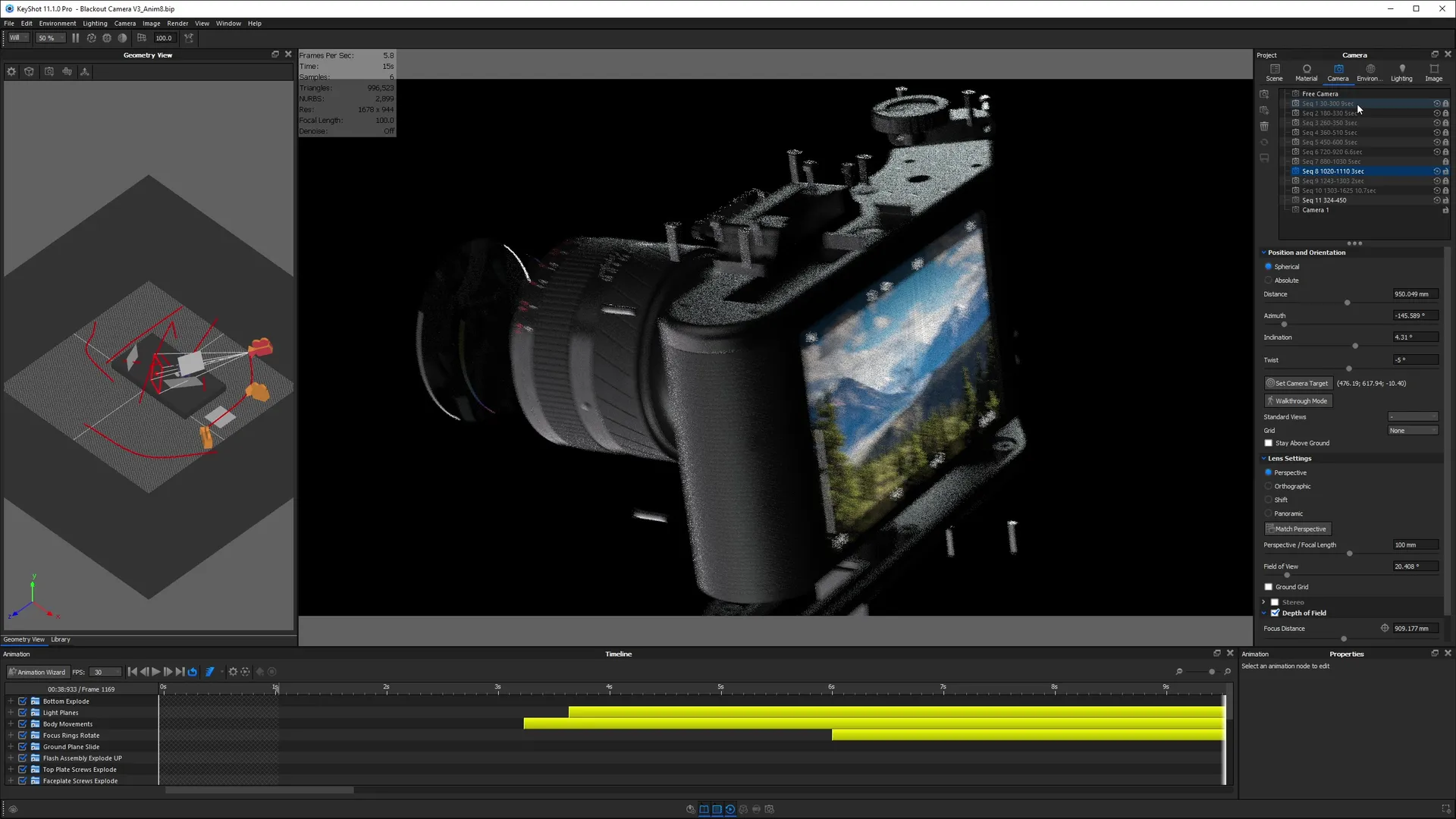
The project follows a professional production workflow from start to finish. That means you won't just render something once and call it done. You'll build three drafts, critique each one, go back into KeyShot to make revisions, update your edit in DaVinci Resolve, and work your way toward a final result that actually looks professional.
Draft 1 — Block-In and Review
We'll start off with storyboarding. This will teach you to focus on the high-level creative direction without getting lost in the weeds. This is where visual impact is created and the sequence of animation is dialed in. This will save you tons of time down the road.
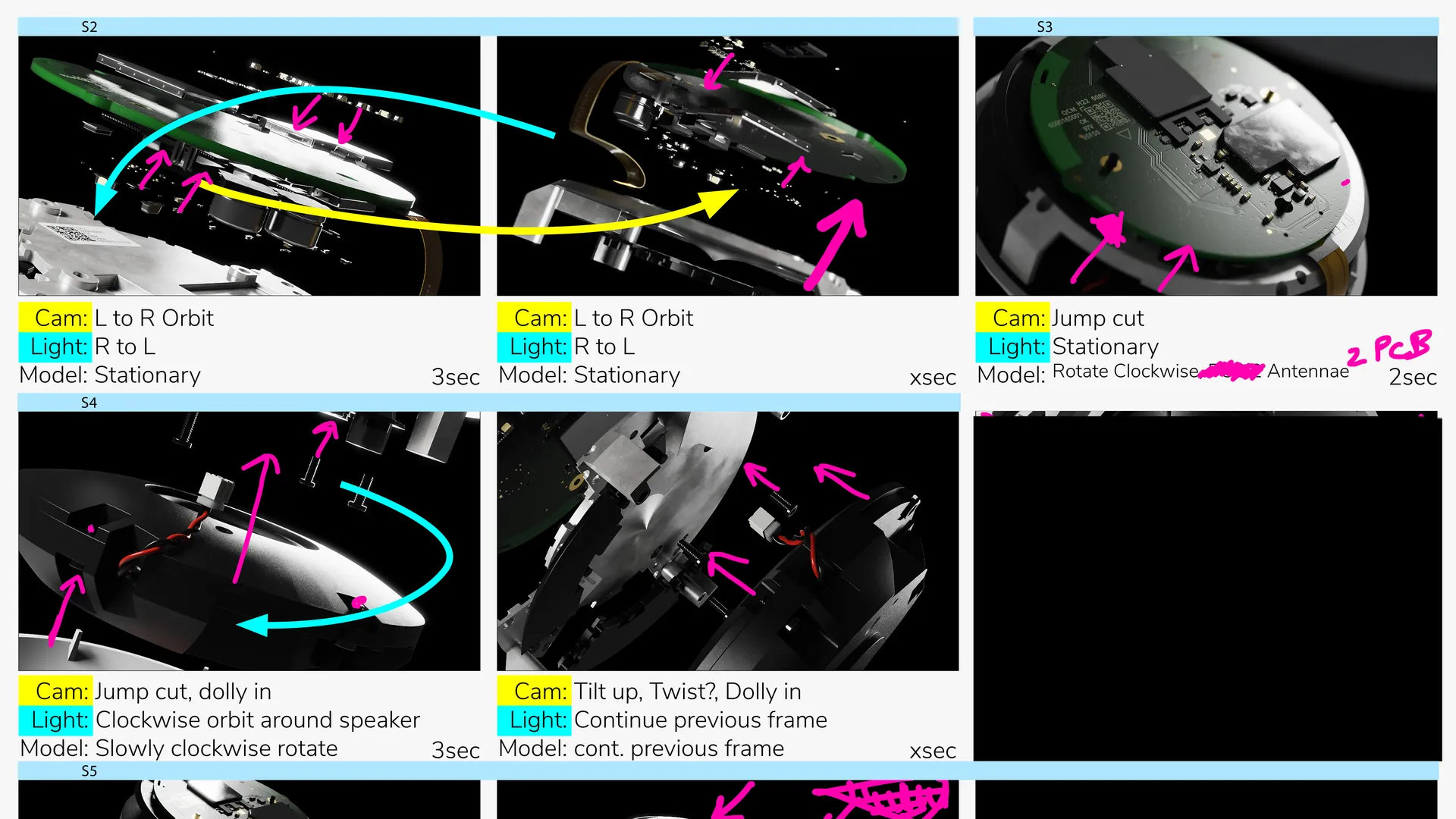
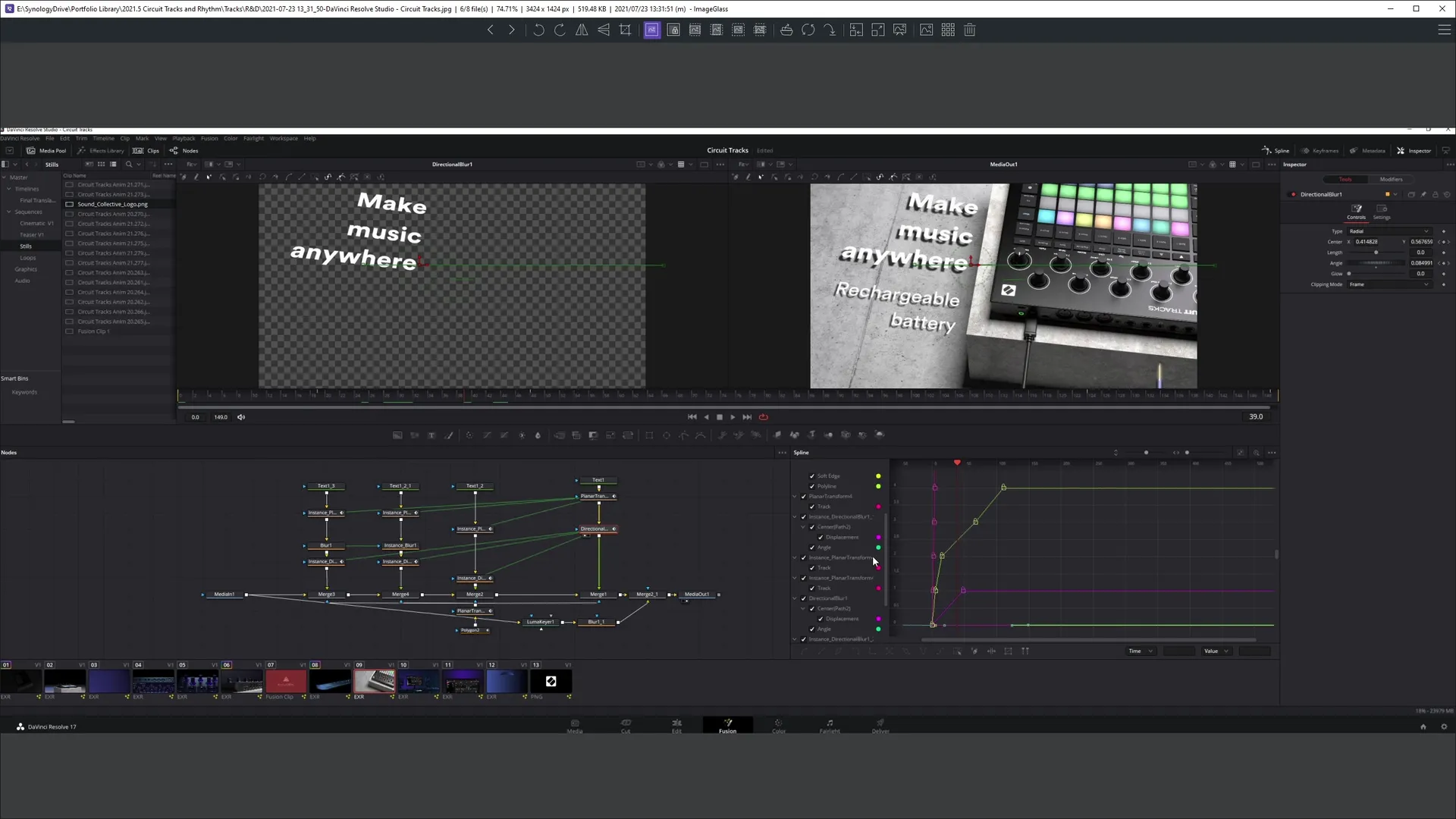
After storyboarding and planning, you'll block in all the animation sequences as a rough first draft, cut them together in a free software called DaVinci Resolve with placeholder audio, and do a proper critique to identify what needs to change.
Draft 2 — Refinement
Back in KeyShot, you'll address everything the critique surfaced: camera positions, timing, lighting, materials. Learning how to self-critique, then implement all the changes is critical to improving the quality of your work. I show you exactly how.
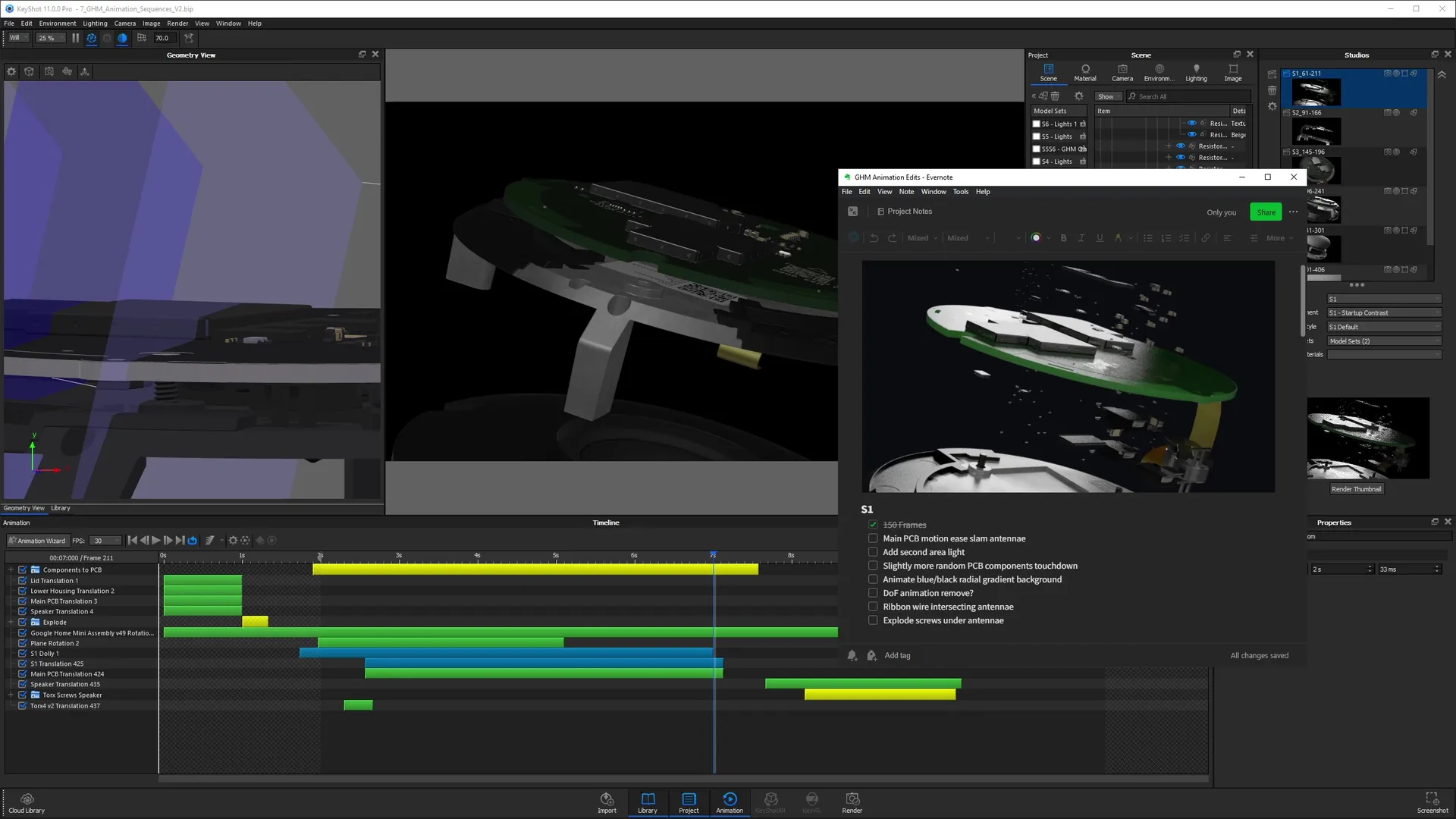
After rendering out our second draft, we'll hop back into DaVinci Resolve where we'll load in our 2nd draft frame. We'll go through a refinement phase in DaVinci Resolve to bring the animation closer to its finished state.
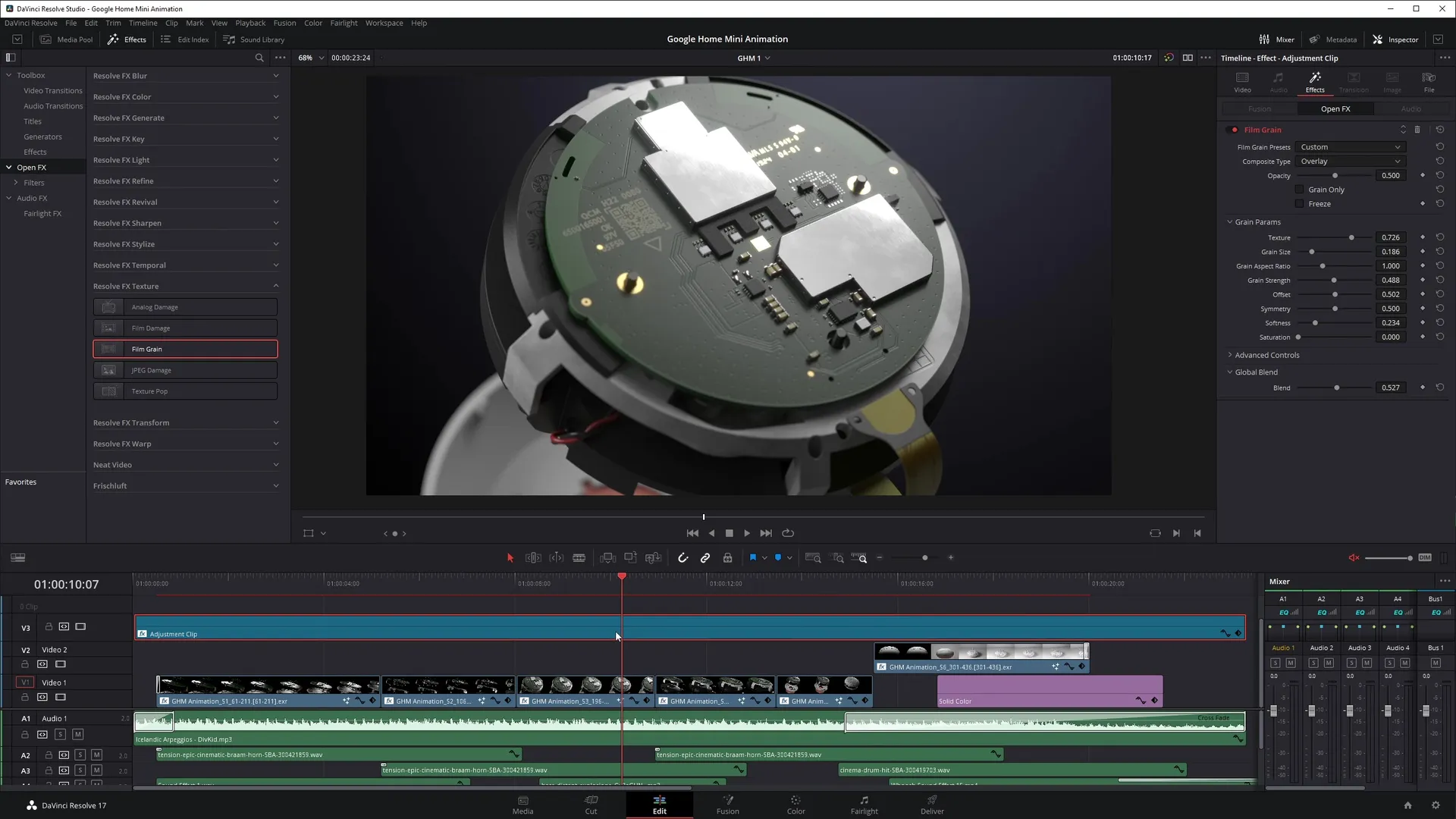
Draft 3 — Final Quality
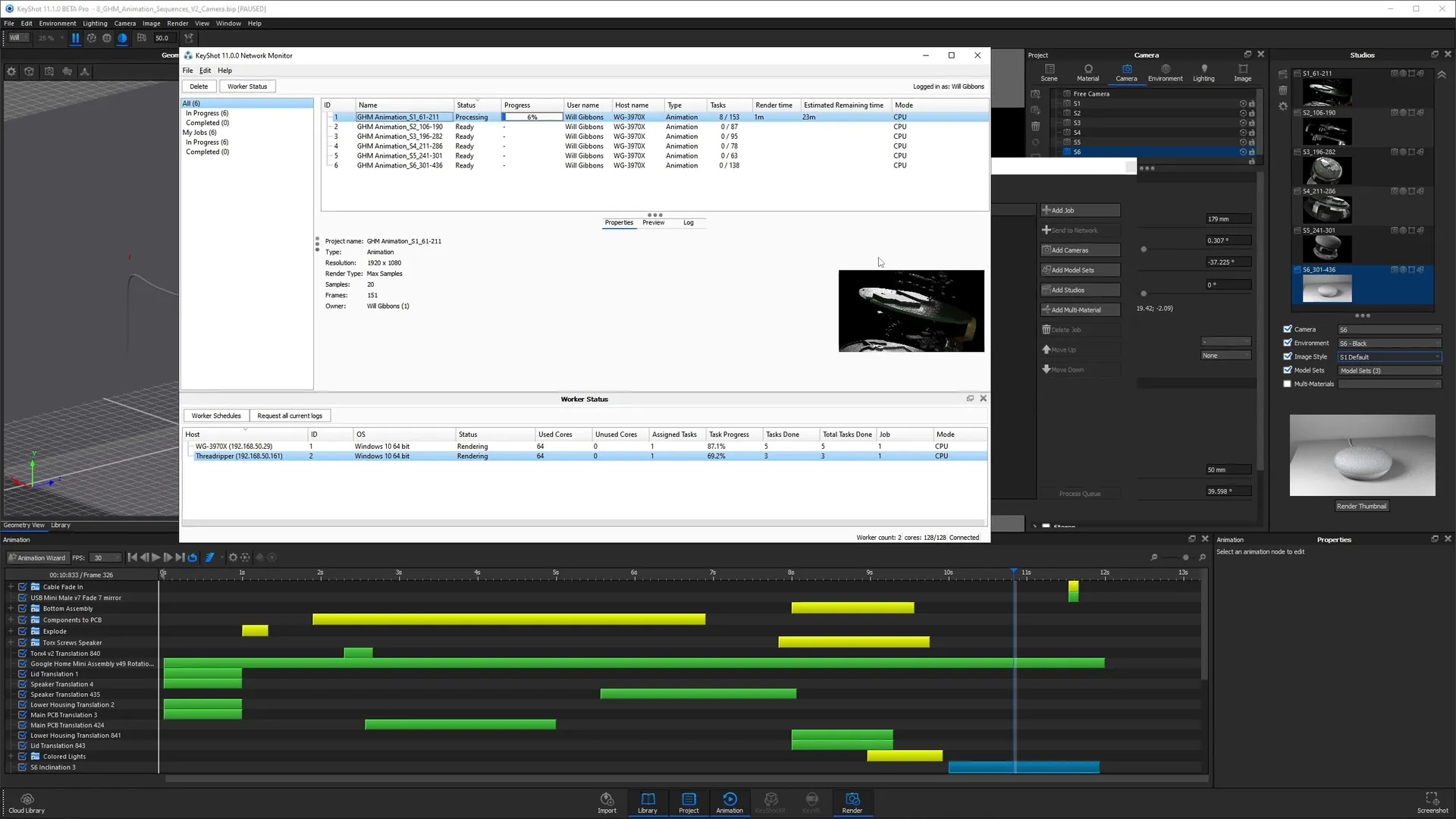
With the animation refined, you'll calculate your final render settings, use a render farm to handle the heavy lifting, and render the final frames at full quality. Using a render farm is especially helpful if you're working on a laptop or cant' afford to tie up your machine with round-the-clock rendering.
In DaVinci Resolve, you'll do final color correction, add effects, lock your audio, and encode the finished video.
By the end, you won't just have an animation. You'll understand the complete production pipeline, including how to manage long render times, how to iterate efficiently, and how to deliver a finished project.
Everything You Get When You Enroll
Professional Animation Projects Break-down
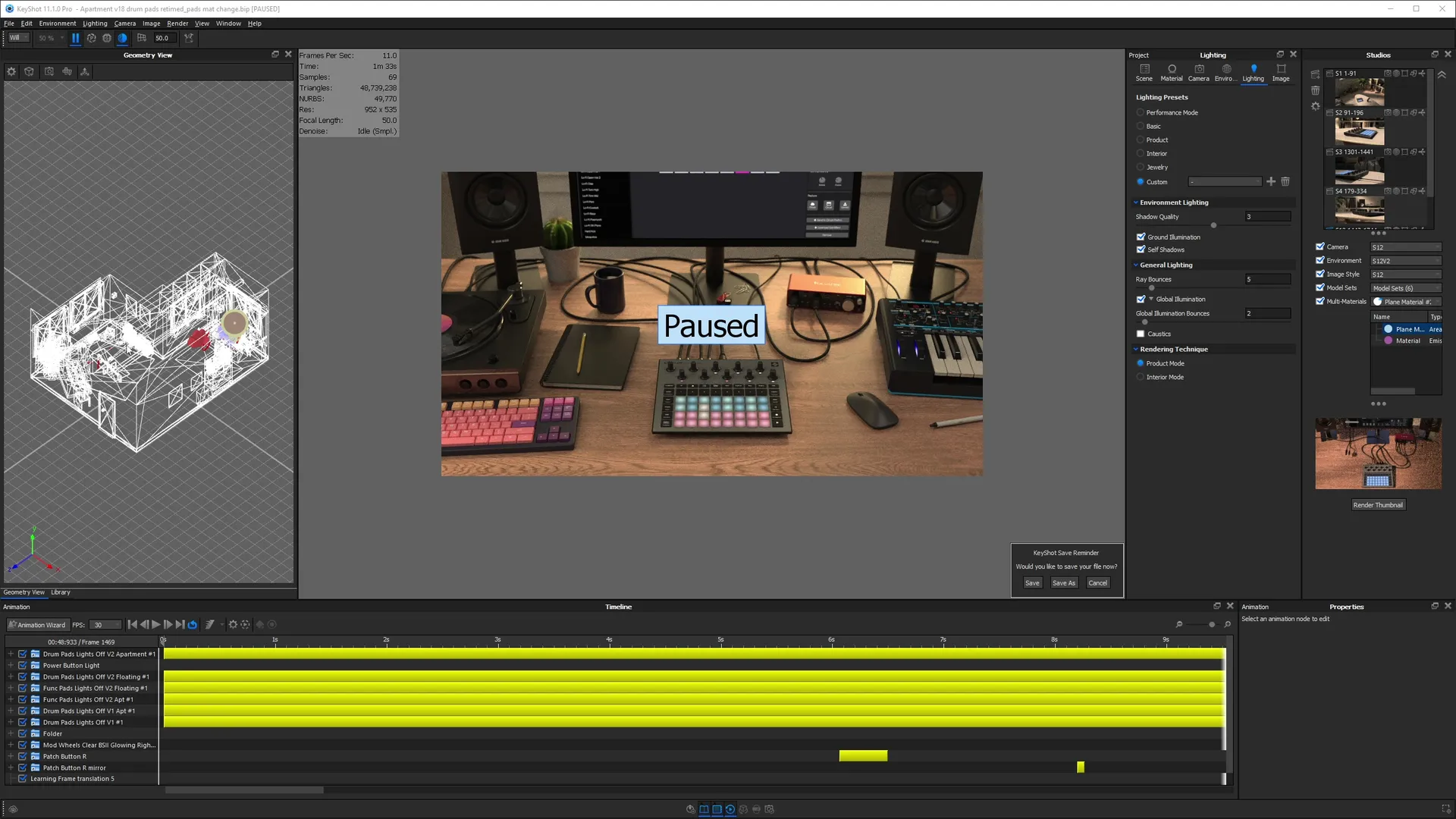
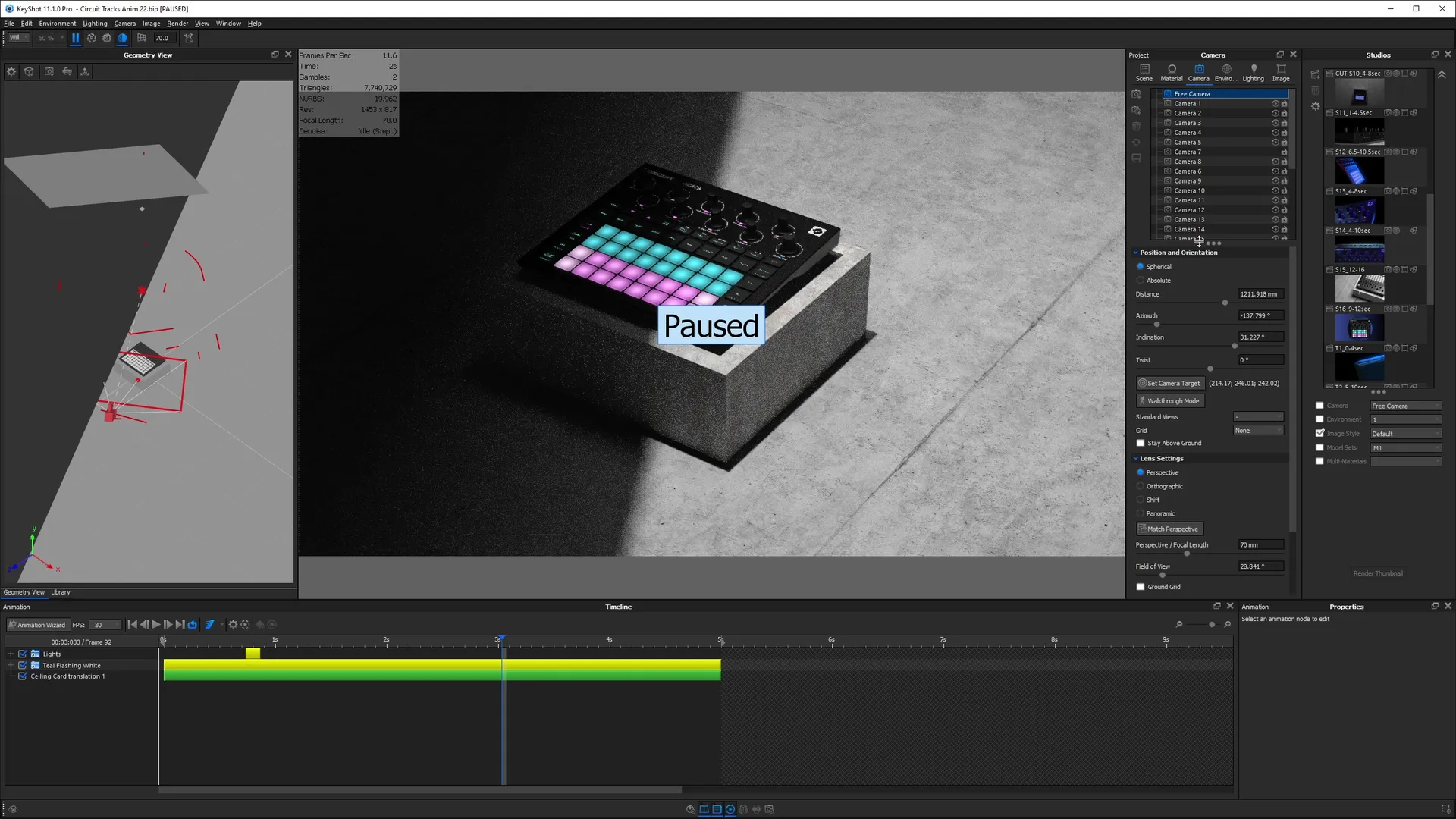
As a bonus, you'll get access to a chapter where I break down 4 of my past animation projects. I share what the key challenges and lessons learned from each project. This includes two animations I created as paid client projects. Learn from my mistakes and see how all the lessons you learned in the course applies in the real world.
Curious about my teaching style?
Here's a collection of lessons I pulled out from this course so you can give them a watch to see if you like the pacing, my presentation and the teaching style. This collection of lessons represent the entire collection. If you like what you see here, you'll like the rest of the lessons.

Meet your KeyShot instructor
Since then I've started my own visualization studio and taught thousands of students through my courses. I built this one to give you the shortcut I never had — the real techniques and workflows, without the years of trial and error it took me to find them.



What if you don't like the course?
While I have done my best to create an amazing course and describe it accurately, I understand that I can't please everybody.
If you take the course and feel like I did not deliver on the value I promised, just email me asking for a refund. I will issue one.
To be eligible for a refund, the request must be made less than 90 days from date of purchase.



