Beginner

KeyShot Rendering Masterclass


The KeyShot Rendering Masterclass is a comprehensive course all about creating professional-quality product renderings.

About the course

What if there was one KeyShot course that could take you from beginner to pro?

Everyone loves a juicy product rendering! But who has time to learn the finer points of the software to really make that image shine? While there are plenty of basic or beginner KeyShot tutorials out there, few take the time to address all the tools or how to finish an image to the professional level... which is exactly why I made this course.


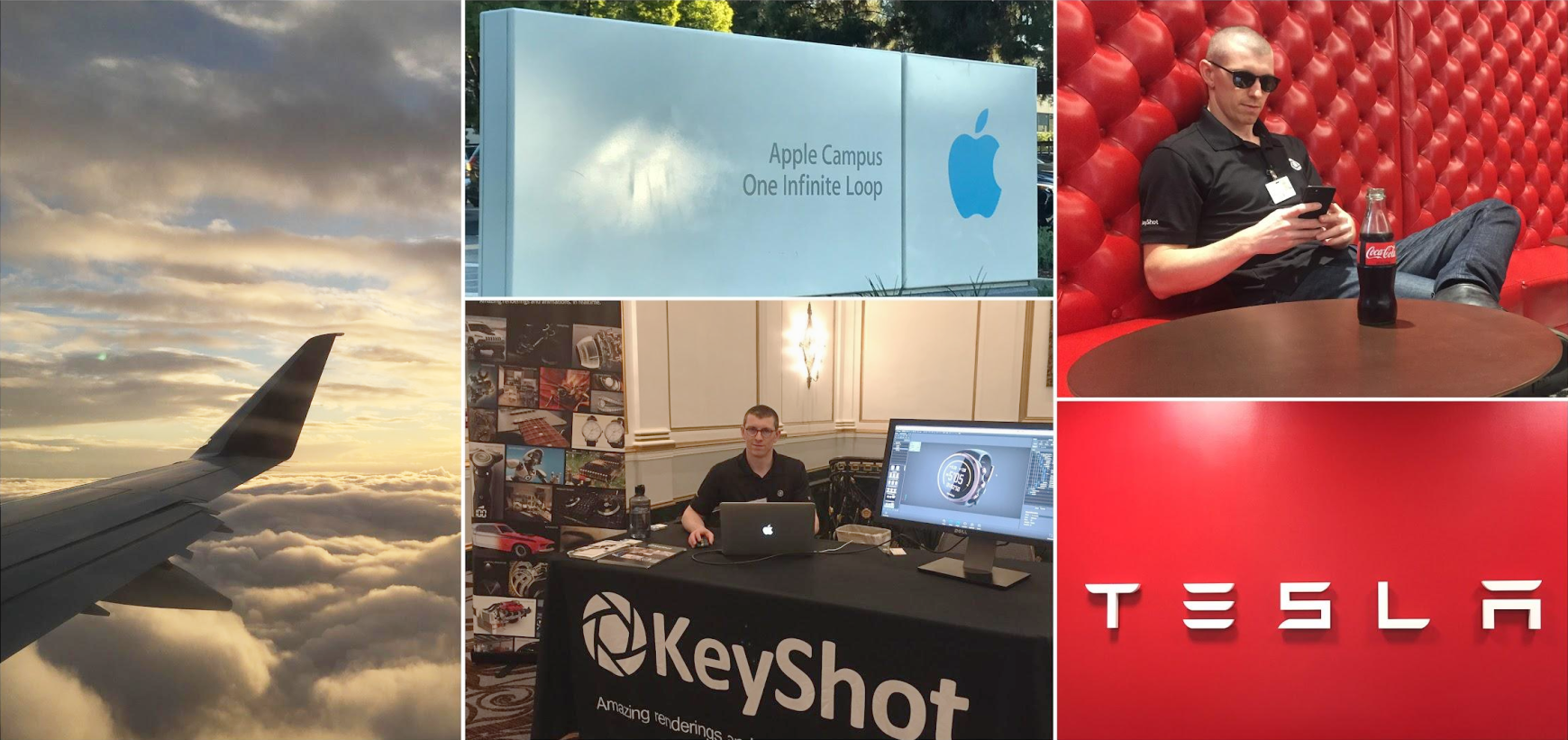
Trusted by Designers From The Biggest Brands

When it comes to building competency, quality learning material is key. KeyShot Masterclass customers include designers, engineers and other creatives from more than 100 companies from around the world including:


Learning to render realistic looking images can be easy and fun. I'll show you how.

When I created my first 3D rendering in college, my mind was blown. It may have looked like trash, but the fact that I could drag and drop realistic-looking materials onto my CAD models was exciting.

Sure, I had a lot to learn, but it was just a matter of figuring out how to navigate the software. A few years later, I began freelancing full-time, and decided to really focus improving my rendering skills.

After countless hours of practice, becoming active in online forums and selling rendering services to my clients, I became comfortable and even began making KeyShot tutorials on YouTube. These tutorials got noticed and I was offered a position as a Global Training Specialist for Luxion, the makers of KeyShot.

I spent 3 years traveling the world teaching KeyShot to design and engineering teams from some of today's most recognized and respected brands.

Eventually, I left Luxion to start my own small product visualization studio, where I create renderings and animations for my own clients.

I'm fortunate to have found a way to earn a living doing something I love and I want to help as many people achieve that as well. Whether you're a student, freelancing on the side or are a professional with an employer, this course was made for you.

I've used KeyShot for more than 10 years now, and I built this course to fast-track your learning. My goal when I decided to build this course was to make it so good, it would take you from beginner to a professional-level of competency.

And if you're self-taught in KeyShot, then this course will help fill those knowledge gaps and improve your habits and workflows.


Testimonials

I think the KeyShot Rendering Masterclass is awesome, but of course, I'm biased. So here are some testimonials from those who've invested in their learning and worked through this course.

"Excellent and for anyone considering this, Will is one of the true heavy hitters in the industry.  If you are looking to improve your skills and more importantly, your understanding of KeyShot and how to get it to deliver better results, this is going to be an excellent investment."

Philip B. - Phasegroup

"Great course, helping me to refresh and systematize knowledge of KeyShot. Perfect density of information in each topic and speed of presenting. (one of few courses which you don’t need to watch on 1.25x :D) Thoughtful structure and working tips, clearly based on personal experience of Will, - make it truly helpful and enjoyable!"

Kristina L.

I would strongly recommend anyone like me who has a good familiarity with the software but never really dived deep into visualization to try the course. I'm surprised by how much I wasn't taking advantage of within KeyShot, despite working professionally as an industrial designer.

Ryan M. - Rode Microphones

This course, is in my opinion the best resource you can get for learning and improving your rendering skills with KeyShot. It's professional and easy to follow!

Simon K. - Spectral GmbH

Love the use of feature based lessons followed by projects, really helps you apply and consolidate what you learn!

Luke D.

"I was hooked on Keyshot the minute I saw it. I looked for courses to learn it and was lucky to find Will Gibbons master course. Sooo easy to follow."

Dan K.

"Until now I taught myself KeyShot. The course has taught me lots of neat things and I'm not even finished yet. The lessons are presented and paced perfectly. I just wish I had purchased it years ago. It's worth every penny if you want to improve your rendering skills."

Nick P. - Packaging Automation Ltd

"The course was really well laid out and very easy to follow along. It was great to see the process from start to finish! In particular the studio set ups was the key takeaway for me. It'll save me so much time in the future and make my workflow far more professional!"

Oscar W. - Runnerfly

"I was thrust into using KeyShot at a new job with zero training. The Masterclass took my limited knowledge to the next level. I refer constantly to areas of the course when challenged with new designs. Great investment in my training."

George F. - Harbor Frieght Tools

"The KeyShot rendering masterclass helped me land my first job as an industrial designer. There is no doubt that this course is worth every penny. Immediately following the class, my rendering skills went from 1/10 to 8/10, something that you won't learn in any design school."

Michael Z.

"You know I really love the both instructional and in action part of the class. Also I love the long videos, I appreciate you didn’t trim them or leave it up to interpretation, when you learning something valuable you’ll dedicate all the time it needs."

Efrain V.

"Will is well spoken and moves through the material at a good pace. The combination of FBL and PBL is a great way to learn because it allows you to understand the potential of the tools and then apply them in a practical scenario. For those looking to level up their renderings, this course is a great investment!"

Mitch A. - Altair


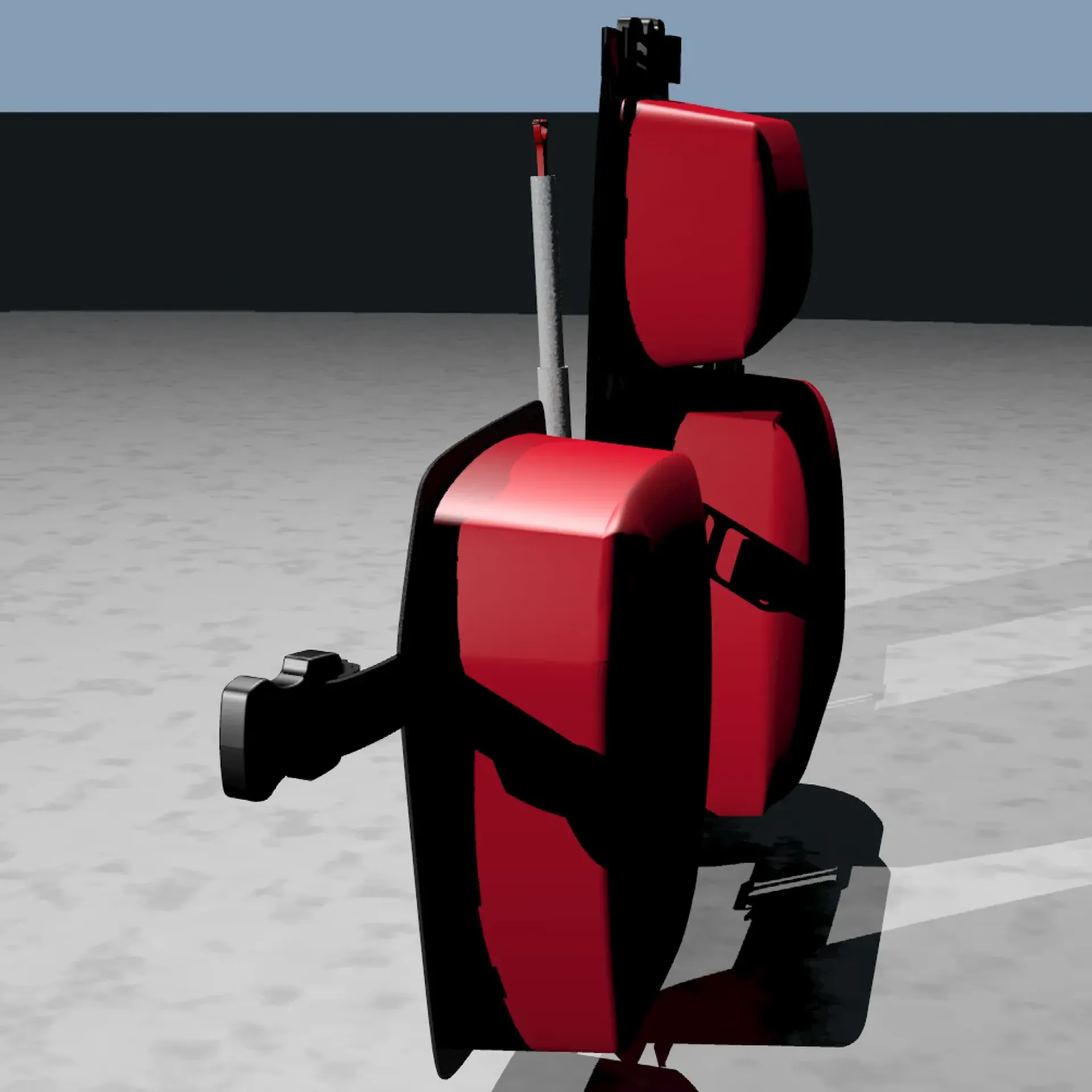
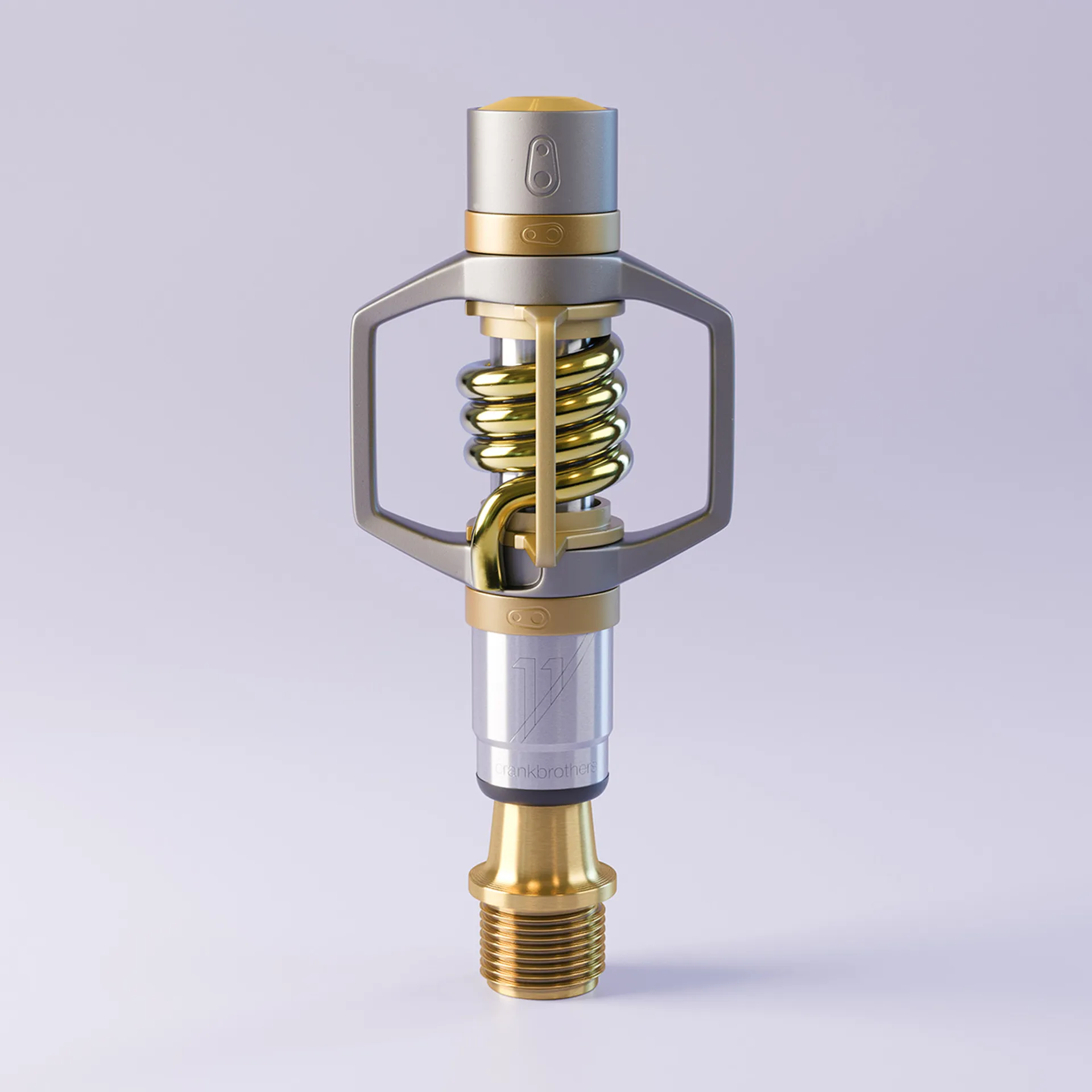
10 years of progress

Compare these two images above...

I'm sharing this to show that regardless of your skills, you can improve drastically. In the beginning, I was NOT good at this. Think of KeyShot Rendering Masterclass as your personal shortcut.


Fast-track your learning with the most comprehensive KeyShot course available

I'm confident in saying that this is the most comprehensive step-by-step course available on how to use KeyShot. And thanks to the unique format, I think it's the only one like it.

Most tutorials are either feature-based or project-based and both come with pros and cons.

Feature-based tutorials cover all the tools and features thoroughly but are often boring. Project-based tutorials guide you to a specific result, but don't address all the tools and features.

I wanted the benefits of both approaches, so I decided to create a library of feature-based courses as well as a project-based component. After learning about some of the features, we'll begin a project and you'll join me as I create 4 portfolio-ready images. This way, you'll have a direct application of the knowledge gained in the feature-based lessons.


Project-based lessons

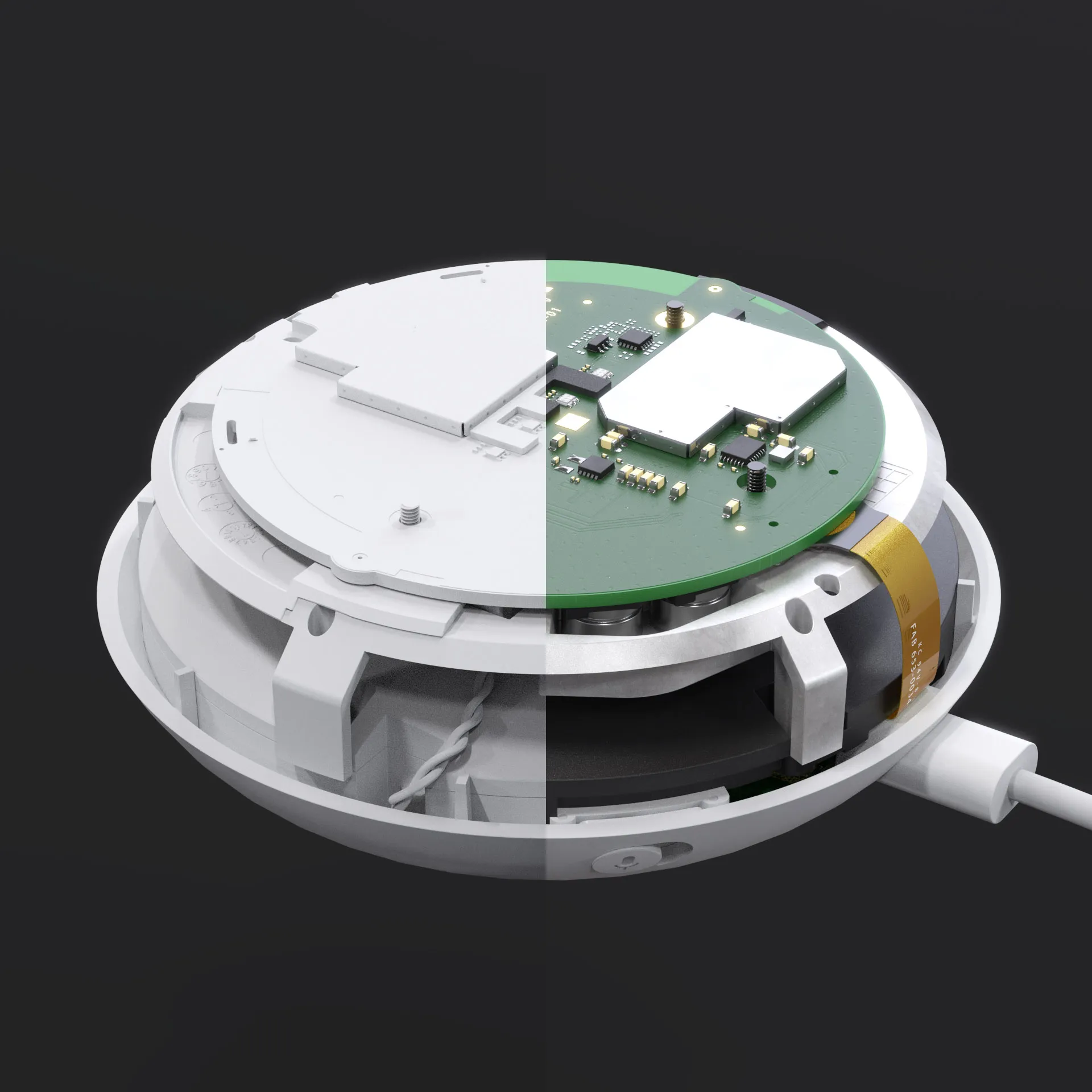
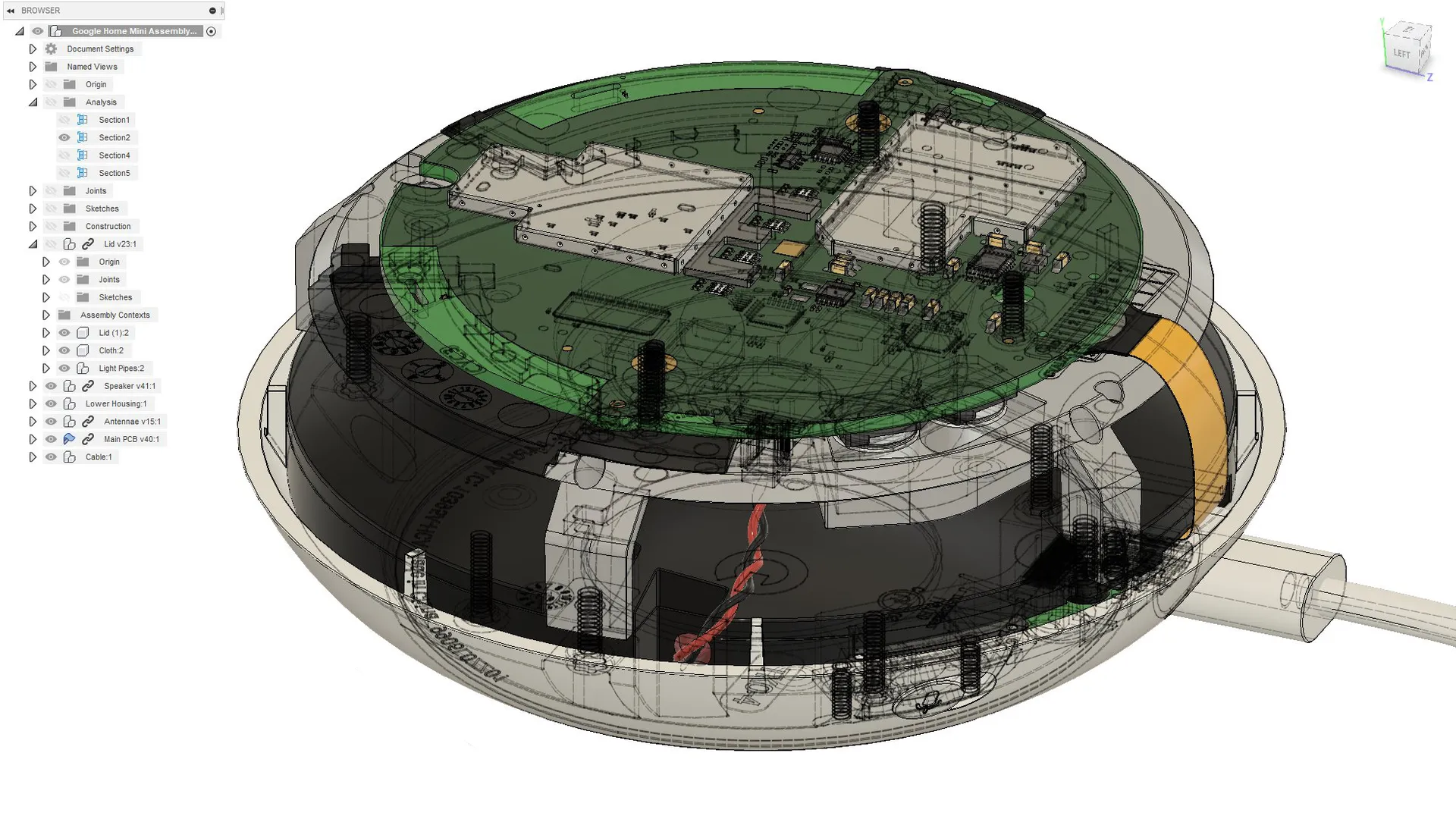
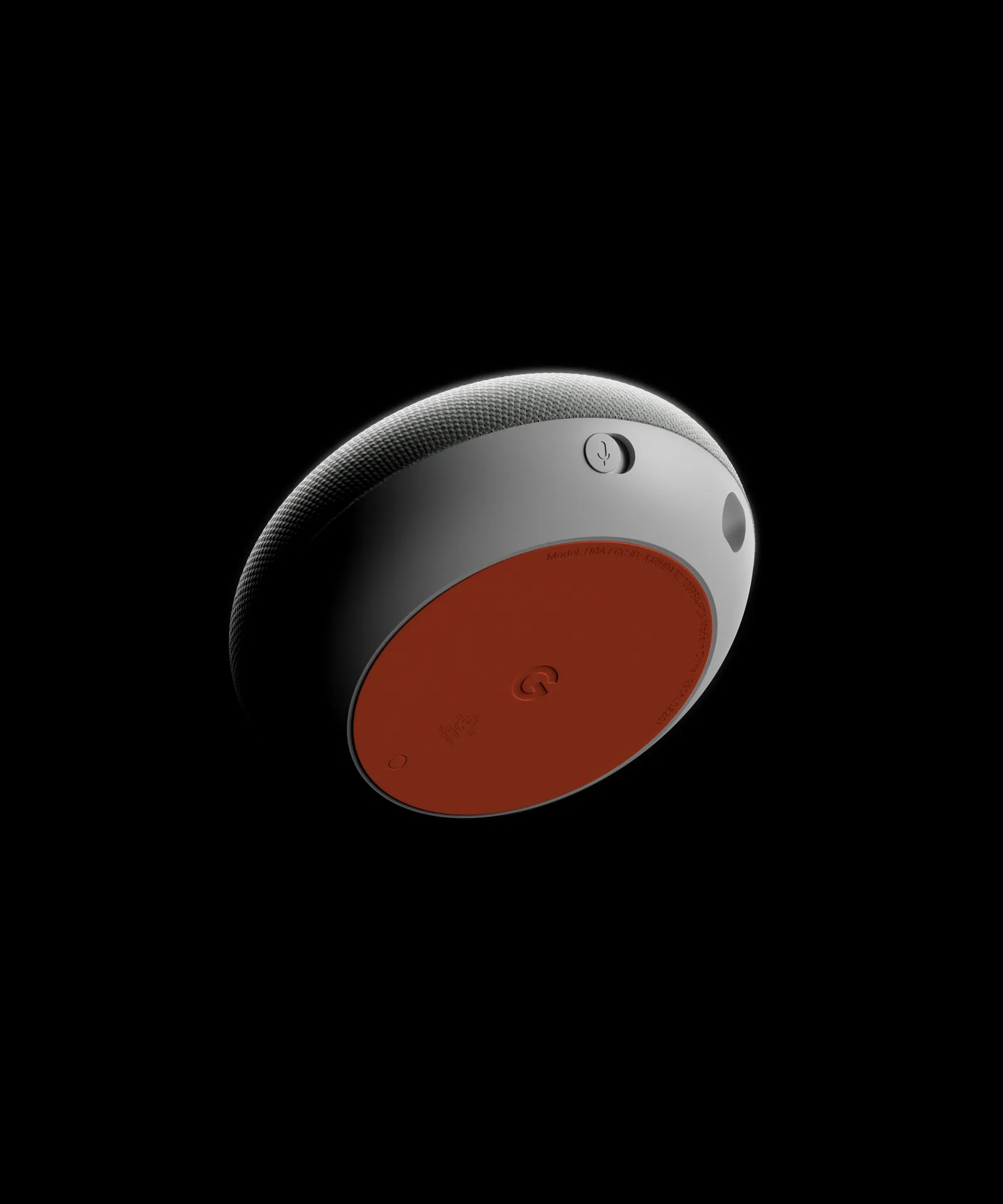
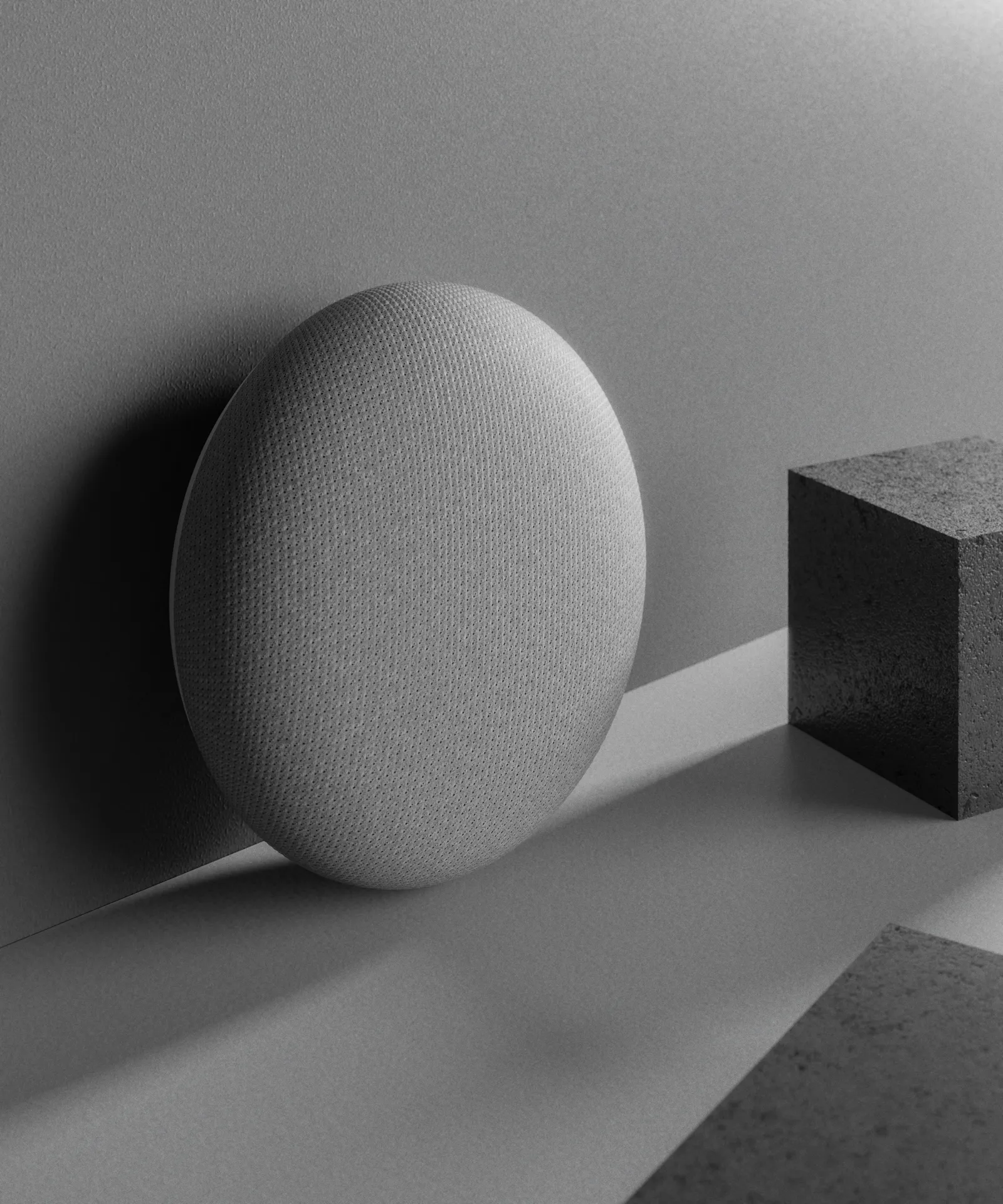
About a year ago, I bought a Google Home Mini and disassembled it to create a completely accurate 3D model of it, down to the millimeter. I finished the model in painstaking detail, down to the smallest internal PCB components and wires. My plan was to use this model to create another personal portfolio piece.

When I decided to create this KeyShot course, I wanted to include a 3D model for the project-based lessons that wasn't overly basic or boring, like so many other tutorials. So, I decided to include the model I spent nearly a year making in my spare time. Not only will you have the model to learn from, but you can use it in any way, personal or commercial without any restrictions (as long as you don't sell it).

What if you get stuck along the way?

Each video lesson has a comments section below it. If you get confused or stuck at any point, just drop a comment and I'll get back to you typically within a day. You might even find that your question has already been answered in the comments section!

Still not good enough?

Just email me with your questions and mention which course you're working through. I'm happy to help anyone who's bought one of my courses.

What if you don't like the course?

While I have done my best to create an amazing course and describe it accurately, I understand that I can't please everybody.

If you take the course and feel like I did not deliver on the value I promised, just email me asking for a refund. I will issue one. To be eligible for a refund, a request must be made less than 90 days from date of purchase.

The teacher

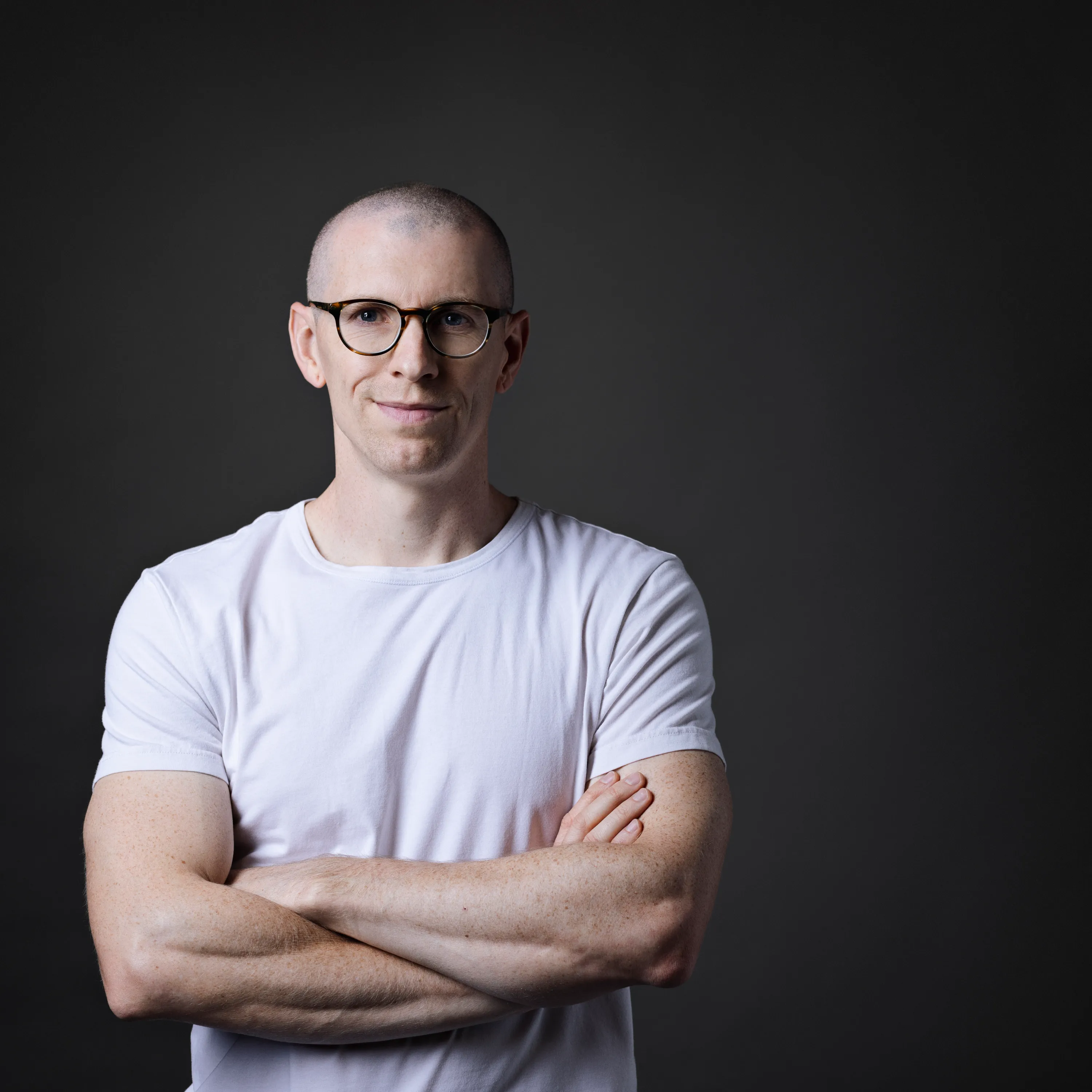
Will Gibbons

Certified KeyShot Expert
I’ve been perfecting and teaching my product visualization skills for the last 10 years, honing in on techniques and workflows to enable others to master the art of product visualization, much faster than I did. I wanted to create a platform that enabled me to teach others the skills and techniques I wish I'd known sooner. I share only the most effective methods to create stunning visuals and how to apply this knowledge in practice through my various courses, tutorials and resources.

Success stories

Jorge E. Paez

“What I enjoyed about the Rendering Masterclass is I felt like I advanced quickly without being bogged down by a million unnecessary details. I would recommend this course for anyone that's seeing render weekly and asking themselves 'How can I do that?'"

Stijn De Bondt

"My ability to build materials from scratch and create more captivating scenes has grown tremendously thanks to this course. The best outcome of taking this course was when a client of mine couldn’t tell the difference between one of my renderings and the photographs of the product."
$499.00 USD
Will Gibbons
132 lessons

Check out my other courses

Explore my other courses

See all

Have more questions? I have more answers.

Here are my most frequently asked questions

I'm not sure which course to choose.

If you're unsure about which course is right for you, start by assessing your current skill level.

Each course description provides guidance on the required experience level, and if you still have questions, feel free to reach out using the 'contact me' button below.

How are the courses delivered?

Courses are delivered online through an online learning platform that hosts all the video lessons. Once you purchase a course, you will receive a link via email.

Can I download the course materials?

The videos are not available for download at this time, but you can access them online anytime. Any downloadable resources, such as models or texture packs, will be provided within the course via download links.

Is there a certification available upon completion?

When you finish the course, you'll be eligible for a certificate of completion. This is issued by Will Gibbons, not KeyShot the company.

How long does each course take to complete?

The duration of each course varies, depending on its complexity. Course descriptions provide an estimated time commitment, but you are free to take them at your own pace.

What if I have issues accessing the course after purchase?

If you experience any issues accessing your course, please contact me via the provided email, and I'll assist you as quickly as possible.

Do I need prior knowledge of KeyShot to take these courses?

No, prior experience is not necessary for all courses. Each course description specifies the level of experience required, so you can choose the one that best matches your current skill level.

Who are these courses for?

These courses are designed for KeyShot users of all levels, from beginners to advanced professionals who want to improve their rendering and animation skills. Whether you're a product designer, 3D artist, or simply curious about KeyShot, you'll find value here.

How do I get support if I have questions during the course?

There is a comments section for each lesson, where you can ask questions. I regularly monitor the discussion and provide support. You can also reach out via email for more in-depth queries.

I bought the wrong course. Can I switch?

Yes, as long as you haven’t consumed the lessons, I can exchange your purchase for another course. Just reach out to me via email within 14 days of purchase.

What should I do if my KeyShot render is not looking as expected?

This is a common challenge when learning rendering. You can troubleshoot by checking lighting settings, materials, and camera angles. Many of these issues are covered in the courses, and I also encourage students to ask questions for specific guidance.

What computer do you recommend for KeyShot, rendering, 3D modeling, and animation?

I use a custom-built Puget Systems computer and have nothing but great things to say about Puget Systems. Here are the specs of my current computer:

Motherboard: ASUS Pro WS TRX50-SAGE WIFI
CPU: AMD Ryzen™ Threadripper™ 9970X
RAM: 4x Kingston DDR5-5600 ECC Reg. 2R 64GB (256GB)
GPU: PNY GeForce RTX™ 5090 32GB OC
Hard Drive: Samsung 860 EVO 1 TB SATA3 2.5 inch SSD Scratch Disk 1 & 2: Kingston KC3000 2TB Gen4 M.2 SSD
Archive Disk: Seagate Exos X24 12TB SATA3
Case: Fractal Design Define 7 XL
Power Supply: Super Flower LEADEX Titanium 1600W
CPU Cooling: Asetek 836S-M1A 360mm Threadripper CPU Cooler
Case Fans: Noctua Case Fans Upgrade Kit (PWM Ramping)

If you're interested in getting a quote from Puget Systems, click here.

What monitor do you use?

My main monitor is a Dell UltraSharp 40 inch Curved WUHD Monitor - U4021QW

Can I use KeyShot with other 3D software?

Absolutely. KeyShot has developed plugins for a wide variety of 3D software such as SolidWorks, Rhino, Fusion 360, Blender, and more. It’s designed to be compatible with many file types to enhance your workflow.

How can my courses be paid for?

For individuals: Purchases can be made via credit card on my website.

For corporations: Contact me via email to make bulk purchases (minimum of 3). An invoice will be issued and can be paid via ACH, credit card, or wire transfer.

Can purchases be made through CANDEX?

Yes.

Do you offer gift cards for the courses?

Not at this time, sorry.

Can I make a partial payment or use a payment plan?

No, full payment is required at the time of purchase. At this moment, there are no options for partial payments or payment plans.

Do you offer refunds?

- Refunds will not be offered for those who have a 'change of heart' or decide they don't want the course.

- If the wrong course was purchased by accident, I can make an exchange for a different product, as long as you have not consumed the lessons in the course you bought.

- If your refund request is granted, you will be refunded the total of the purchase minus the credit card processing fees.

Are there any discounts available for students?

Currently, there are no dedicated discounts for students. However, I occasionally run promotions or offer discounts to my email subscribers. Sign up for the newsletter to stay updated.

Do you offer free tutorials?

Yes, I have several free tutorials and resources available. Visit my Resources page for access to free content that will help you get started with KeyShot.

What other resources do you recommend for learning rendering and animation?

In addition to my courses, I recommend exploring KeyShot’s official resources, such as their YouTube channel and user forum. I also share tips, tricks, and updates regularly on my blog and social media.

Are you available for hire?

If the right opportunity comes along, I may say yes. However, I seldom have the time to dedicate to any freelance work. I do have a handful of trusted partners that I may be able to refer you to if I think they're a good fit for your project.

Feel free to complete this form here, and I will get back to you. Note, your budget must be a minimum of $7,000 before I will consider a project.

Do you offer corporate training or bulk licensing for courses?

Yes, I do offer bulk licensing for corporations (minimum of 3 licenses). Please contact me via email for more information and to discuss pricing and availability.

I bought the wrong course. Can I switch?

Yes, as long as you haven’t consumed the lessons, I can exchange your purchase for another course. Just reach out to me via email within 14 days of purchase.